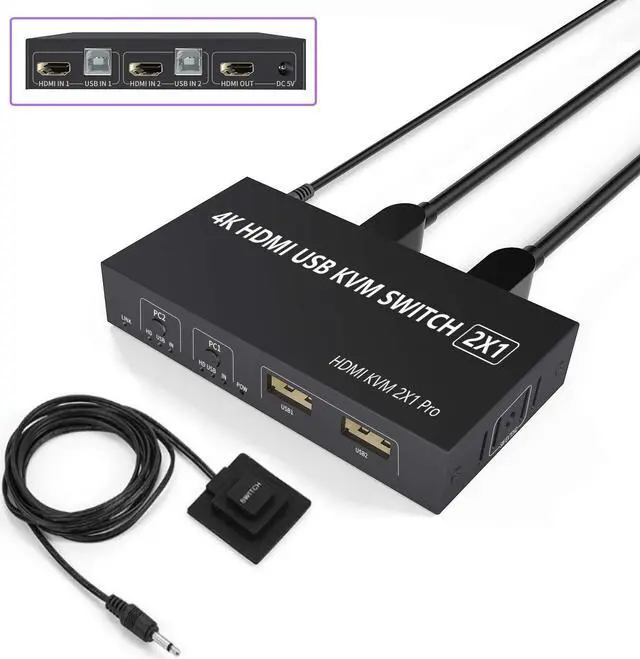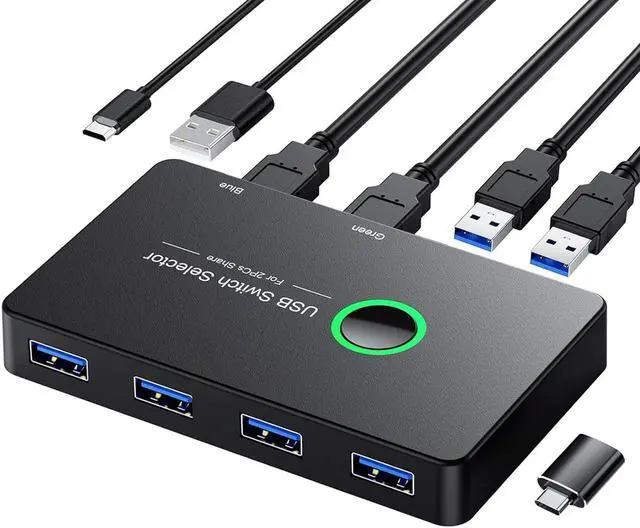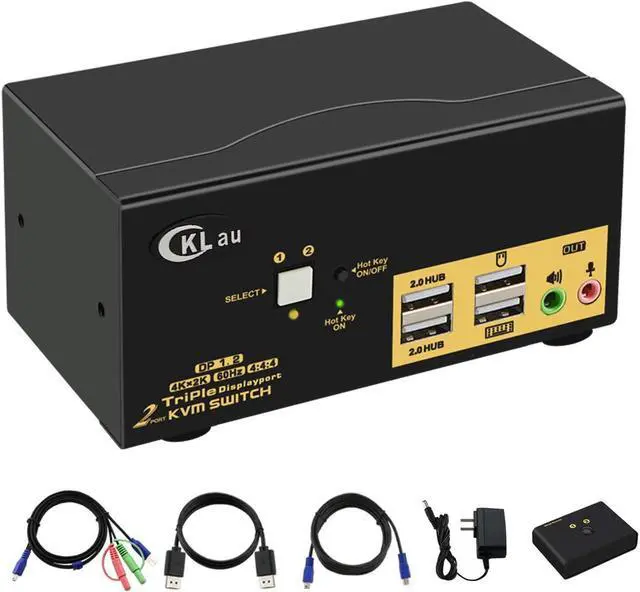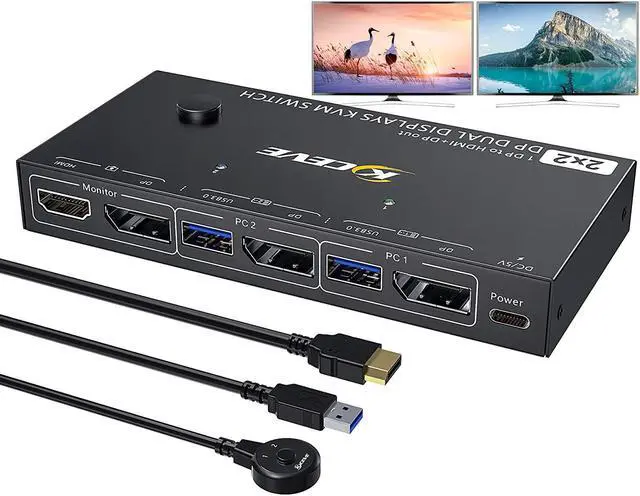
USB 3.0 KVM Switch Displayport+HDMI 2 Monitors 4 Computers 4K 60Hz Dual Monitor KVM Switch With Audio Microphone Output And 3 USB 3.0 Ports 4 Port HDMI+DP Monitor Switch For 4 PCs 2 Monitors
Free worldwide shipping, tax free!
$97.00
$167.00
Main Features & Information
USB 3.0 KVM Switch Displayport+HDMI 2 Monitors 4 Computers 4K 60Hz Dual Monitor KVM Switch With Audio Microphone Output And 3 USB 3.0 Ports 4 Port HDMI+DP Monitor Switch For 4 PCs 2 Monitors
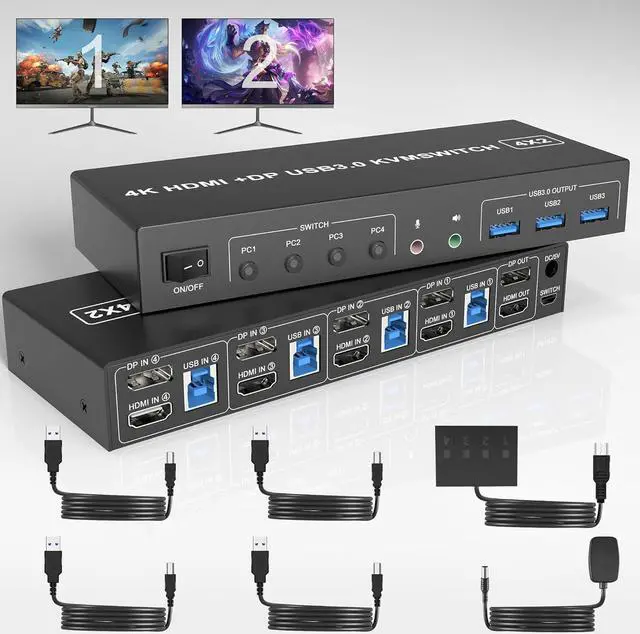
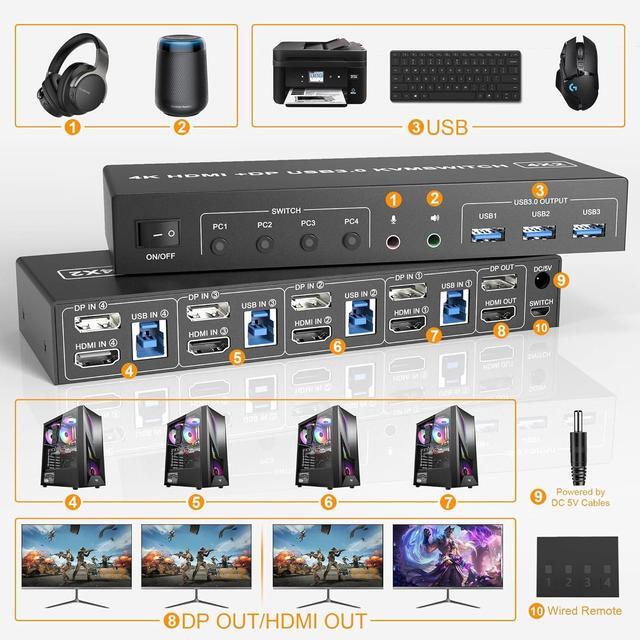
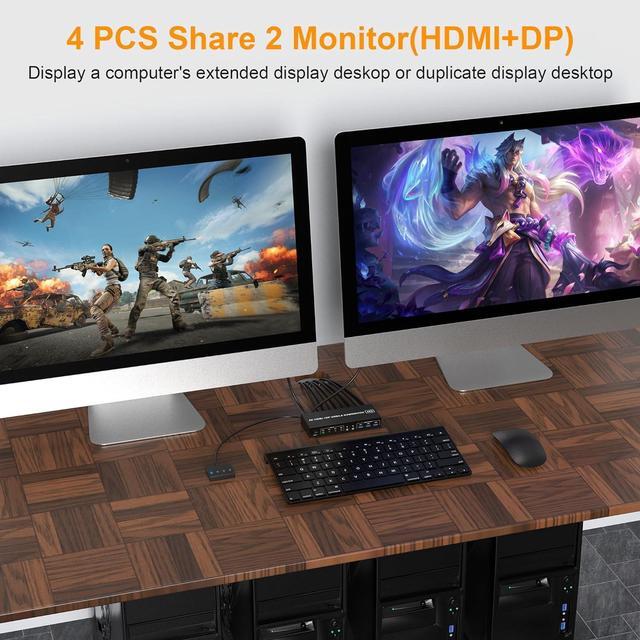
- HDMI+Displayport KVM Switch: This KVM Switch 4 IN 2 OUT is for you to control them using one set of keyboard, mouse and single or dual monitors to make your work space tidy and efficient.
- Ultra HD 4K@60Hz: Supporting up to 4K@60Hz, and also supports 3D and 1080P@60Hz or other lower resolution (Downward Compatible).
- with USB 3.0 Ports: with 3 USB 3.0 ports which can recognize keyboard,mouse,printer and other USB devices. USB 3.0 offers data transfer speeds of up to 5Gbps.
- 2 Switching modes and Wide Compatibility: 1.Toggle selection on front panel 2. Wired remote switch. Compatible with a variety of computer systems, such as Windows, Linux, Mac, Unix, Ubuntu, Raspberry and most other major OS; also supports DP/HDMI devices without USB signal input like DVR, NVR etc. LED indicate the active computer.
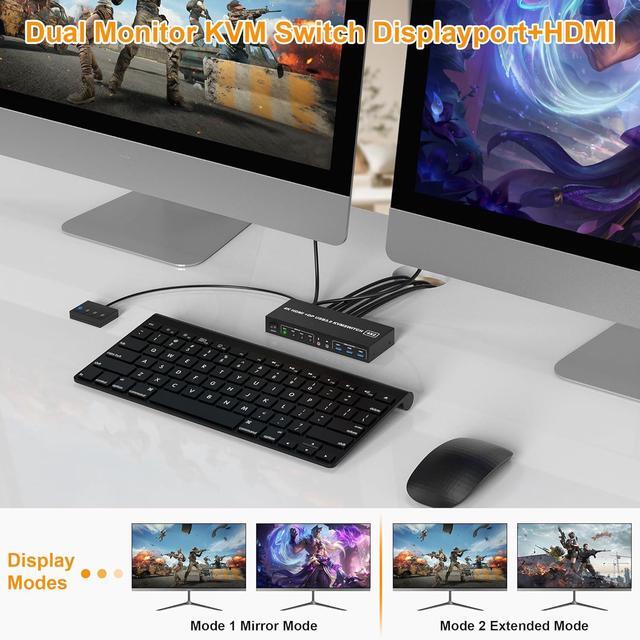
- Important: After connecting the PC and the monitors through KVM, you need to set the screen output mode on the computer (press Windows+P) and select the output mode in the pop-up window.