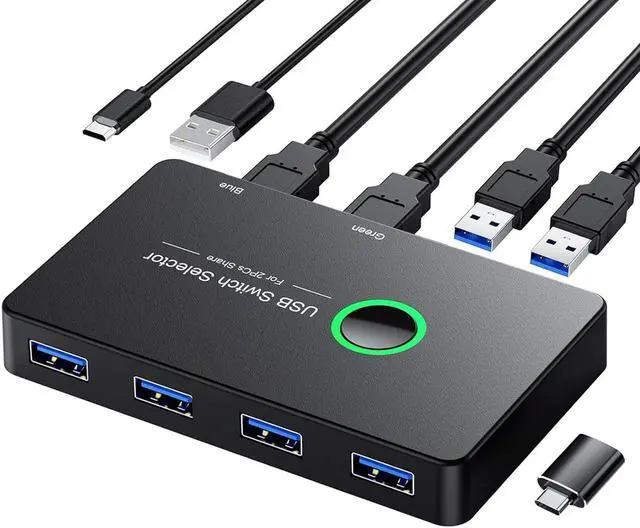
USB 3.0 Switch 2 In 4 Out USB Switcher 2 Computers Share 4 USB For PC Mouse Keyboard Printer Scanner USB KVM Switch Selector Compatible With Windows Mac Linux
Free worldwide shipping, tax free!
$17.00
$34.00
- USB 3.0 Switch 2 In 4 Out USB Switcher 2 Computers Share 4 USB For PC Mouse Keyboard Printer Scanner USB KVM Switch Selector Compatible With Windows Mac Linux
- SKU: EN-11167130124
- Category: Best Sellers
- Tag: Best Sellers
Main Features & Information
USB 3.0 Switch 2 In 4 Out USB Switcher 2 Computers Share 4 USB For PC Mouse Keyboard Printer Scanner USB KVM Switch Selector Compatible With Windows Mac Linux
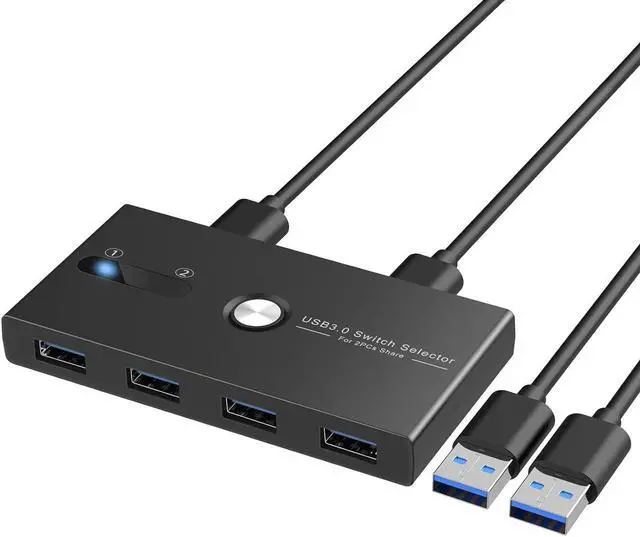
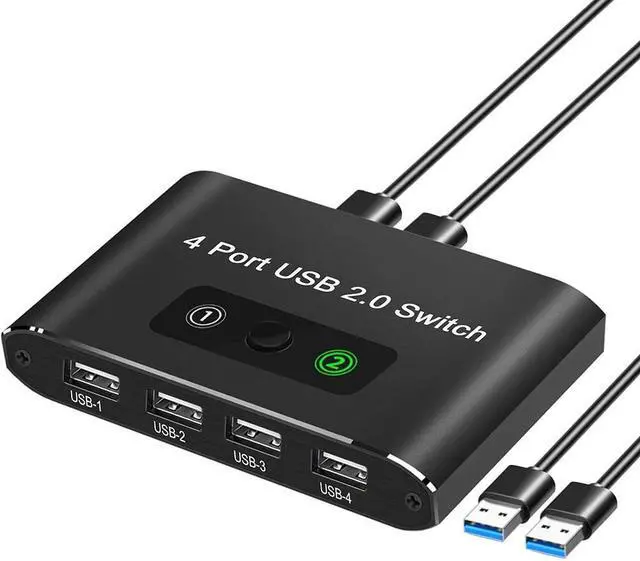
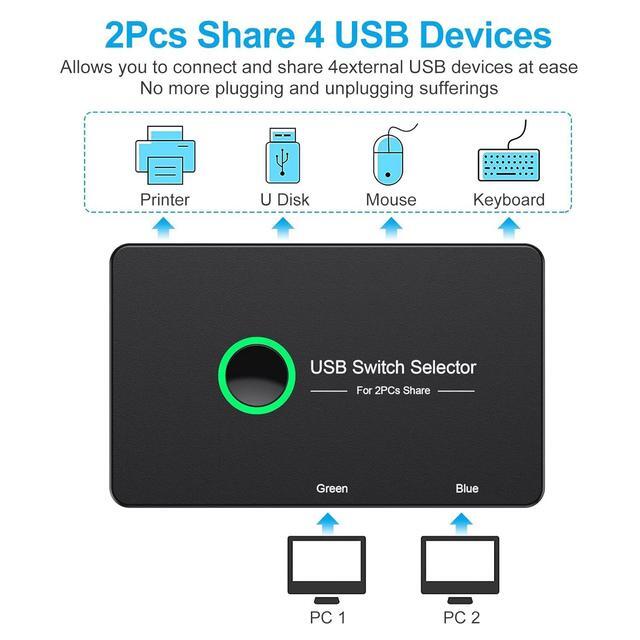
- [USB 3.0 Switcher] This 4 port USB KVM Switcher Selector support 2 computers to share 4 USB 3.0 peripheral devices like keyboards, mouse,printer, scanner. Without keep pulling cables or setting up complicated network sharing software, this keyboard mouse switch frees up the limited space on your desk, greatly improving work efficiency
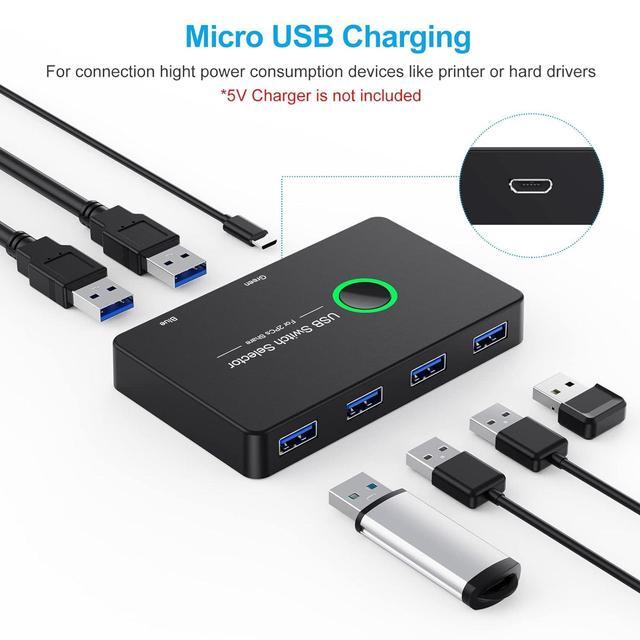
- [5Gbps Fast Data Transfer Speed] With 4XUSB 3.0 ports, the keyboard and mouse switcher supports ultra-fast USB 3.0 data transfer rates of up to 5Gbps, working flawlessly with high-bandwidth USB 3.0 devices. And backward compatible with USB 2.0 /1.1 devices
- [Broad Compatibility & Driver-Free] Plug and play for windows 10/8/8.1/7/Vista/XP and Mac OS, Linux, and Chrome OS.
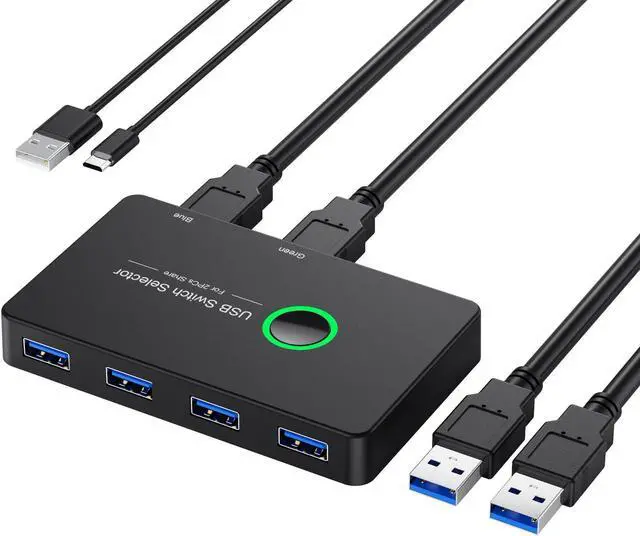
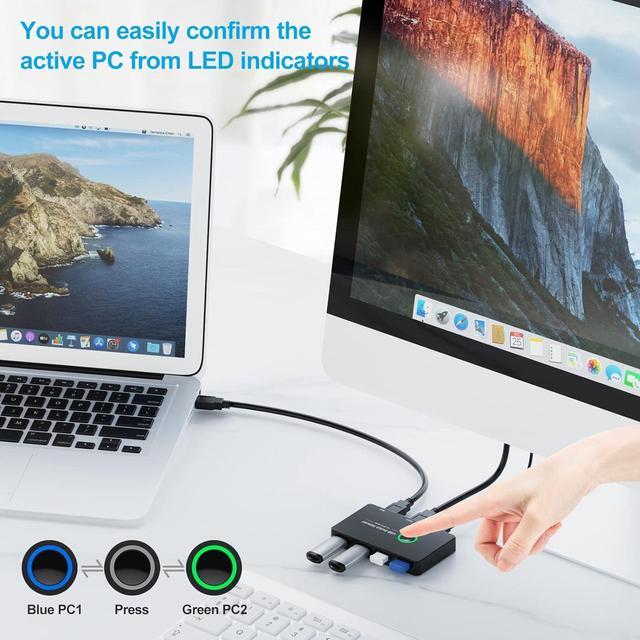
- [One-Button-Switch & LED Light Design] With the LED light and one button switch design, you can easily switch this USB 3.0 Switch by click on the button with the LED light (Green or Blue), which makes it easy to tell which computer you have it selected for.