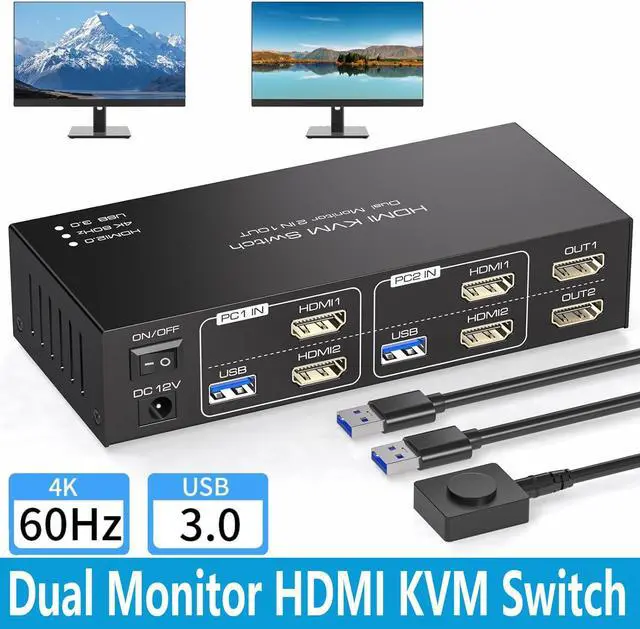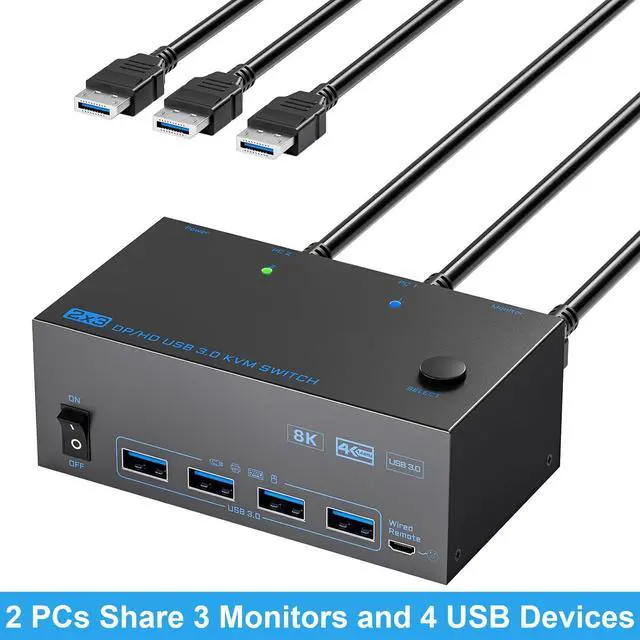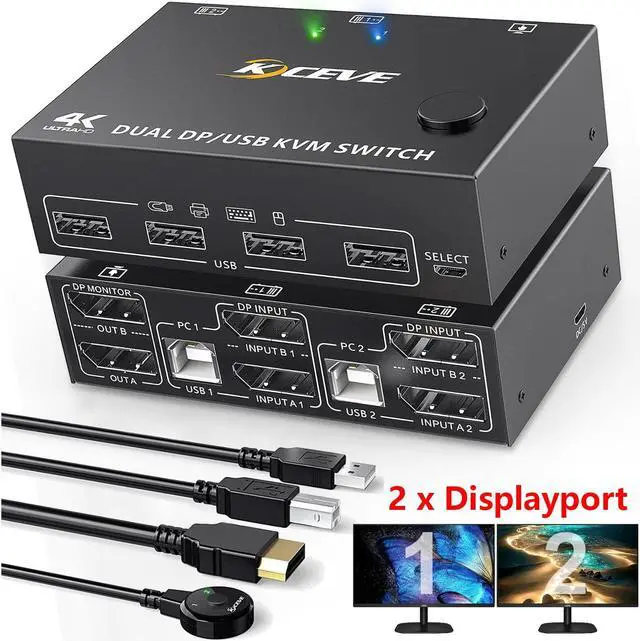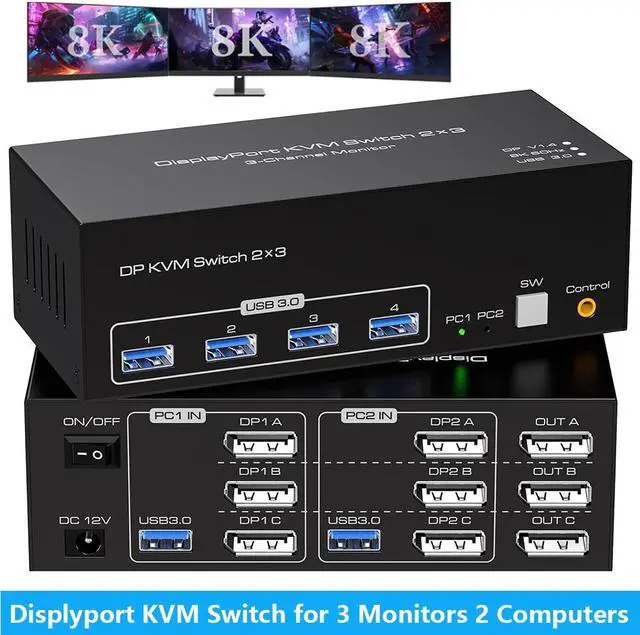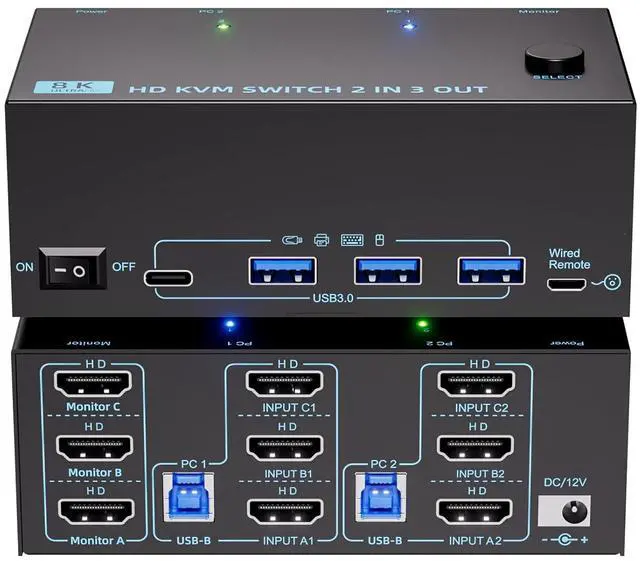
IHDAPP KVM Switch 3 Monitors 2 Computers 8K 60Hz/4K 120Hz Triple Monitors HDMI KVM Switches For 2 PC Sharing 3 Monitor And Keyboard Mouse With Power Adapter Wired Extend Controller & USB 3.0 Cables
Free worldwide shipping, tax free!
$79.00
$146.00
Main Features & Information
IHDAPP KVM Switch 3 Monitors 2 Computers 8K 60Hz/4K 120Hz Triple Monitors HDMI KVM Switches For 2 PC Sharing 3 Monitor And Keyboard Mouse With Power Adapter Wired Extend Controller & USB 3.0 Cables
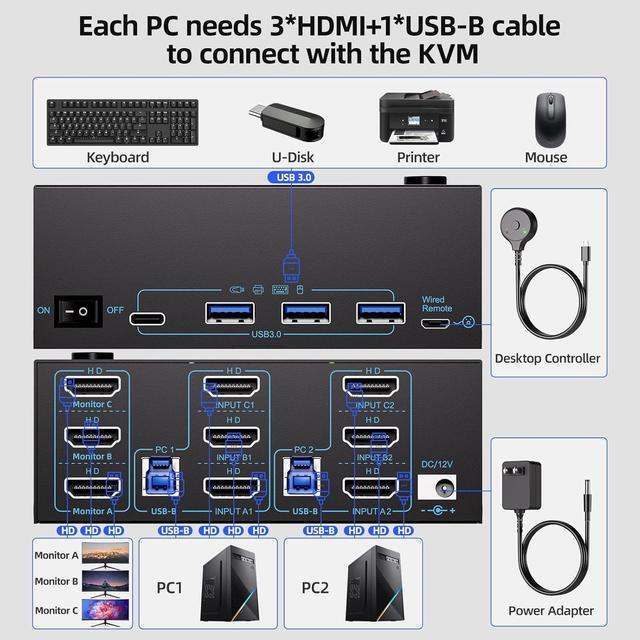
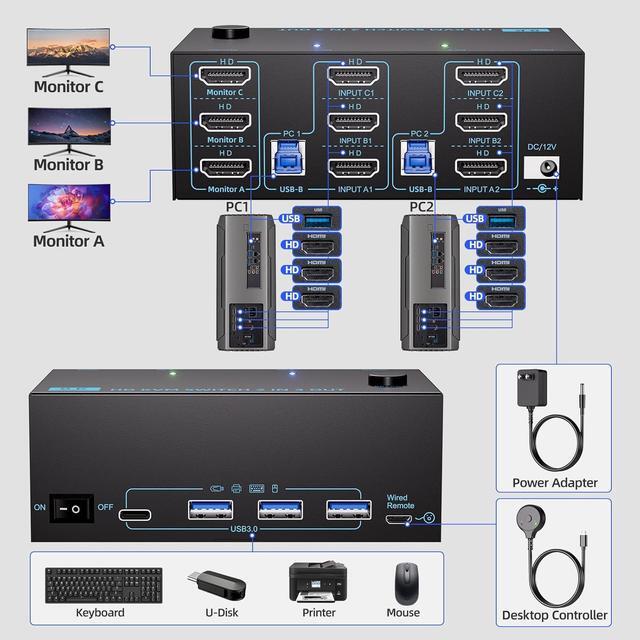
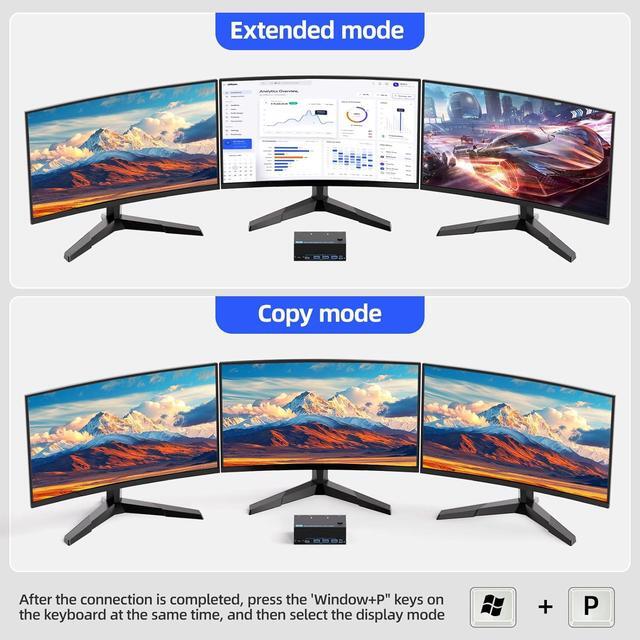
- 8K Triple Monitor KVM Switch: This triple monitor KVM switch perfect for hooking up 2 desktops to share one set of keyboard mouse and 3 monitors (supports extended and mirrored display modes).
- 8K@60Hz/4K@120Hz: KVM Switch supports resolution up to 8K@60Hz/4K@120Hz, backward compatible with lower resolution.Note: Final resolution is also subject to graphic cards, monitors, cables and adapters.
- 3 USB3.0-A + 1 USB C Ports: 3 monitor KVM switch allows 2 computers share 3 monitors and 4 USB devices,which can recognize keyboard, mouse, printer, scaner, USB flash drive and other USB devices.
- 2 Switching Methods: Driver-free and plug and play. you can press the button on the panel or use the wired remote controller (included) to switch the computers.Two color lights indicate the active computer.
- Extended Mode&Mirror Mode: After the connection is complete, please press the two keys "WIN + P" on the keyboard at the same time. You will see a small window pop up.