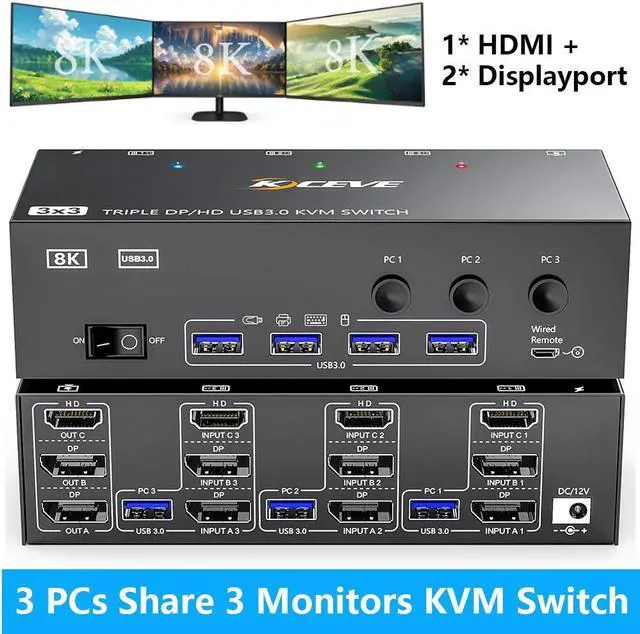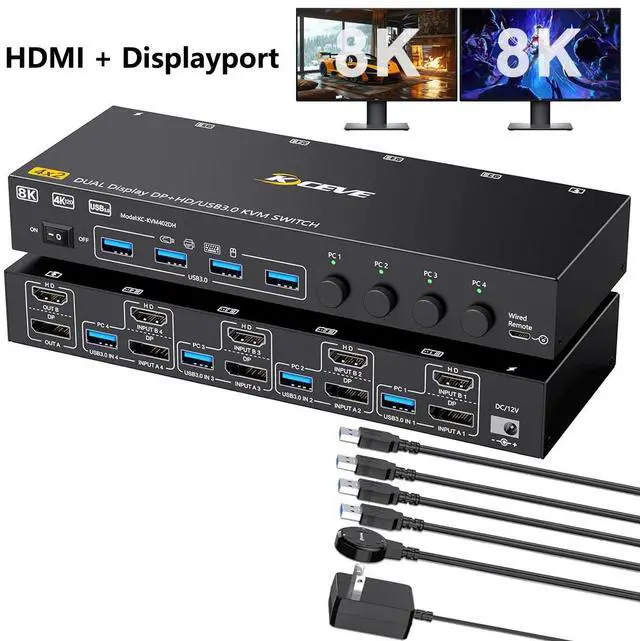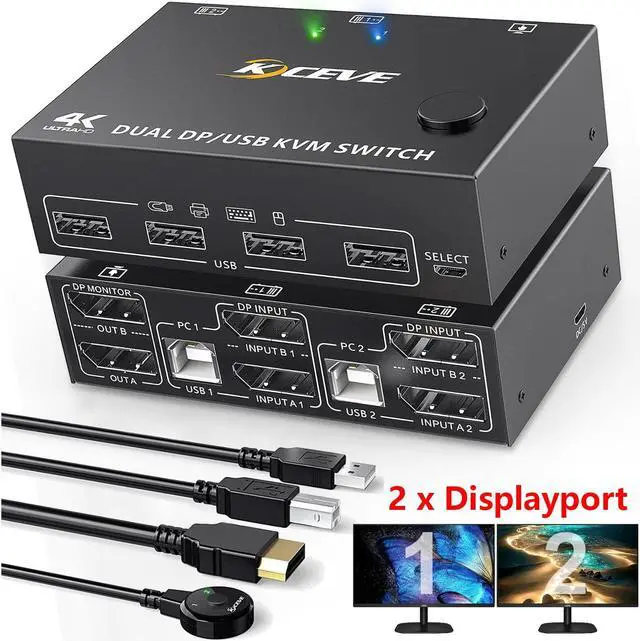
IHDAPP Dual Monitor Displayport KVM Switch 2 Computer 2 Monitors 2 Ports DP1.4 8K 30Hz 4K 120Hz Displayport USB KVM Switcher For 2 Computers Share Keyboard Mouse And Monitor Wired Remote Included
Free worldwide shipping, tax free!
$44.00
$74.00
Main Features & Information
IHDAPP Dual Monitor Displayport KVM Switch 2 Computer 2 Monitors 2 Ports DP1.4 8K 30Hz 4K 120Hz Displayport USB KVM Switcher For 2 Computers Share Keyboard Mouse And Monitor Wired Remote Included
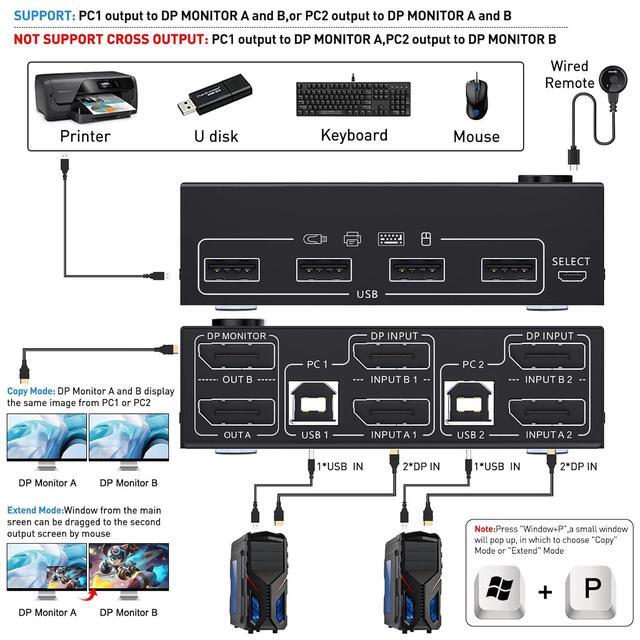
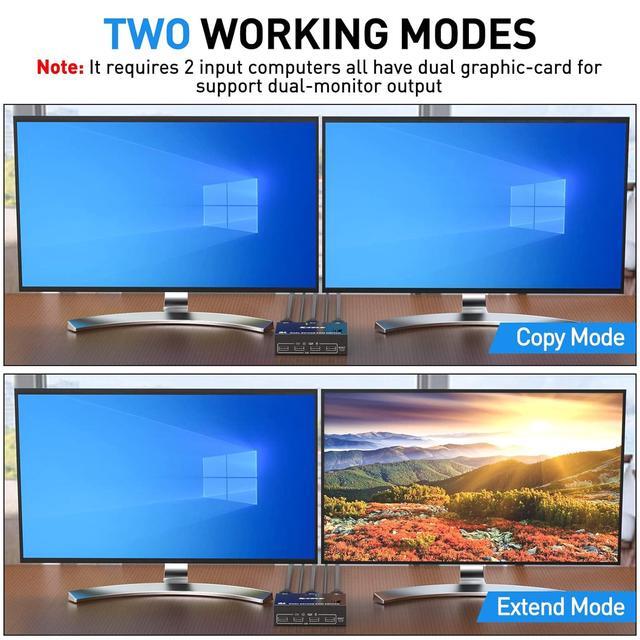
- [Dual Monitor DP1.4 KVM Switch] This KVM switch can easily control 2 displayport-interface computers or laptops with 1 set of keyboard and mouse to share 2 monitors, support extended or mirrored display on one selected computer and switch between 2 computers.
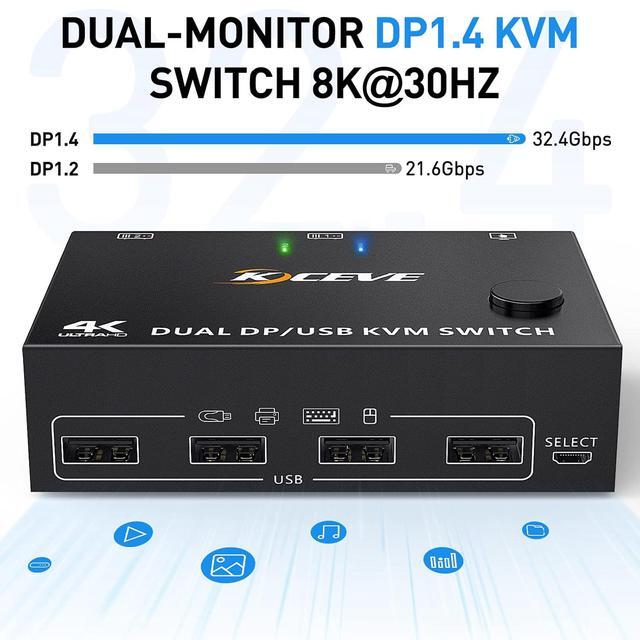
- [Ultra HD 8K 30Hz] This 8K displayport KVM switch supports max. resolution of 8K@30Hz, 4K@144Hz, 3440*1440@144Hz, 2560x1440@144Hz and downwards.
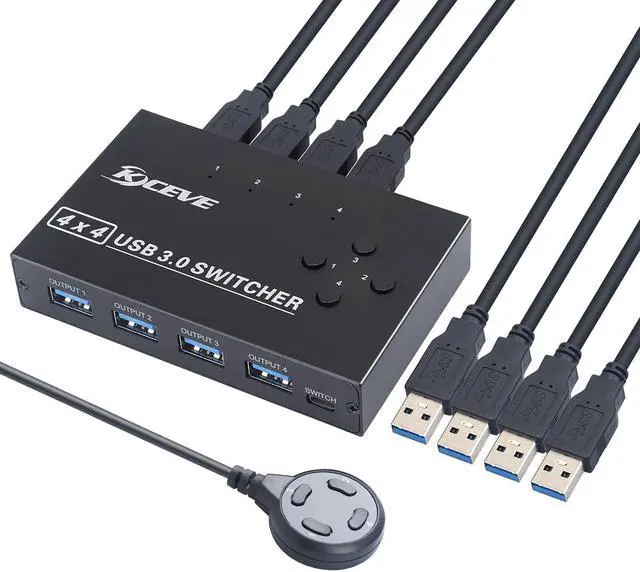
- [with 4 USB 2.0 Hubs] This DP KVM switcher has 4 USB2.0 ports, supports wireless mouse and multiple signal sources, multiple displays, and can be connected to scanners, USB printers and other devices.
- [Great Compatibility & 2 Switching Methods] KVM Switch is Driver-free for Windows 10/8/8.1/7/Vista/XP and Mac OS, Linux.plug and play, no external power required. you can press the button on the panel or use the wired remote controller (included) to switch the computers. LED indicate the active computer. Please set the screen output mode by pressing Windows+P on the keyboard.
![IHDAPP [2 HDMI + 1 Displayport] KVM Switch 3 Monitor 2 Computers 4K 60Hz Triple Monitor KVM Switch with Audioµphone and 3 USB 3.0 Ports 2 Computers Share 3 Monitors Keyboard Mouse Switcher](https://www.enbshop.com/images/1891/ihdapp-2-hdmi-1-displayport-kvm-switch-3-monitor-2.jpg)