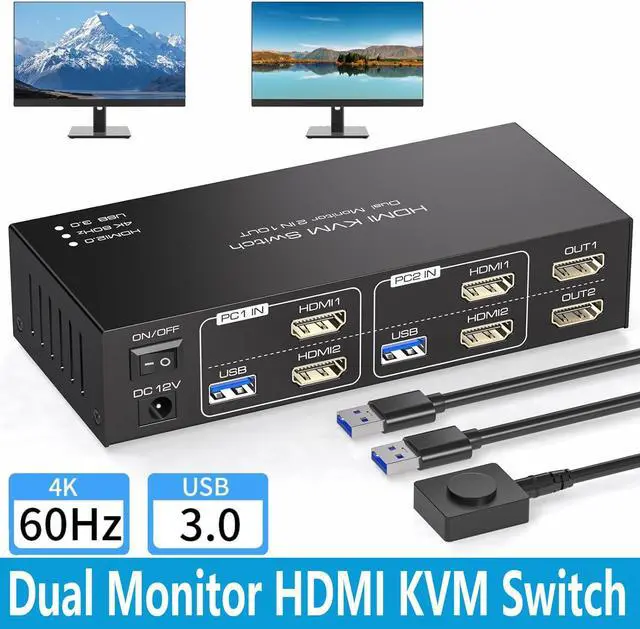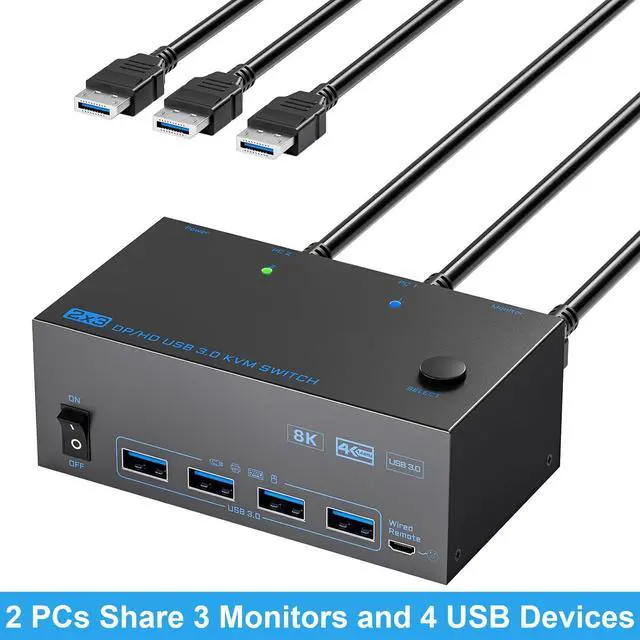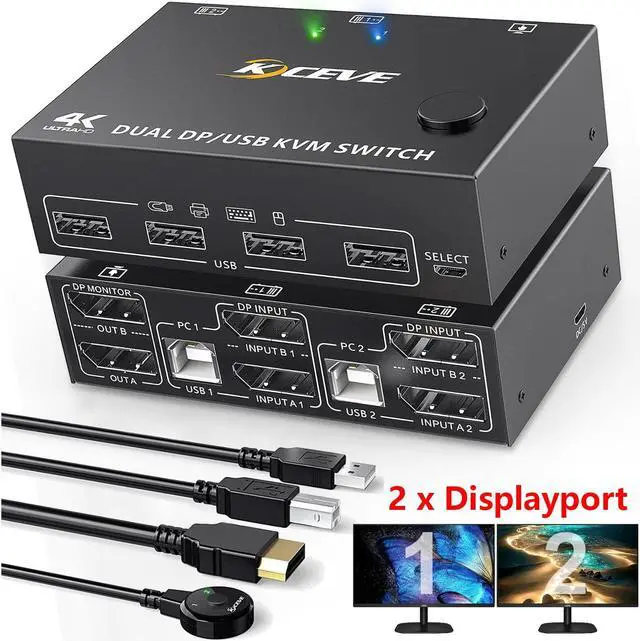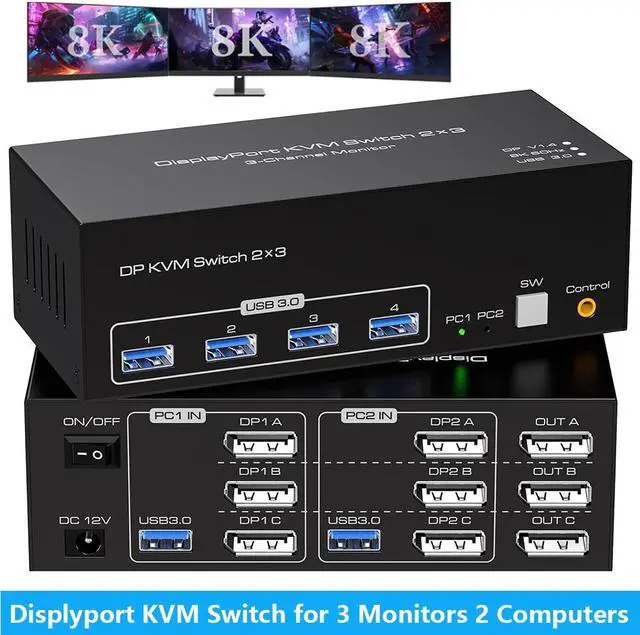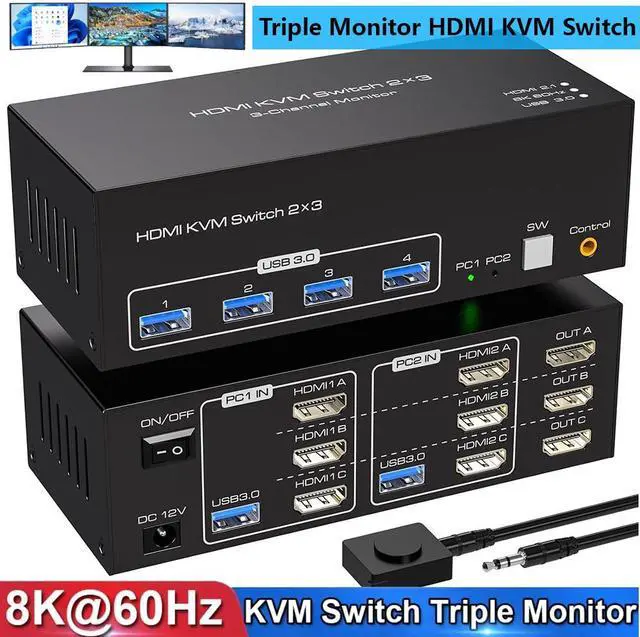
IHDAPP 8K 60Hz HDMI KVM Switch 3 Monitors 2 Computers USB 3.0 Triple Monitor KVM Switcher With 4 USB Ports For 2 PCs Support Extended&Copy Mode Wired Controller 12V DC Adapter 2 USB Cables Included
Free worldwide shipping, tax free!
$79.00
$164.00
Main Features & Information
IHDAPP 8K 60Hz HDMI KVM Switch 3 Monitors 2 Computers USB 3.0 Triple Monitor KVM Switcher With 4 USB Ports For 2 PCs Support Extended&Copy Mode Wired Controller 12V DC Adapter 2 USB Cables Included
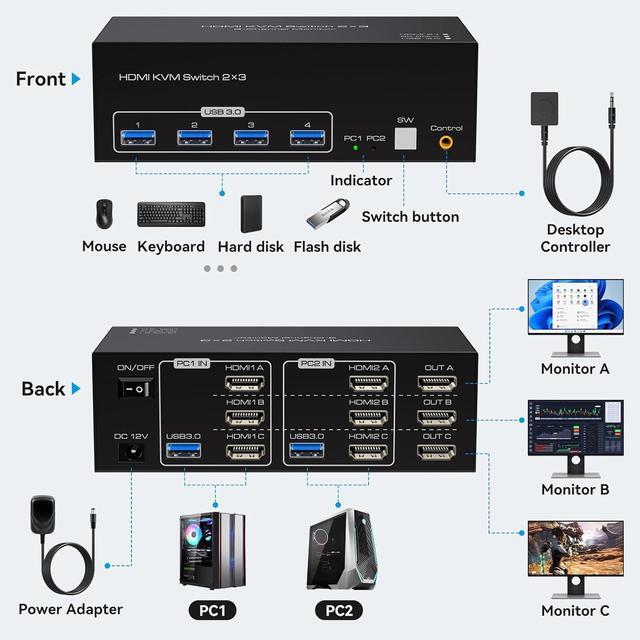
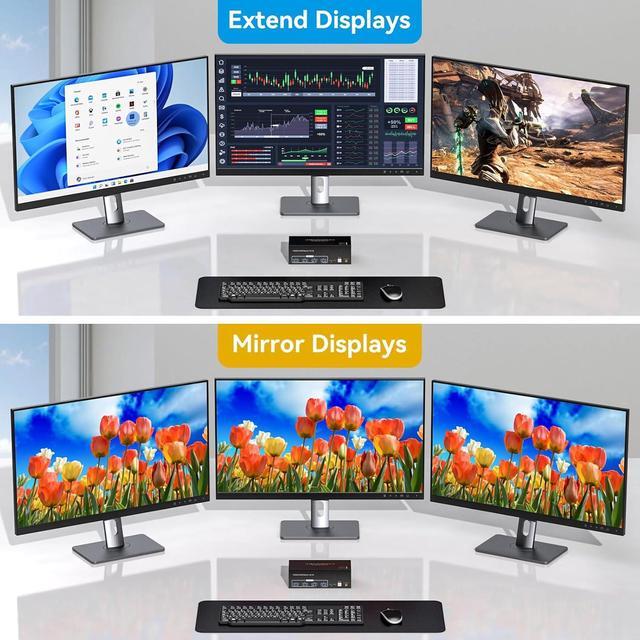
- [KVM Switch 3 Monitors 2 Computers] KVM Switch 3 Monitors allow 2 computers to share triple monitors and 4 USB 3.0 ports, such as mouse, keyboard, printer U disk, etc. And connect 3 displays in extend or duplicate display mode. (Note: Pls make sure your computer supports multi-display and each connected computer requires 3 HDMI ports)
- [8K 60Hz HDMI KVM Switch] Supports resolutions and refresh rates up to 8K@60Hz 4K@120Hz, and is backward compatible with 1080p 3D 720P, etc.
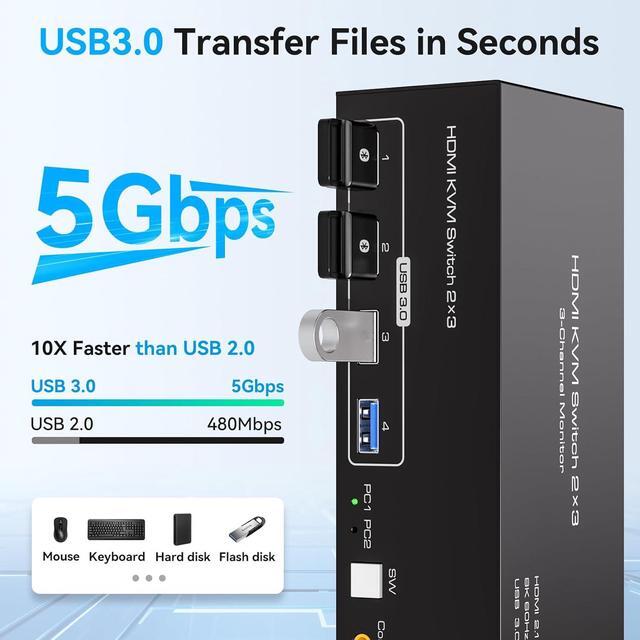
- [High Speed USB 3.0] This is a KVM Switch for 2 computers featuring 4 USB 3.0 ports. Each port can transmit data at speeds of up to 5Gbps, offering significantly faster performance compared to USB 2.0. USB 3.0 is also compatible with USB versions like 2.0/1.1
- [2 Switching Modes] Option 1: Using the wired extension button, you can place the KVM outside the work area, making your desktop cleaner and tidier; Option 2: Just press the white "SW" button next to the indicator light to achieve one-click switching.