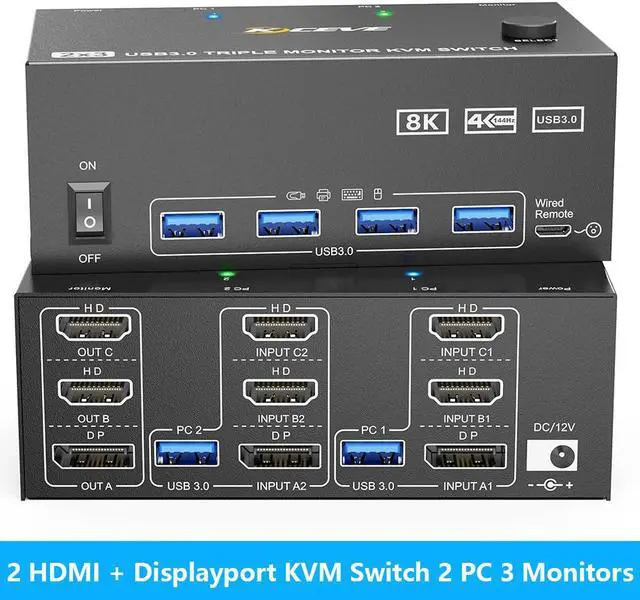
IHDAPP 2 HDMI + Displayport KVM Switch 3 Monitors 2 Computers 8K 60Hz 4K 144Hz Triple Monitors KVM Switch For 2 PC Sharing 3 Monitors With 4 USB 3.0 Port For Keyboard Mouse Printer With Wired Remote
Free worldwide shipping, tax free!
$64.00
$123.00
Main Features & Information
IHDAPP 2 HDMI + Displayport KVM Switch 3 Monitors 2 Computers 8K 60Hz 4K 144Hz Triple Monitors KVM Switch For 2 PC Sharing 3 Monitors With 4 USB 3.0 Port For Keyboard Mouse Printer With Wired Remote
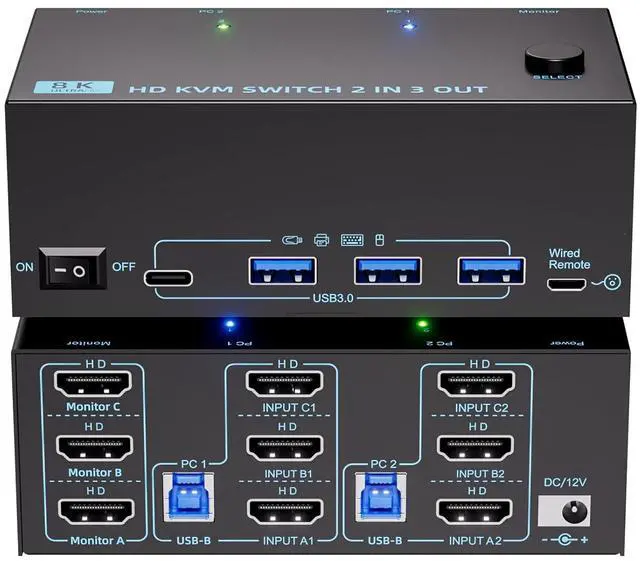
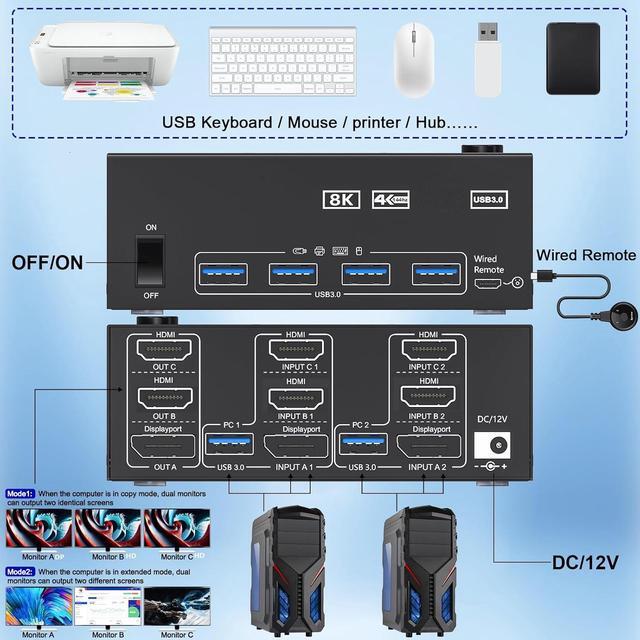
- KVM Switch 3 Monitors 2 Computers: This KVM switches can control 2 computers or laptops with 1 independent set of keyboard and mouse, share 3 monitors and 4 USB 3.0 devices.
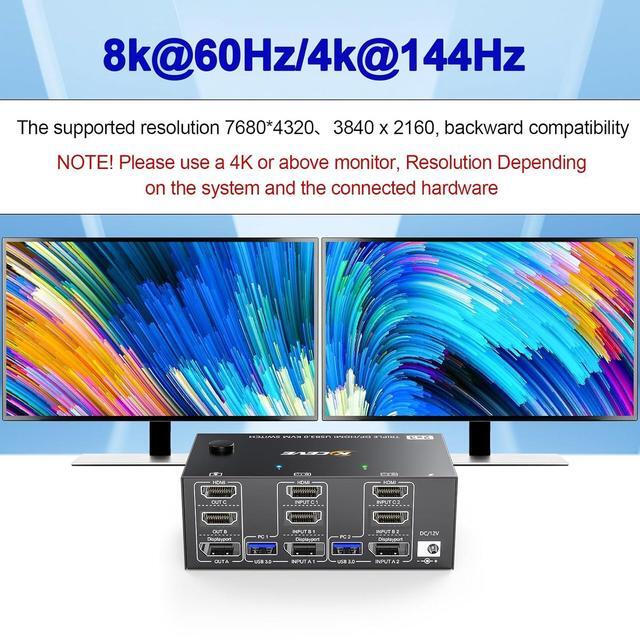
- 8K visual HD experience: Triple Monitor KVM Switch up to 8K 30Hz & 4K 120Hz, backward compatible, 2K@144Hz, 1080P. Note, HDMI resolution: 4K144Hz, 8K60Hz; DP resolution: 8k30Hz, 4K120Hz.
- 4 USB 3.0 ports: KVM switch with 4 USB 3.0 ports, supports ultra-fast 5Gbps data transfer, 10x faster than USB 2.0, for connecting RGB keyboard, mouse, printer, hard drives, webcams etc. Backwards compatible with USB 2.0/1.1 devices.
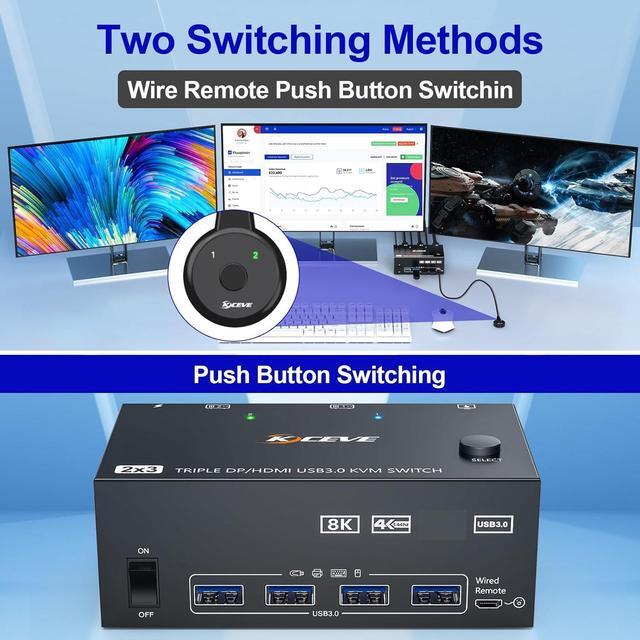
- Two switching modes: You can use panel button or wired remote control to switch freely between 2 computers. LED indicators indicate which computer is running.
- Advanced display: Supports mirror, extended and splicing display modes (click on "Windows + P" to select the display mode). Pls note: Make sure your computer supports 3 or more screens and that each computer is connected to the KVM with 2HDMI+DP