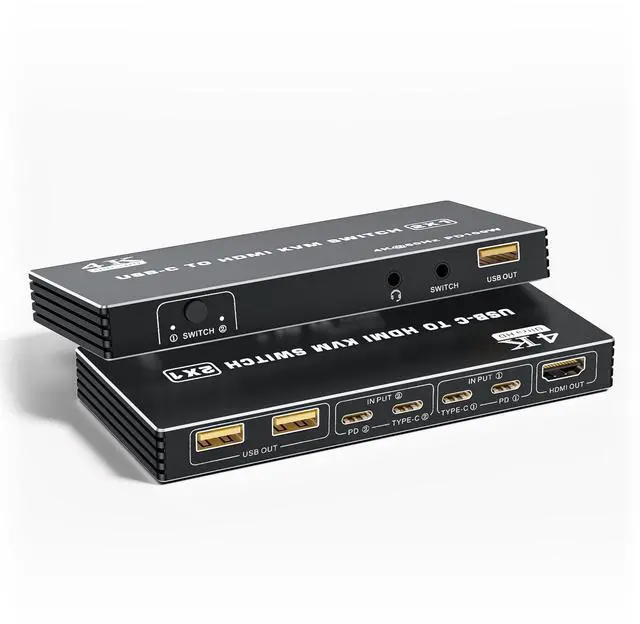
USB C KVM Switch 4K 60Hz 2 Ports Type-C To HDMI 2.0 KVM Switcher For 2 USB-C Port Laptops Share 1 HDMI Monitor 3 USB Ports For Keyboard Mouse Printer 100W PD Charging 2 USB Cables And Controller
Free worldwide shipping, tax free!
$50.00
$100.00
Main Features & Information
USB C KVM Switch 4K 60Hz 2 Ports Type-C To HDMI 2.0 KVM Switcher For 2 USB-C Port Laptops Share 1 HDMI Monitor 3 USB Ports For Keyboard Mouse Printer 100W PD Charging 2 USB Cables And Controller
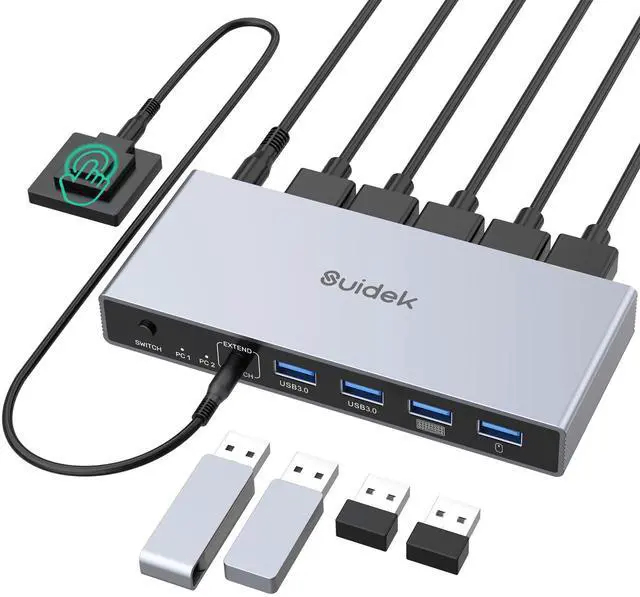
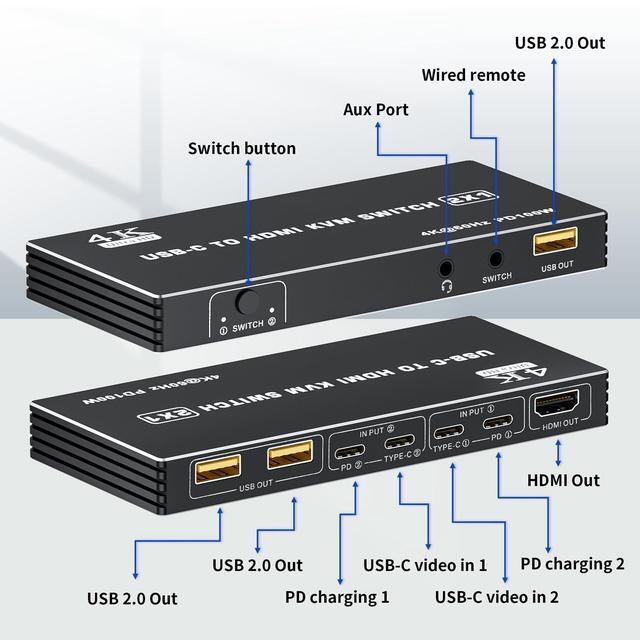
- USB-C to HDMI Design: The dual ports USB-C to HDMI KVM switch lets you seamlessly control two Type-C computers using one HDMI monitor. Designed with 100W PD charging port to give enough power for your laptop during using. Also there is 3.5mm audio out port, be able to connect with headphone, etc
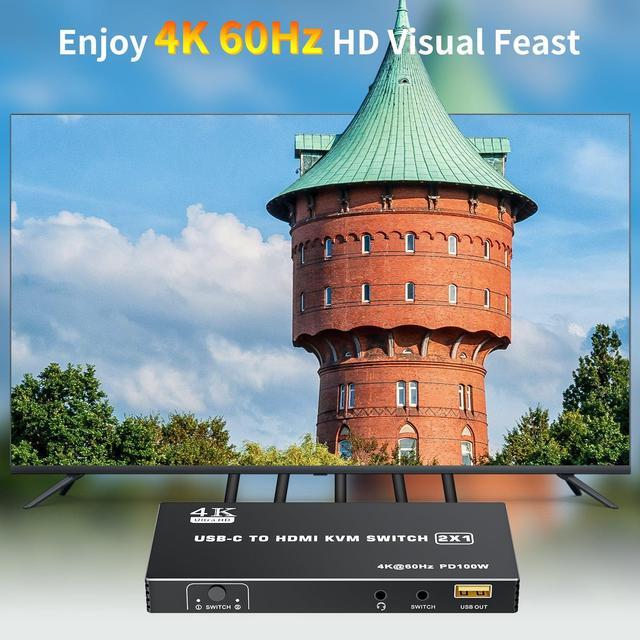
- UHD 4K Visual: The alternative USB Type-C KVM Switch supports resolution up to 4K@60Hz (3840x2160@60Hz) can enjoy stunning images and smooth video playback. And the resolution compatible: 2560 x 1440@144Hz/120Hz/60Hz, 1920x1440@144Hz/120Hz/60Hz
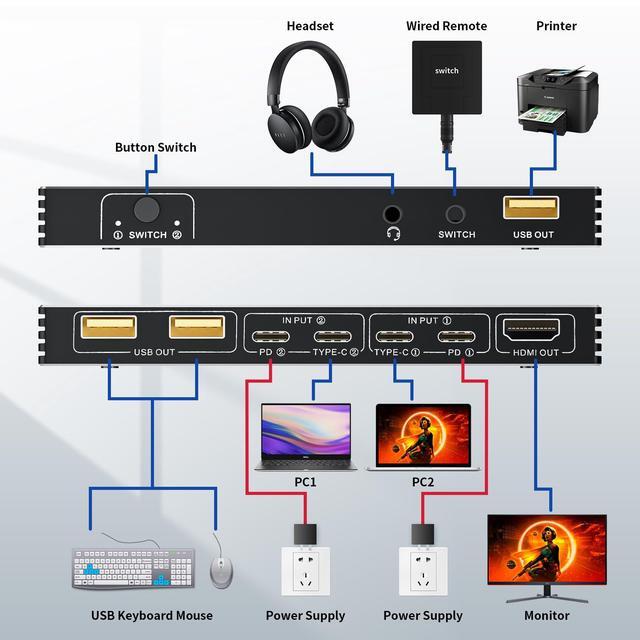
- Connection Step: Step 1: Connect the power adapter to ensure stable operation; Step 2: Seperately connect the USB-C cable to the IN PUT1 and IN PUT2 IN port ( Note: The PD port is only to power the host PC ); Step 3: Connect the HDMI OUT to the display device; Step 4: Connect the mouse, keyboard, and flash disk to the USB OUT; Step 5: Connect desk wired contoller for quick switching; Step 6: Optionally connect with 3.5mm aux deivces, like