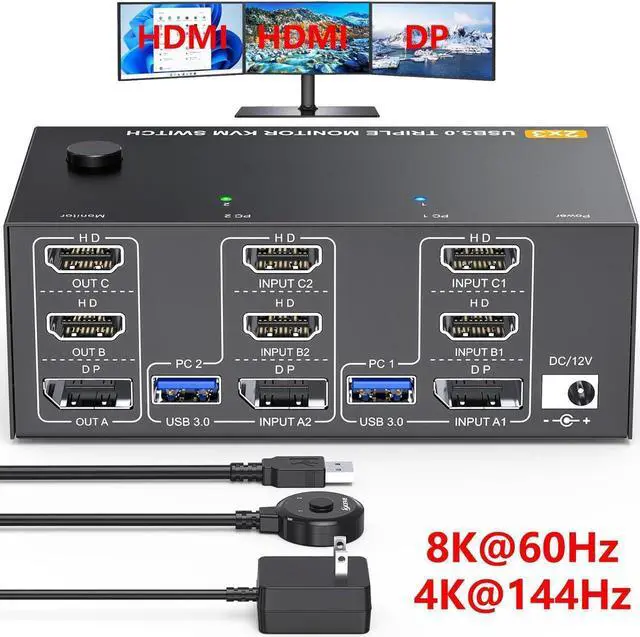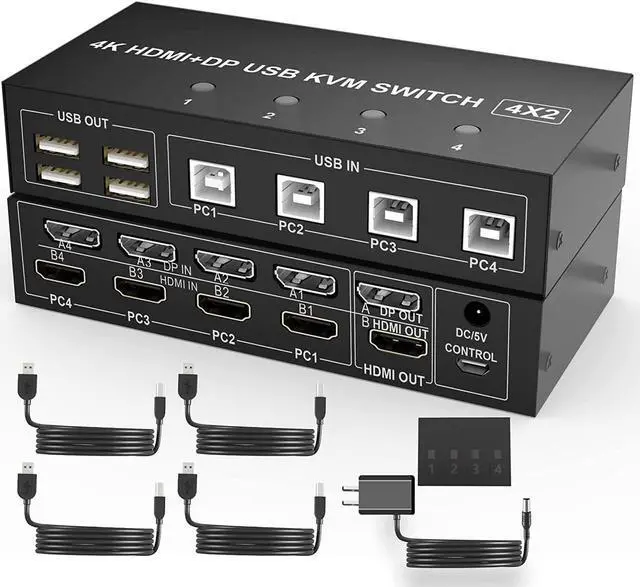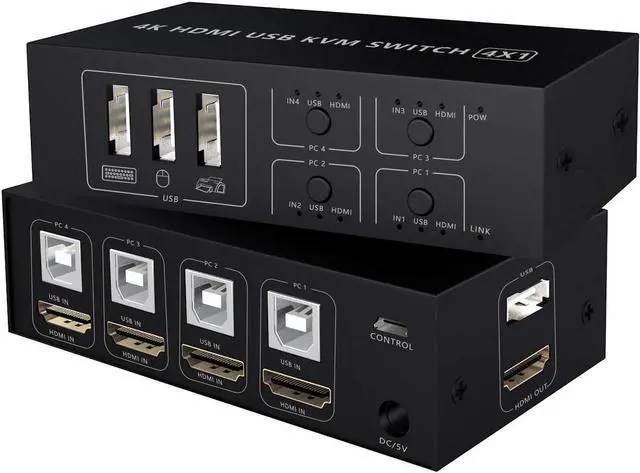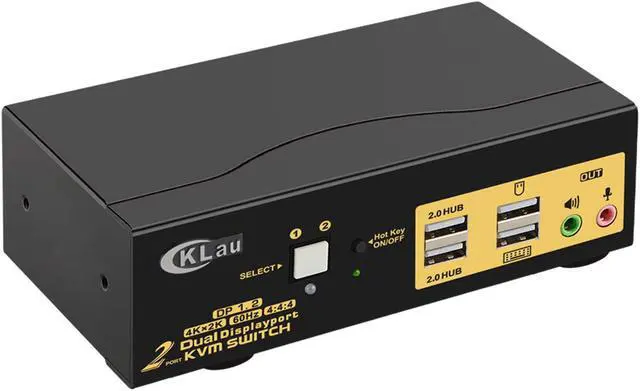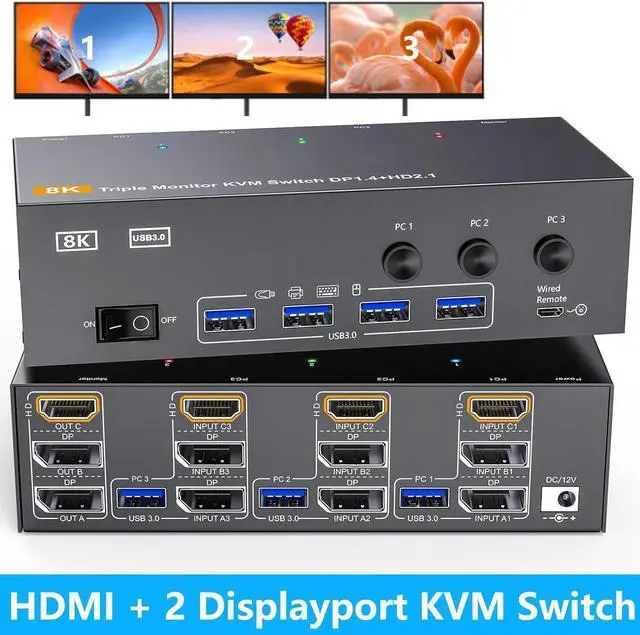
Triple Monitor HDMI+DP+DP KVM Switch 3 Monitors 3 Computers 4K 144Hz 8K 60Hz 2 Displayport + HDMI USB 3.0 KVM Switches With 4 USB 3.0 Port Wired Remote Power Adapter & USB 3.0 Cables Included
Free worldwide shipping, tax free!
$93.00
$163.00
Main Features & Information
Triple Monitor HDMI+DP+DP KVM Switch 3 Monitors 3 Computers 4K 144Hz 8K 60Hz 2 Displayport + HDMI USB 3.0 KVM Switches With 4 USB 3.0 Port Wired Remote Power Adapter & USB 3.0 Cables Included
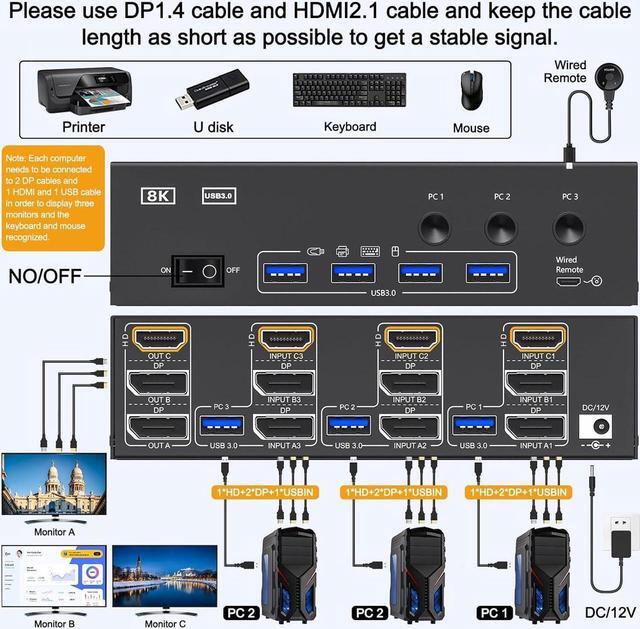
- 3 PC 3 Monitor KVM Switch: This KVM Switch allows 3 computer to share 3 monitors and 4 USB3.0 ports(keyboard,mouse and other USB devices). Note:Only when your computer supports 3 display or multi display, you can use this KVM to achieve 3 PC to share 3 monitors.
- 8K@60Hz/4K@144Hz KVM: Supports up to 8K@60Hz/[email protected]: Pls use HDMI2.1 and DP1.4 cables, if the set distance allows,the length of cabels more short more better.
- with 4 USB 3.0 Ports: KVM switch with 4 USB 3.0 ports which can recognize keyboard,mouse,printer and other USB devices. USB 3.0 offers data transfer speeds of up to 5Gbps, while USB 2.0 offers data transfer speeds of only 480Mbps.
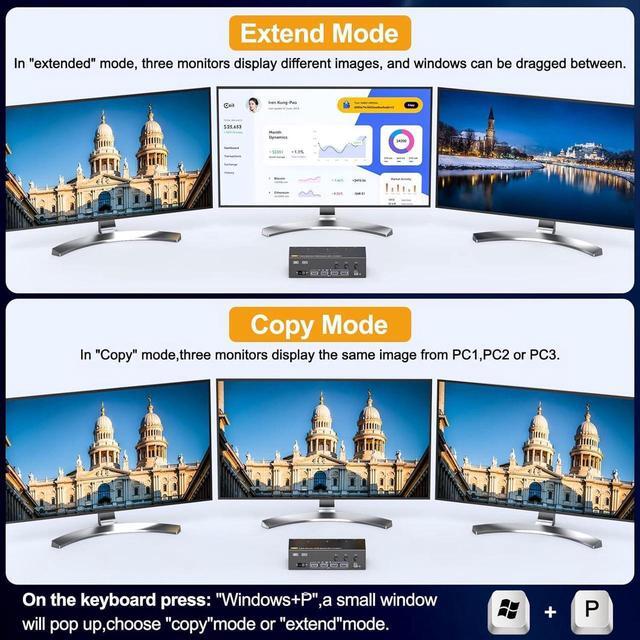
- Extended Mode&Copy Mode: Supports extended display and duplicate display. Setting method: Press P and Window on the keyboard and mouse at the same time to select the display mode you want.
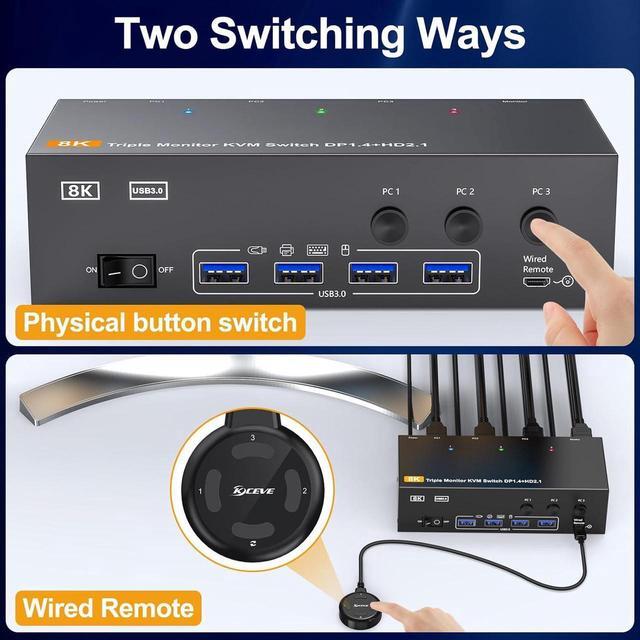
- Compatibility & 2 Switching Methdos: You can press the button on the panel or use the wired remote controller (included) to switch the computers.