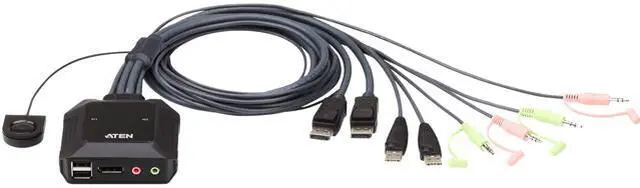

SMA HDMI+2 DisplayPort KVM Switch 3 Monitors 2 Computers 8K 60Hz 4K 144Hz Triple Monitor KVM Switch With 4 USB3.0 Port For Keyboard Mouse Printer 1*HDMI+2*DP+2*USB Cables & Wired Controller Included
Free worldwide shipping, tax free!
$79.00
$154.00
Main Features & Information
SMA HDMI+2 DisplayPort KVM Switch 3 Monitors 2 Computers 8K 60Hz 4K 144Hz Triple Monitor KVM Switch With 4 USB3.0 Port For Keyboard Mouse Printer 1*HDMI+2*DP+2*USB Cables & Wired Controller Included
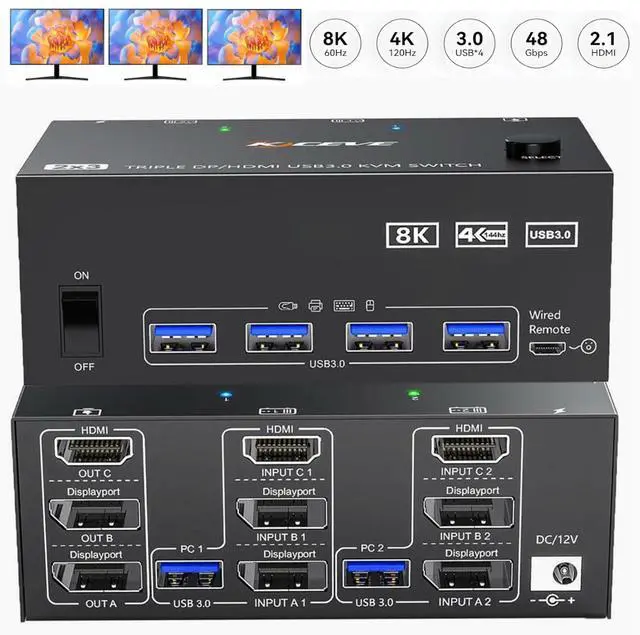
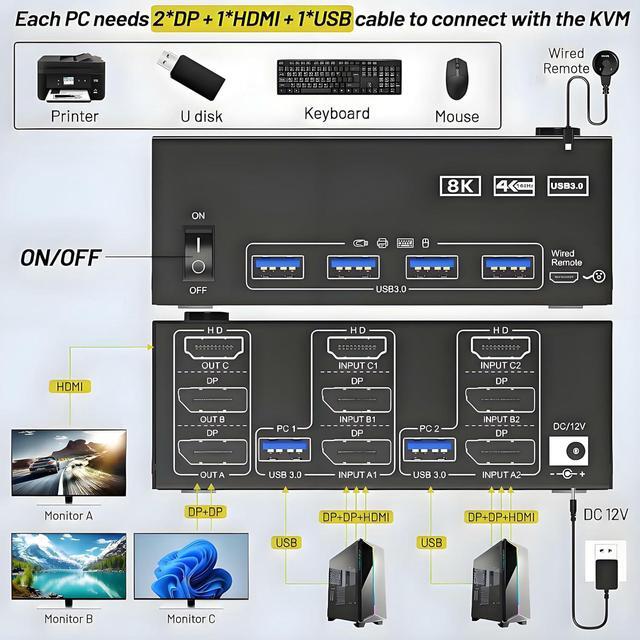
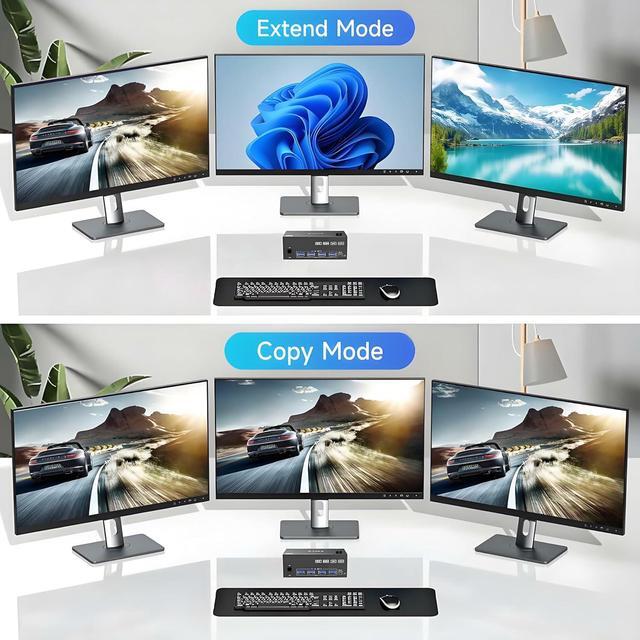
- Triple Monitors KVM Switch: KVM switch 3 monitors 2 PCs connects 2 desktops or laptops to share 3 monitors and 4 USB devices. You only need one set of wired or wireless keyboard mouse to control 3 monitors. Supports multiple display modes (Extended and Mirror Mode).
- Ultra HD 8K60Hz: Support up to 8K@60Hz, 4K@144Hz resolutions and is backward compatible.
- with 4 USB 3.0 Ports: Features 4x USB 3.0 ports, supporting recognition of keyboards, mice, printers, and other USB devices. With USB 3.0 data transfer speeds reach up to 5Gbps-10 times faster than USB 2.0 ports.
- Great Compatibility & 2 Switching Method: Plug and play and driver-free for Windows, Mac, Linux, Unix, and Ubuntu. You can press the button on the panel or use the wired remote controller (included) to switch the computers. LED indicator shows which computer is active.
- Important Note: To ensure optimal functionality, the external power supply must be connected when using the KVM switch.