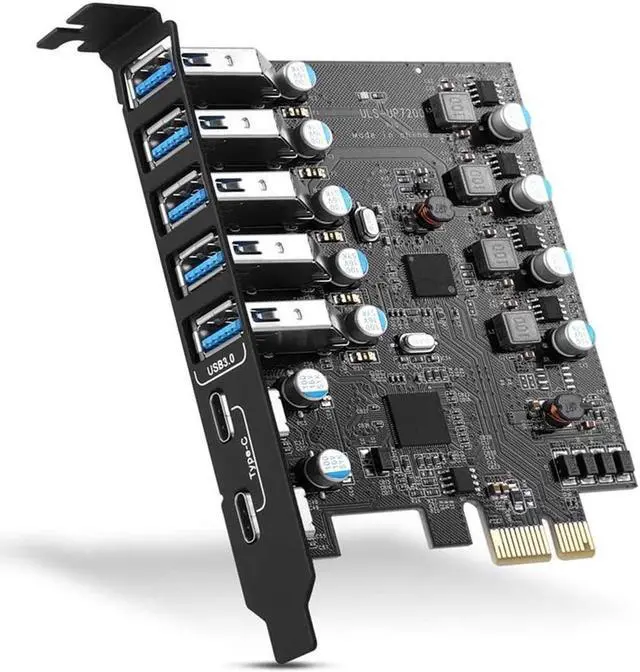
PCI-E To USB 3.0 7-Port(2X USB-C - 5X USB-A ) Expansion Card PCI Express USB Add In Card Internal USB3 Hub Converter For Desktop PC Host Card Support Windows 10/8/7/XP And MAC OS 10.8.2 Above
Free worldwide shipping, tax free!
$21.00
$36.00
Main Features & Information
PCI-E To USB 3.0 7-Port(2X USB-C - 5X USB-A ) Expansion Card PCI Express USB Add In Card Internal USB3 Hub Converter For Desktop PC Host Card Support Windows 10/8/7/XP And MAC OS 10.8.2 Above
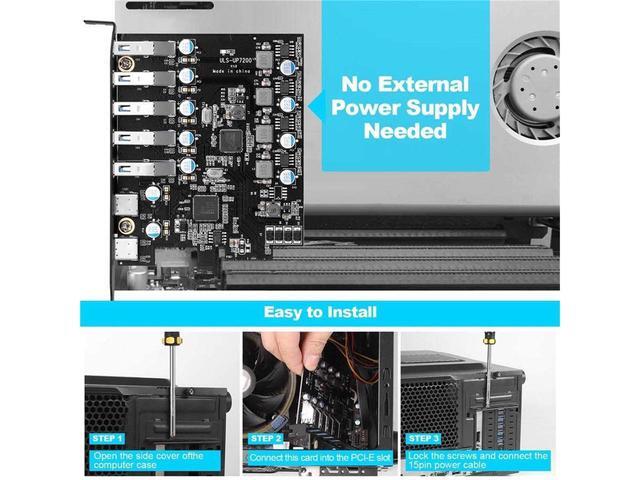
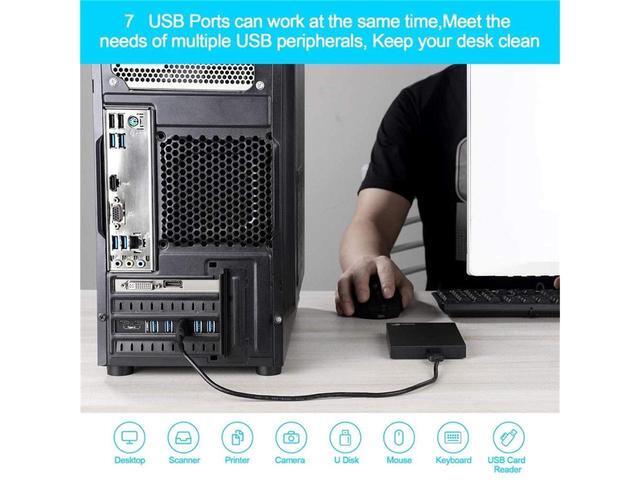
- Maximum expansion, most USB ports update your computer to 7 USB3.0 ports - 2 Type C ports and 5 Type A ports, you can connect keyboard, mouse, external hard drive, CD/DVD drive, webcam , USB printers, scanners, game controllers, USB VR, digital cameras, etc.
- Improve Quality and Efficiency Support transfer rates up to 5Gbps to copy high-definition video, music, photos, data files between USB devices and computers at blazing-fast speeds. Note: The actual transfer speed is limited by the settings of the connected device.
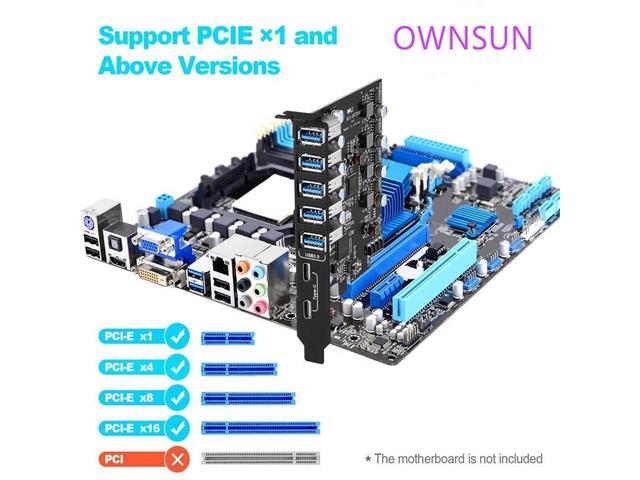
- Widely Compatible with USB3.0 Backward compatible with USB 2.0 and 1.1 devices; Compliant with PCI-e 3.0 PCIe 2.0 motherboards, fits PCI Express x1, x4, x8 or x16 slots. The system supports Windows XP/Vista/2008 Server/7/8/10, Mac 0s (10.8.2 and above).
- Easy installation Turn off the computer, unplug the power, remove the computer case, push the card into the pcie slot and tighten the screws, close the case cover, turn on the computer and install the
You Might Also Like

 Tripp Lite SRWF4U36 4U Wall Mount Low Profile Rack Enclosure Cabinet 36" Deep