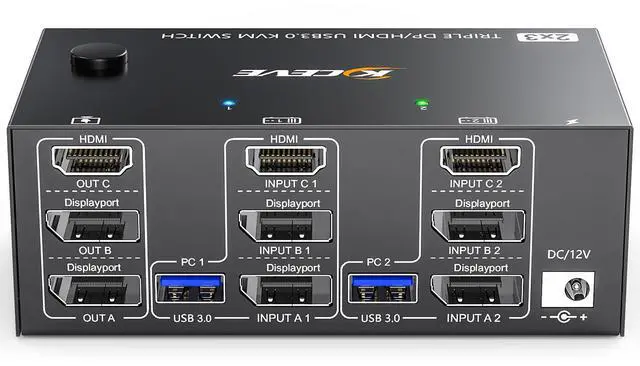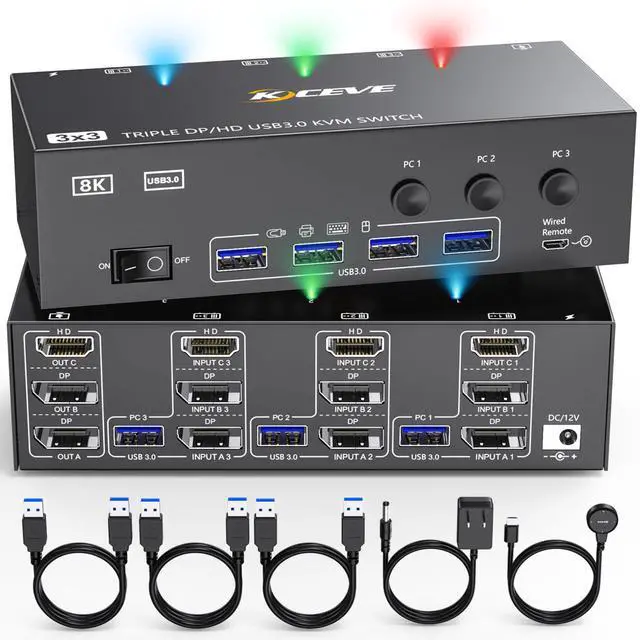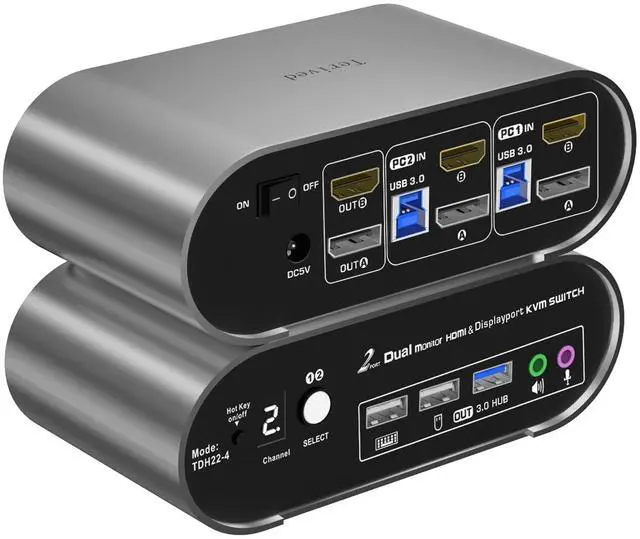
KVM Switch 2 Monitors 2 Computers 8K 60Hz KVM Switch HDMI Extended Display 4K 120Hz KVM Switches For 2 Computers Sharing 2 Monitor 4 USB 3.0 Devices Such As Keyboard Mouse Printer Scanner
Free worldwide shipping, tax free!
$44.00
$86.00
Main Features & Information
KVM Switch 2 Monitors 2 Computers 8K 60Hz KVM Switch HDMI Extended Display 4K 120Hz KVM Switches For 2 Computers Sharing 2 Monitor 4 USB 3.0 Devices Such As Keyboard Mouse Printer Scanner
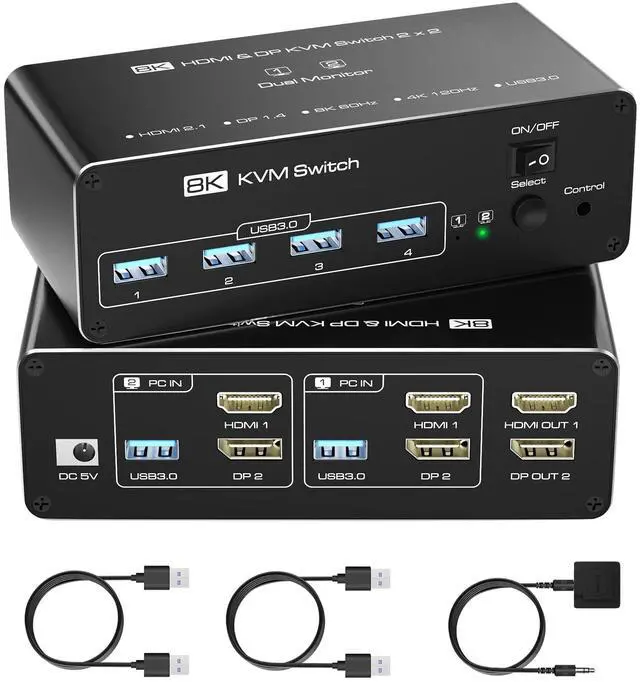
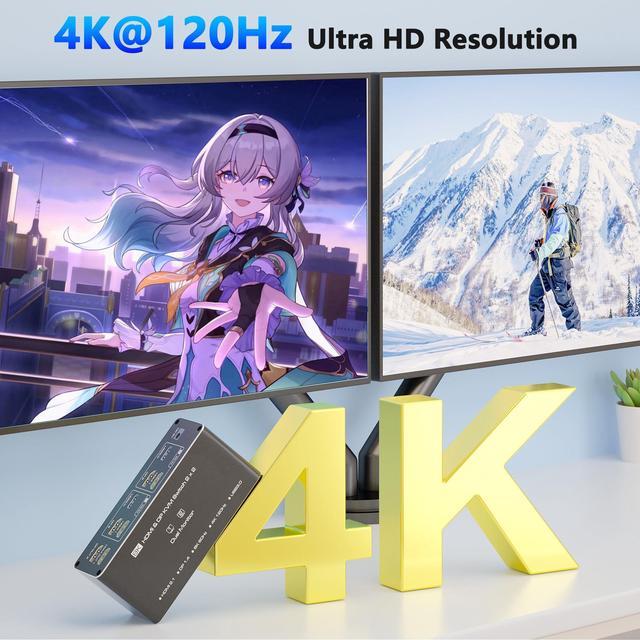
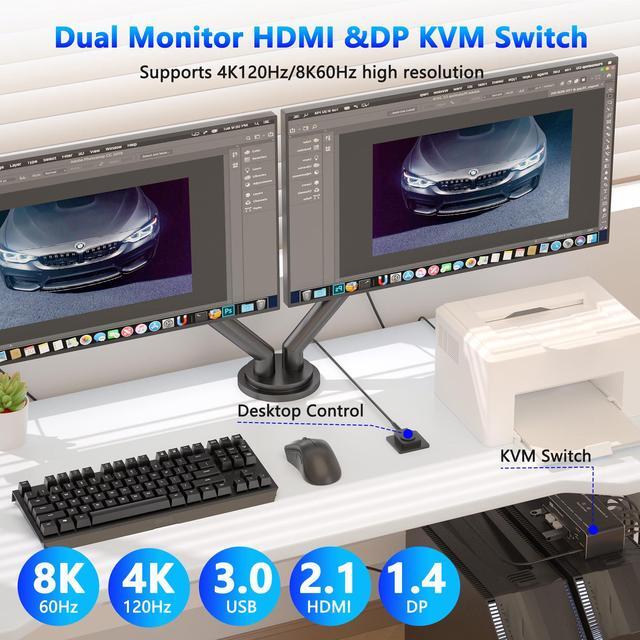
- KVM Switch Dual MonitorKVM switch 2 monitors 2 computers allows you to control 2 computers with just one set of keyboard and mouse, and sharing 2 monitors. KVM Switch Dual Monitor support copy mode and extension mode (Note: Please make sure your computer supports multi-display and each connected computer have 1 HDMI port and 1 DP port) Extended Mode: Display 2 unique screens across 2 monitors. Copy Mode: Duplicate the same screen on both monitors.
- Easy Connection SetupConnect PC1 to the KVM switch's PC1IN ports using 1 DP cable (to DP port), 1 HDMI cable (to HDMI port), and 1 USB-A to USB-A cable (to USB 3.0 port included in package). Repeat the same steps for PC2 using the PC2IN ports. Link two monitors to the KVM switch's OUTA and OUTB ports via DP and HDMI cables for seamless multi-display switching. (Note: Both your computers and monitors must have native HDMI and DP portsHDMI to DP conversion cables are NOT supported.
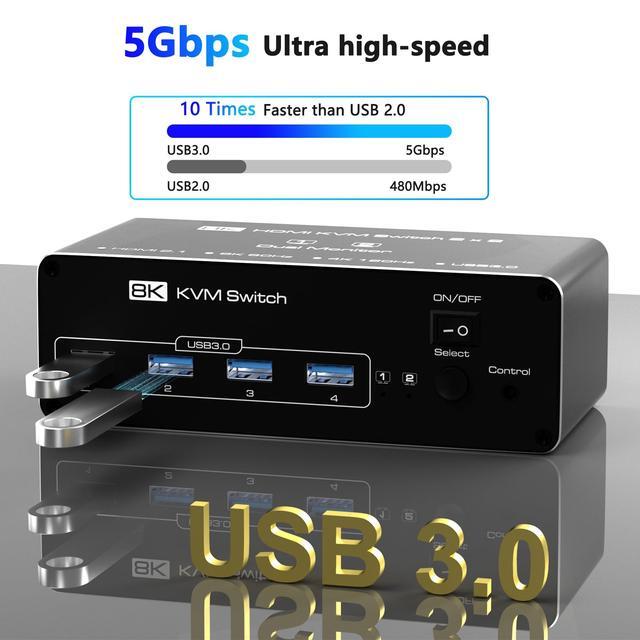
- USB 3.0 KVM SwitchThis 2-port KVM switc