IHDAPP USB C Docking Station With KVM Switch 2 Monitors 2 Computers 4K 60Hz HDMI EDID KVM Switches Dual Monitor For 2 Mac Or Laptops Share A 1G Ethernet & 5 USB A/C Devices And SD/MicroSD Card Slots
Free worldwide shipping, tax free!
$96.00
$168.00
Main Features & Information
IHDAPP USB C Docking Station With KVM Switch 2 Monitors 2 Computers 4K 60Hz HDMI EDID KVM Switches Dual Monitor For 2 Mac Or Laptops Share A 1G Ethernet & 5 USB A/C Devices And SD/MicroSD Card Slots
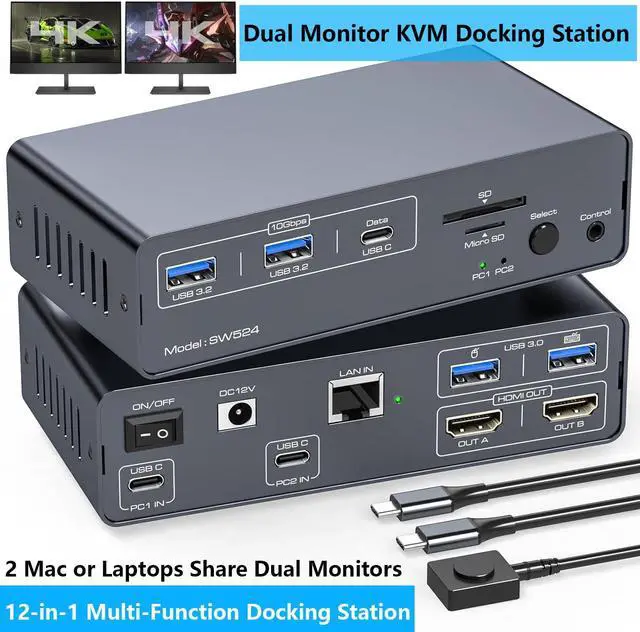
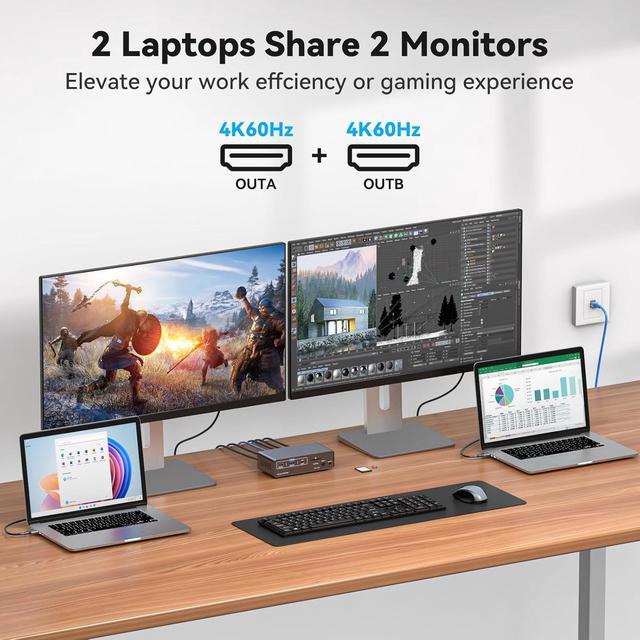
- Dual Monitor KVM Docking Station: This dual monitor KVM switch supports controlling 2 computer and 2 monitors using only 1 set of keyboards and mice, you can easily switch between your work and personal computers.
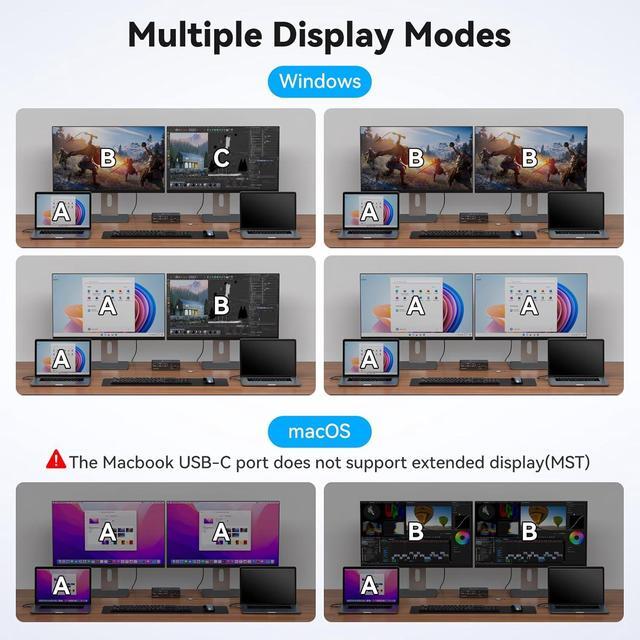
- Dual Mode EDID Emulation: Supports up to 4K60Hz resolution. Dual Screen Docking Mode: 2 monitors output different images; Dual Screen Mirroring Mode: 2 monitors output the same image. EDID emulation avoids resolution and icon rearrangement. Note: MacOS only supports mirroring mode
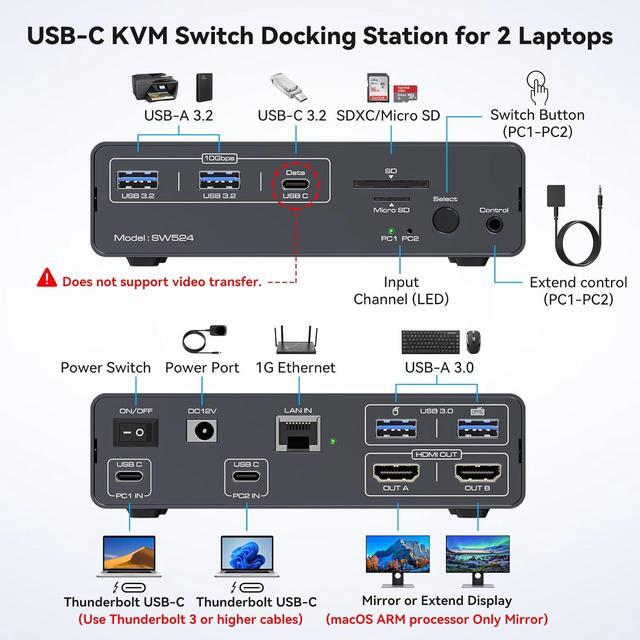
- 12-in-1 Docking Station:The docking station offers a variety of ports with Ethernet bandwidth up to 1000Mbps, USB 3.2 and USB-C ports for connecting high-speed USB devices, SD card and micro SD card slots to make reading and transferring data more convenient.
- Easy to Install and Switch: Two ways to switch: 1) Press the select button on the docking station to switch; 2) Use the desktop expansion button to switch, you can place the docking station under the desktop or outside the work area.
You Might Also Like
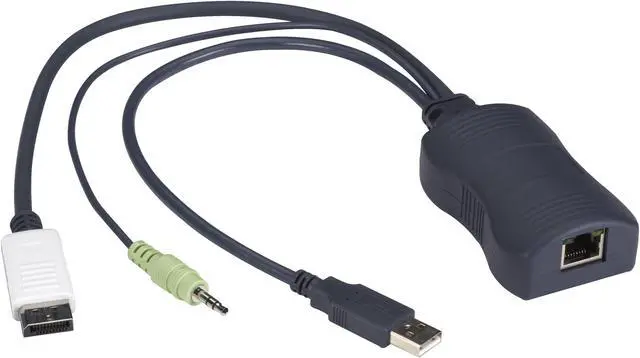 BLACK BOX KV1408A SERVER ACCESS MODULE - SINGLE-HEAD DISPLAYPORT USB HID AUDIO CATX 45 DAY ST
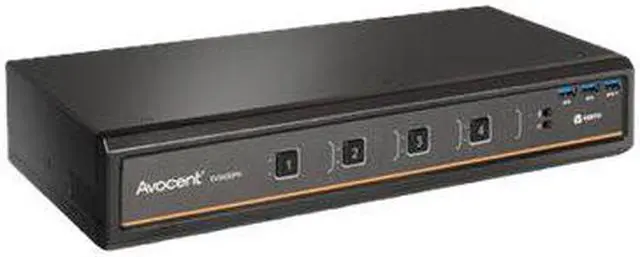 Avocent SV340DPH-400 Switchview SV340DPH - KVM / USB switch - 4 x KVM / USB - TAA Compliant