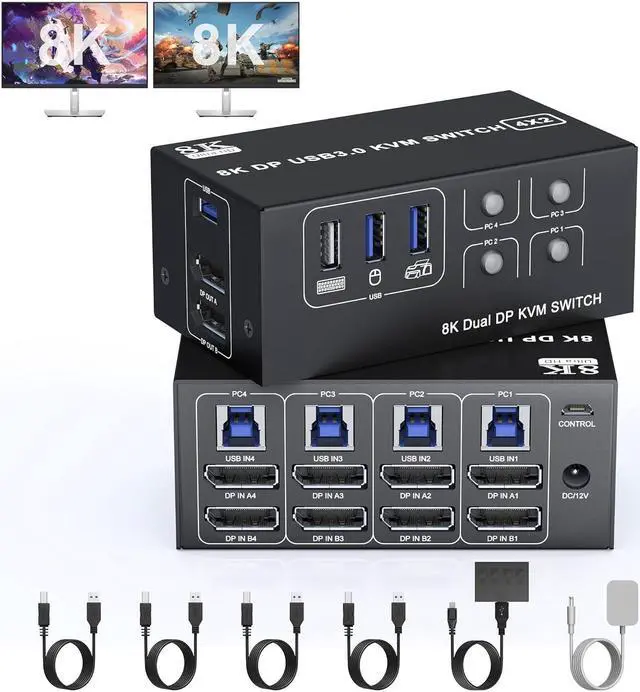
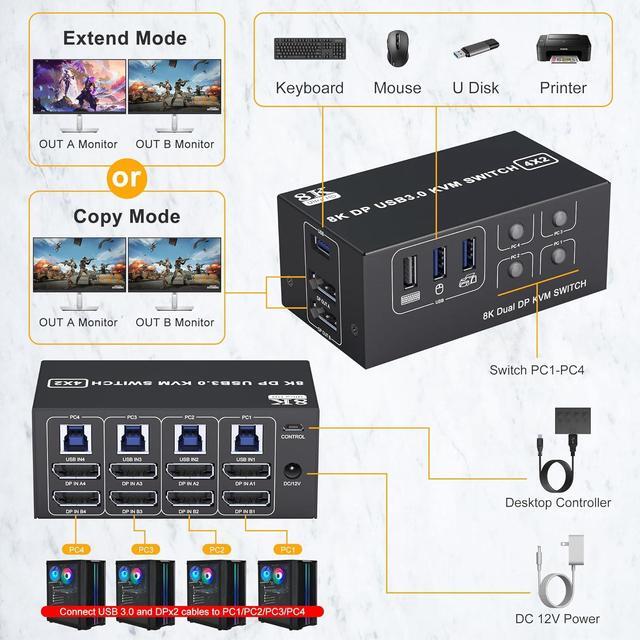
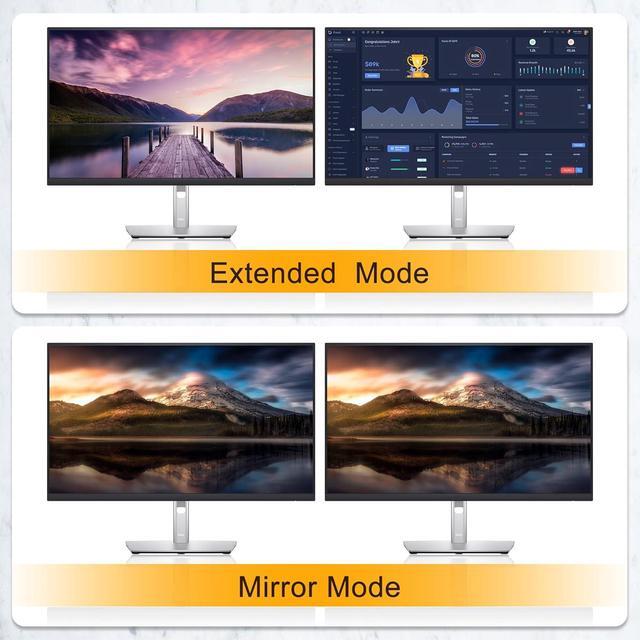
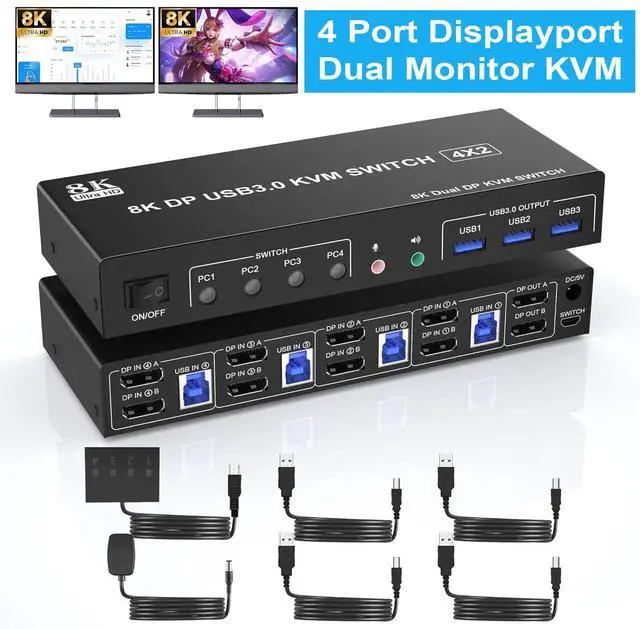
IHDAPP USB 3.0 KVM Switch 2 Monitors 4 Computers Displayport 8K 60Hz 4K 144Hz Dual Monitor Displayport KVM Switch 4 Port With USB 3.0 4x2 DP 1.4 KVM Switch For 2 PC/Laptop Shares One Mouse Keyboard
Free worldwide shipping, tax free!
$94.00
$184.00
Main Features & Information
IHDAPP USB 3.0 KVM Switch 2 Monitors 4 Computers Displayport 8K 60Hz 4K 144Hz Dual Monitor Displayport KVM Switch 4 Port With USB 3.0 4x2 DP 1.4 KVM Switch For 2 PC/Laptop Shares One Mouse Keyboard
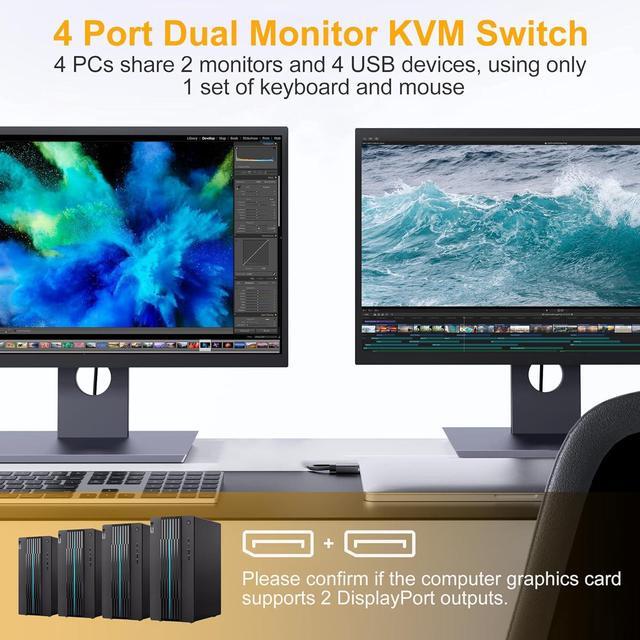
- KVM switch Dual Monitor: This KVM switch is suitable for 4 computers and 2 monitors. It only needs a set of wired or wireless keyboard and mouse to control 4 computers and share 4 USB devices and 2 monitors. And supports copy mode and extended mode.
- Ultra HD 8K@60Hz: Supports high resolutions up to 8K@60Hz for immersive UHD visuals, and also supports 4K@60Hz or other lower resolutions (backwards compatible).
- USB 3.0: with 3 USB 3.0 ports, which can recognize mouse, keyboard, printer, U disk and other USB devices. USB 3.0 can provide transmission speeds of up to 5Gbps, which is 10x faster than USB 2.0.Compatible with USB 2.0/1.1 devices
- 2 Switching Methods: 1. Just press the selection button on the machine to switch the signal source; 2. Using the 1.5m/5ft wired extension button, you can place the switch outside the work area, making your desktop more flexible tidy. NOTE: Keyboard shortcut (hotkey) switching is not supported.Compatible with Windows/Vista/XP and Mac OS, Linux and Unix.
You Might Also Like
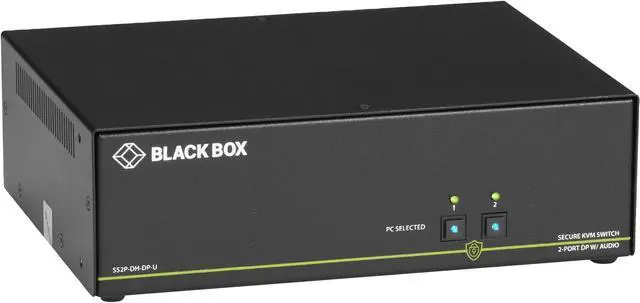 Black Box SS2P-DH-DP-U 4k 2-Port Secure Niap 3.0 KVM Switch Dual-Head Displayport