IHDAPP 4K 120Hz 2x2 HDMI + Displayport KVM Switch 2 Monitors 2 Computers 8K 60Hz HDMI And Displayport Dual Monitor KVM Switch With 4 USB 3.0 Port For Keyboard Mouse Printer Support Extended/Copy Mode
Free worldwide shipping, tax free!
$59.00
$122.00
Main Features & Information
IHDAPP 4K 120Hz 2x2 HDMI + Displayport KVM Switch 2 Monitors 2 Computers 8K 60Hz HDMI And Displayport Dual Monitor KVM Switch With 4 USB 3.0 Port For Keyboard Mouse Printer Support Extended/Copy Mode
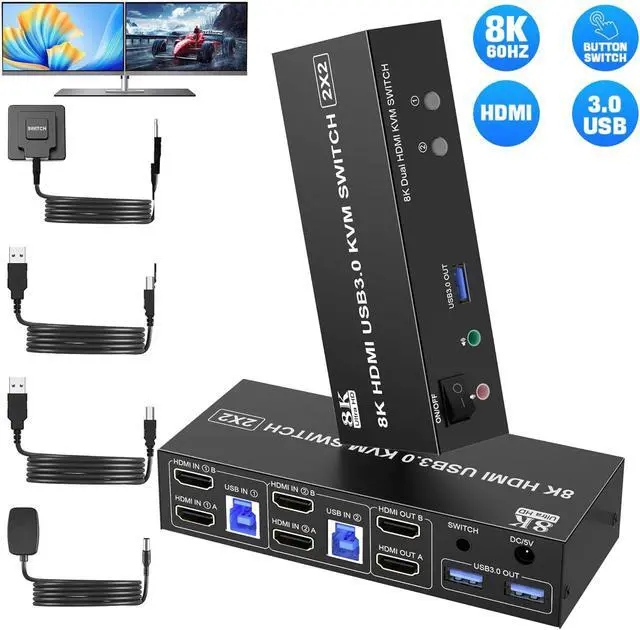
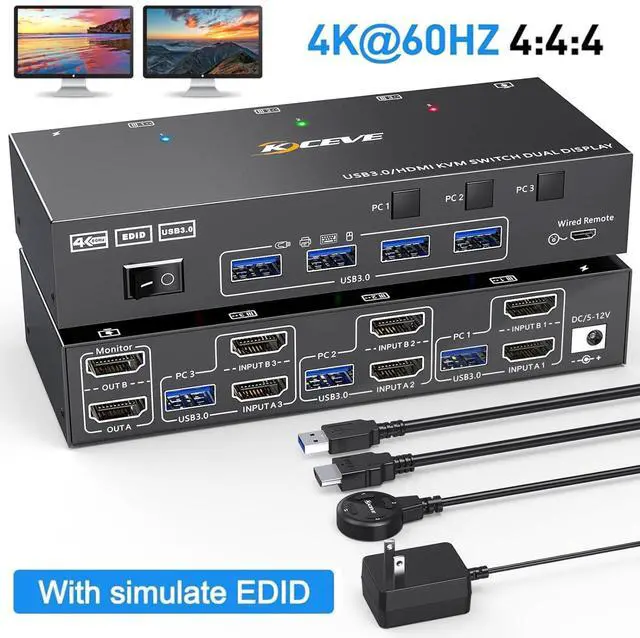
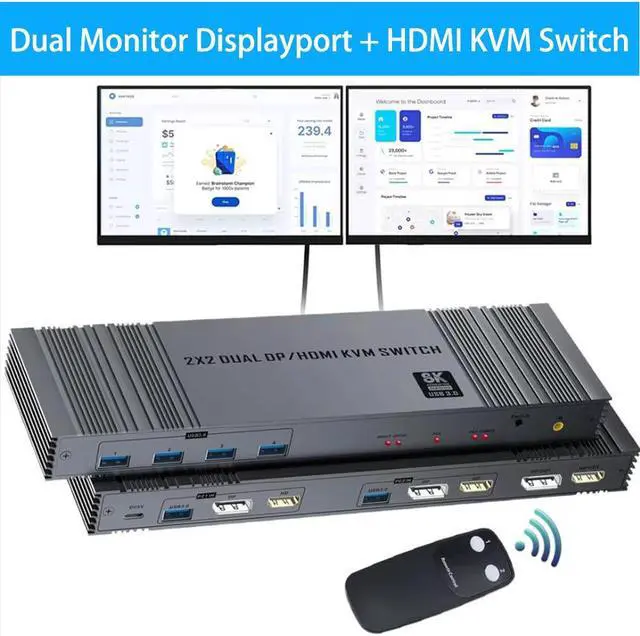
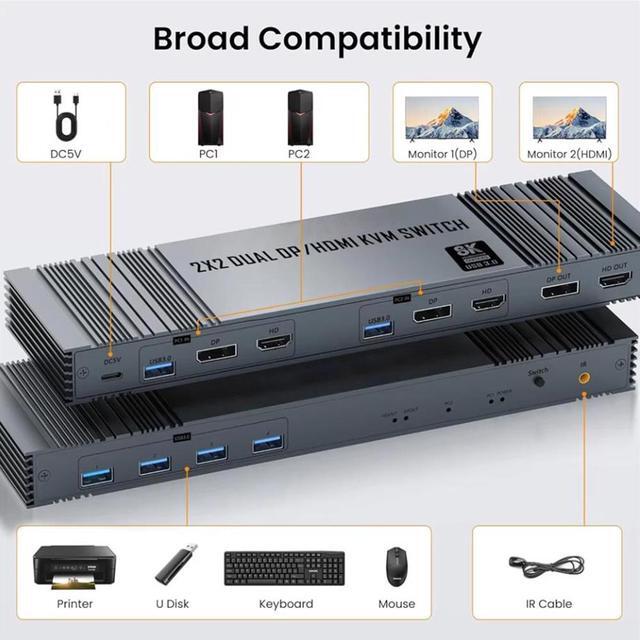
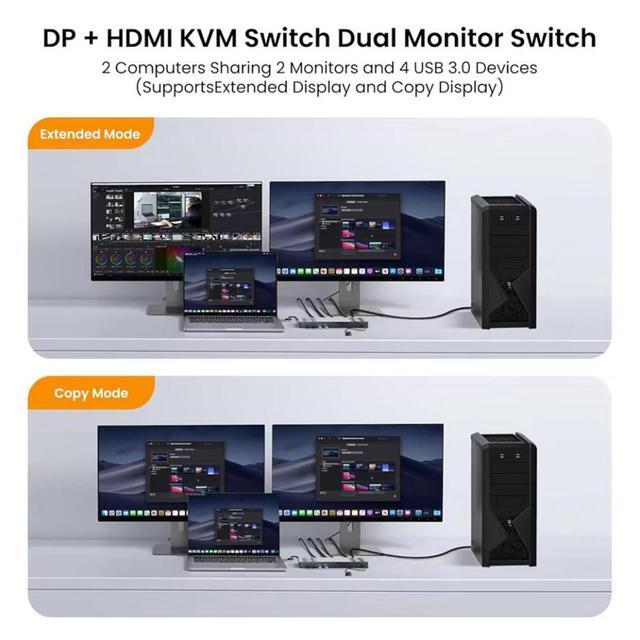
- HDMI Displayport KVM Switch Dual Monitor: KVM Switch 2 monitors for 2 computers with DP 1.4 and HDMI 2.1 port devices with 4 USB 3.0 ports to share USB devices such as keyboard, mouse printer, USB flash drive, etc. The KVM switch supports extended and Copy modes.
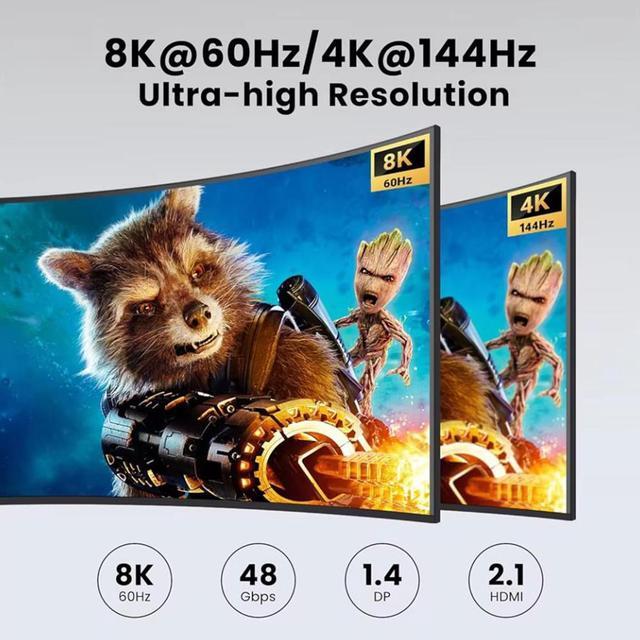
- 8K Ultra High Definition: Supports up to 8K@60Hz/ 4K@144Hz and is backward compatible with 4K@120Hz, 2K@144Hz, 1080P@240Hz, 720P, etc.
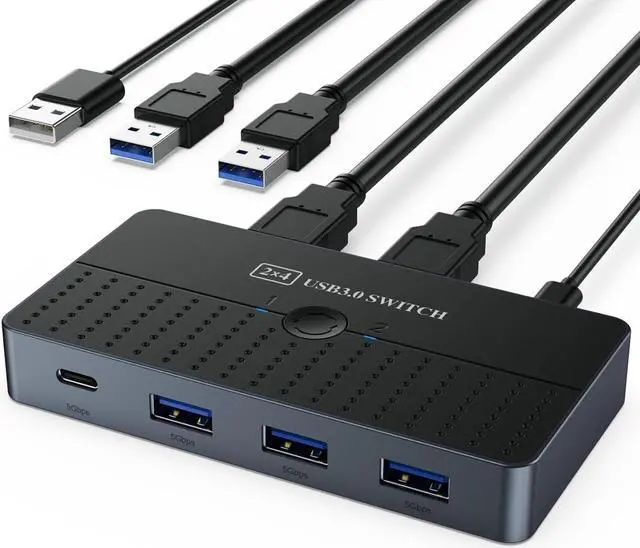
- 4 USB 3.0 Ports: KVM switch has 4 USB 3.0 ports for sharing mice, keyboards, USB printers and more. Data transfer rates up to 5Gbps are more than 10 times faster than USB 2.0 and are backward compatible with devices such as USB 2.0/USB 1.1.
- Easy Switching: You can switch devices by pressing the switch button on the KVM switcher. Or use the remote control (supplied) to switch devices. Simply connect the infrared cable to the device and press the remote control to switch. Support for Windows/Vista/XP and Mac OS, Linux and Unix. [NOTE: Not support Hotkey switching and EDID emulation.]