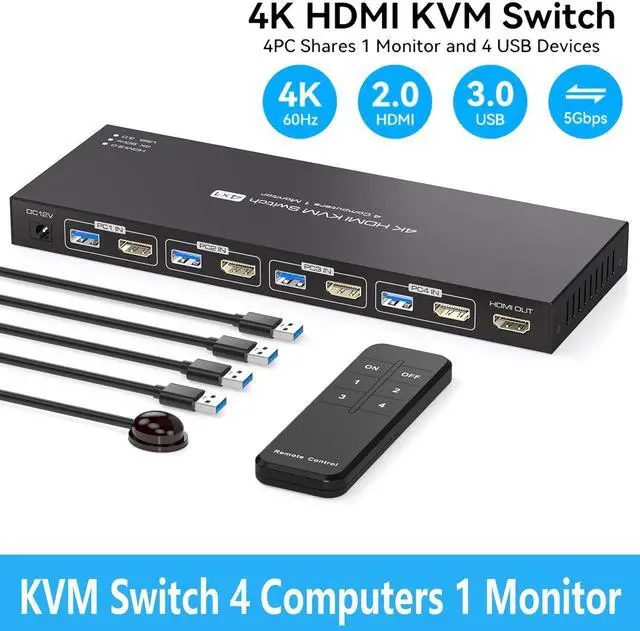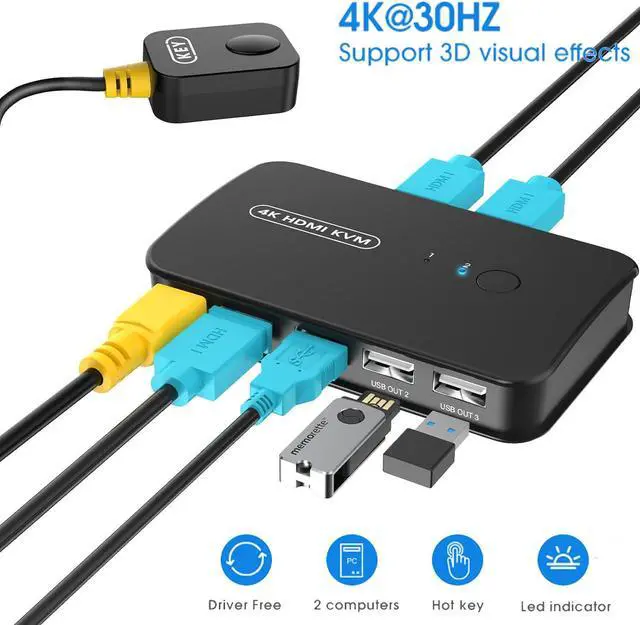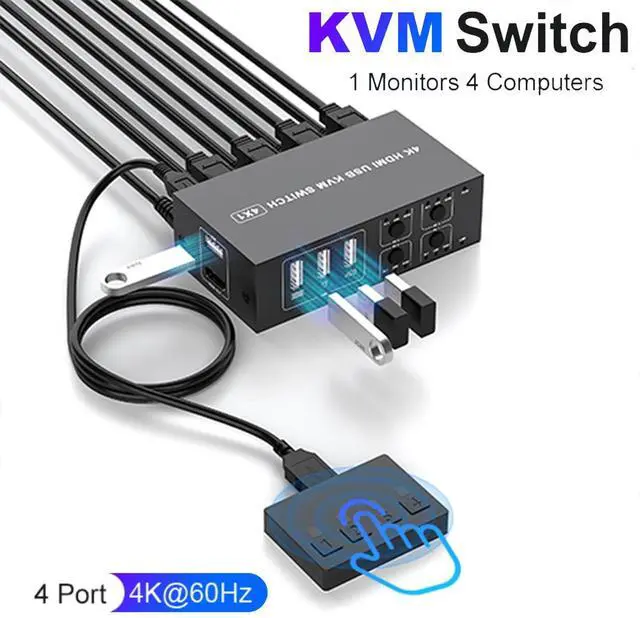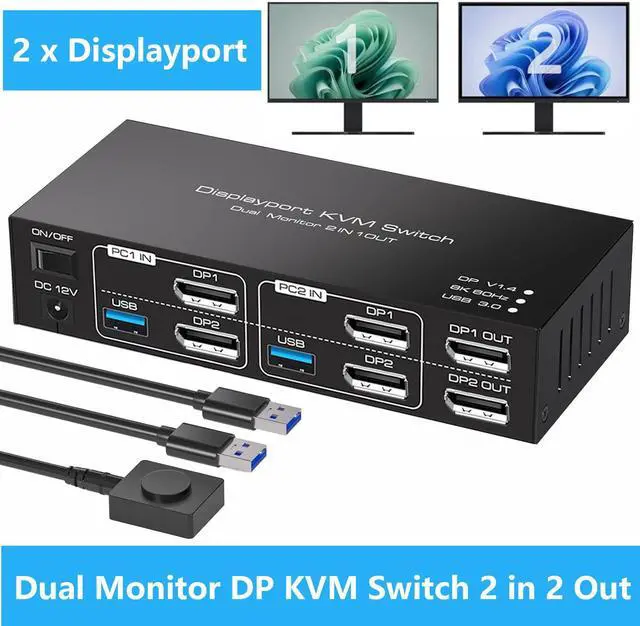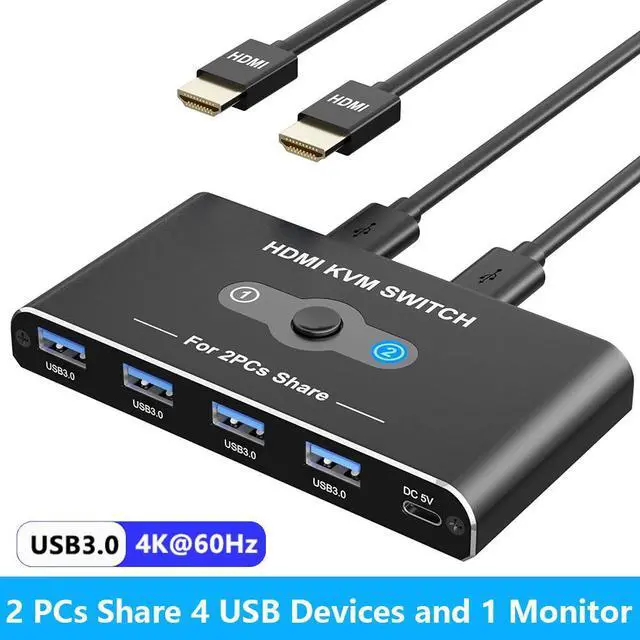
Hitoor USB HDMI KVM Switch With 4K 60Hz 2 Port HDMI KVM Switches With 4 USB 3.0 Data Ports KVM Switch 2 PC 1 Monitor Share Mouse Keyboard Printer Include 2 HDMI Cables 2 USB Cable 1 USB-C Cable
Free worldwide shipping, tax free!
$17.00
$32.00
Main Features & Information
Hitoor USB HDMI KVM Switch With 4K 60Hz 2 Port HDMI KVM Switches With 4 USB 3.0 Data Ports KVM Switch 2 PC 1 Monitor Share Mouse Keyboard Printer Include 2 HDMI Cables 2 USB Cable 1 USB-C Cable
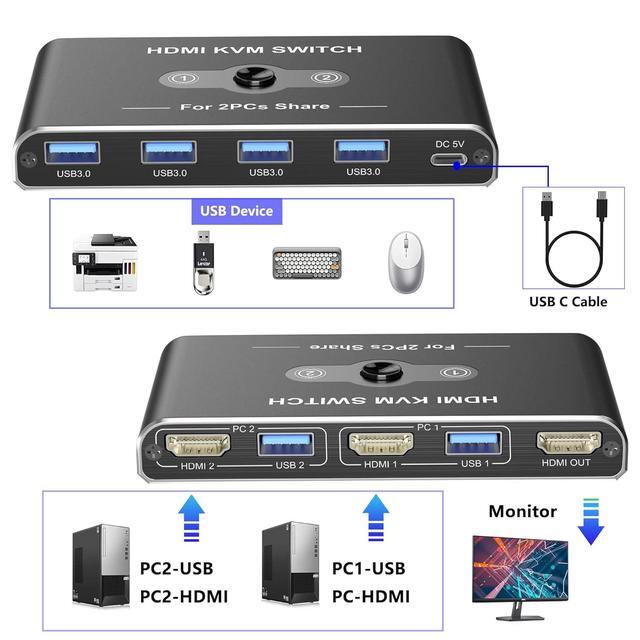
- USB HDMI KVM Switch: HDMI KVM Switch allows 2 computer devices to share 4 USB devices and 1 HDMI device. For example, keyboard, mouse, U disk, USB hard disk, printer, monitor/TV and other equipment.
- 4K HD Resolution: Supports resolutions up to 4K@60Hz, allowing images to be displayed more beautifully and realistically, and colours will be more vivid and dynamic.
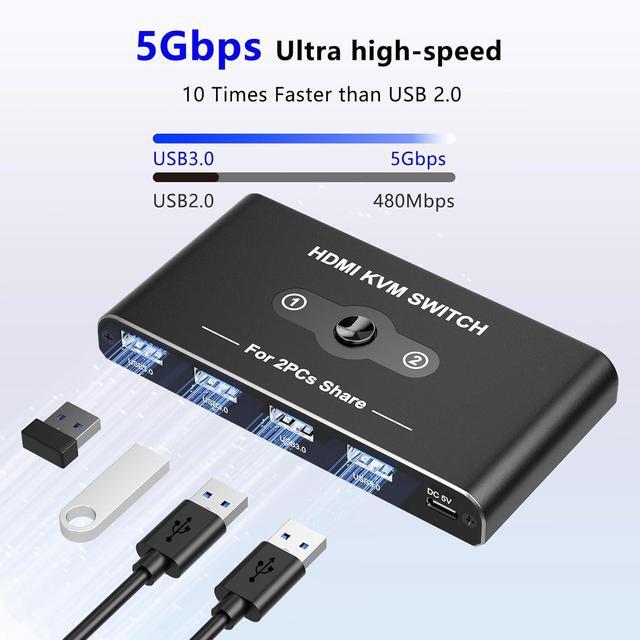
- 5Gbps Data Transfer: The KVM Switch comes with 4 USB 3.0 ports with transfer rates up to 5Gbps for connecting peripherals such as mice, keyboards, printers, and USB sticks,10x faster than USB 2.0.Backward compatible with USB 2.0/1.1. Note: It doesn't support USB devices with more than 10W power
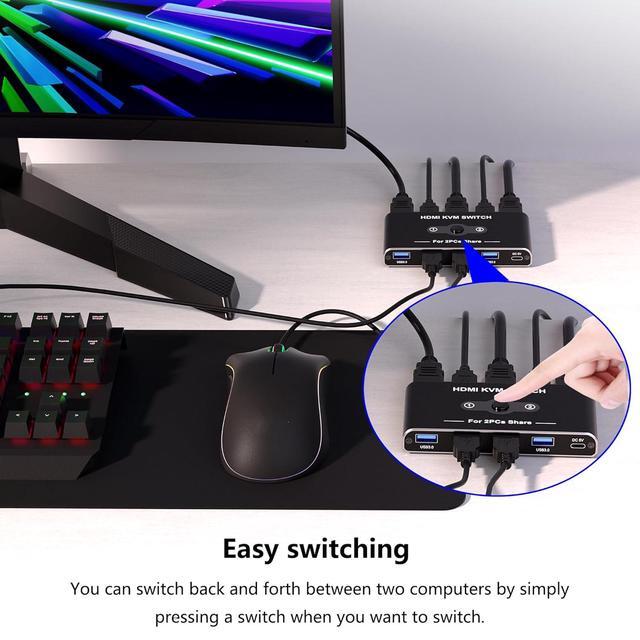
- Easy Handling: Two push-button switching options make it easy to switch sources. The desktop cable controller hides the KVM switch for a cleaner, more efficient desktop. LED indicator shows which port is active when the KVM switch is connected to which source. Note: Keyboard shortcuts (hotkeys) are not supported for switching.