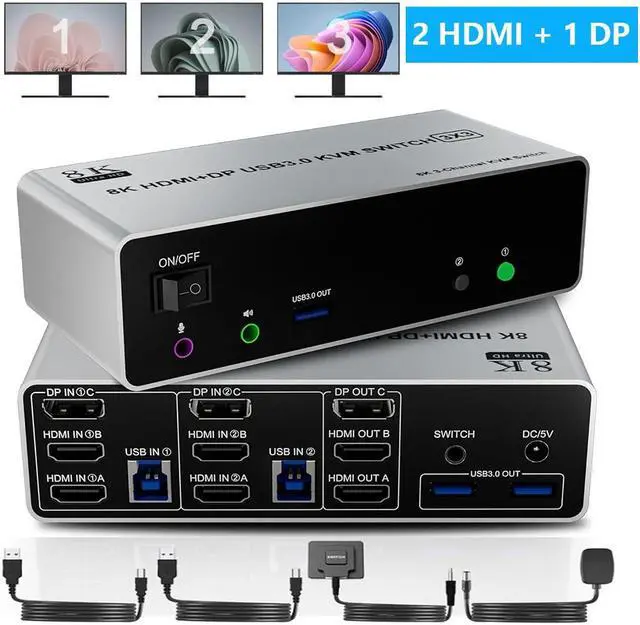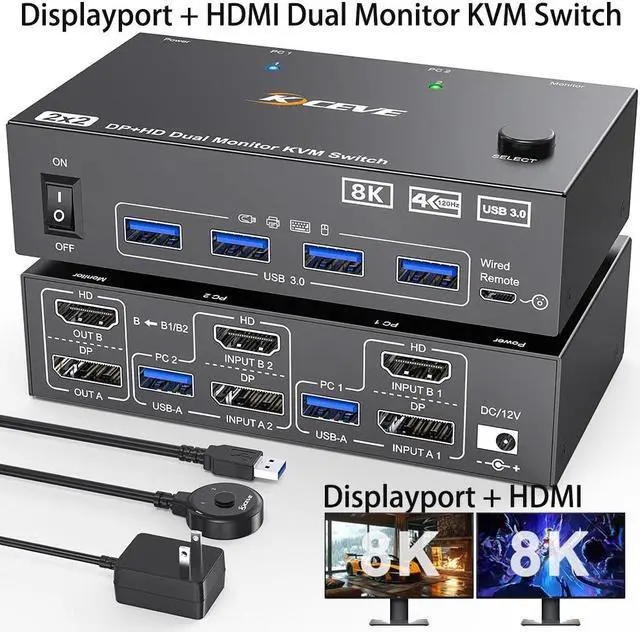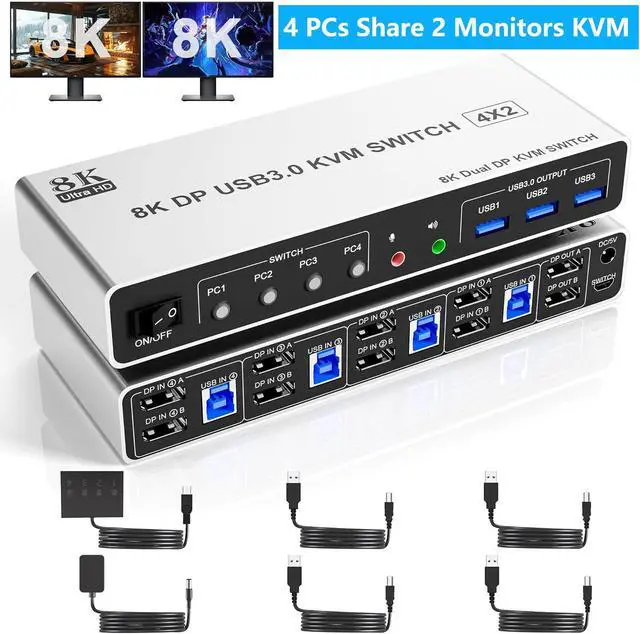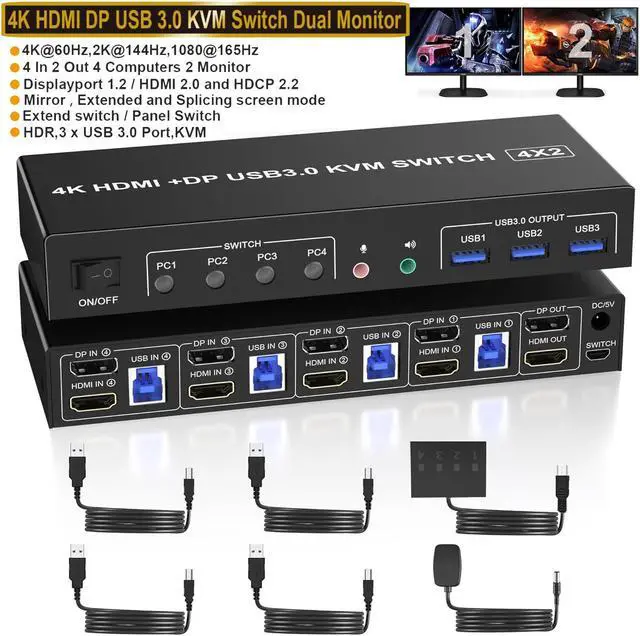
Hitoor KVM Switch 2 Monitors 2 Computers 8K HDMI + Displayport Dual Monitor KVM Switch For 2 PC Share 2 Monitors And 4 USB Devices Support Extended/Copy Mode With 2 USB Cables & Desktop Controller
Free worldwide shipping, tax free!
$54.00
$114.00
Main Features & Information
Hitoor KVM Switch 2 Monitors 2 Computers 8K HDMI + Displayport Dual Monitor KVM Switch For 2 PC Share 2 Monitors And 4 USB Devices Support Extended/Copy Mode With 2 USB Cables & Desktop Controller
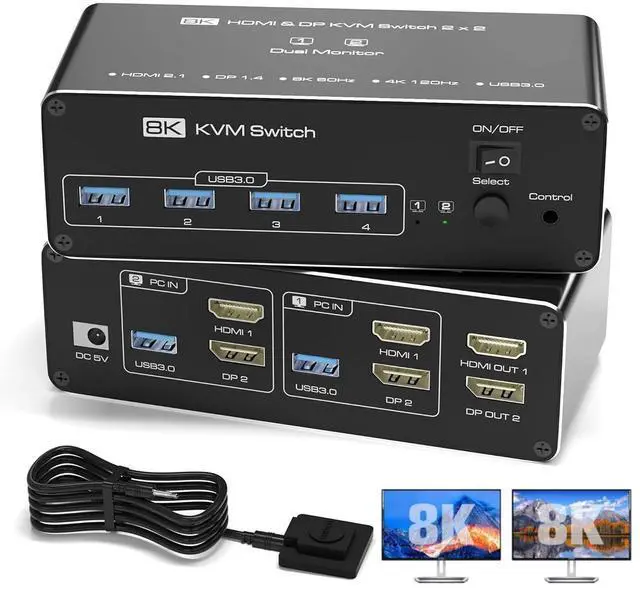
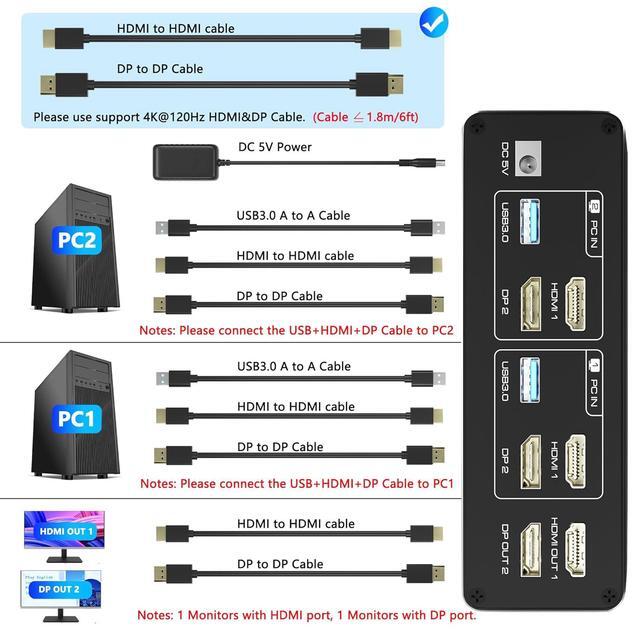
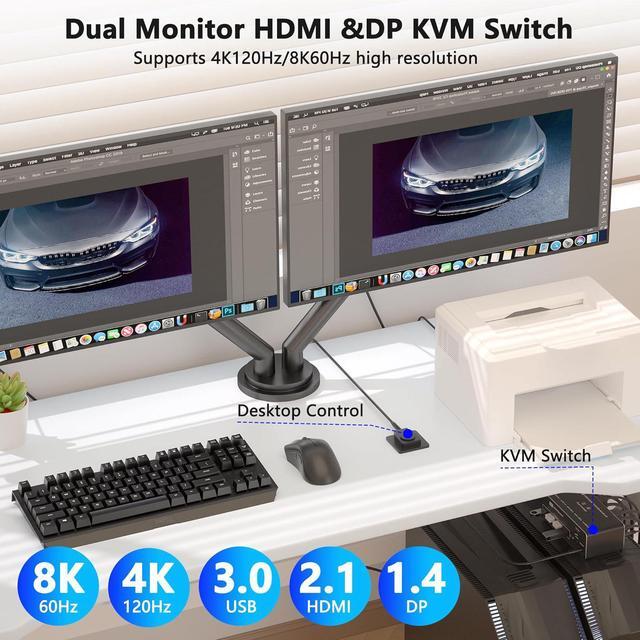
- [HDMI + DP KVM Switch 2 PC] Easily control two computers with one keyboard, mouse, and dual monitors (1x HDMI + 1x DisplayPort). Supports Extended & Mirror Mode for flexible workspace setups. Important: Your PCs/laptops must have both HDMI + DP ports (no signal conversion between inputs).
- [Ultra HD 4K@120Hz (DP) & 8K@60Hz (HDMI) Support] Enjoy crisp visuals with 4K@120Hz (DisplayPort 1.4) or 8K@60Hz (HDMI 2.1) - ideal for gaming, design, and multitasking.
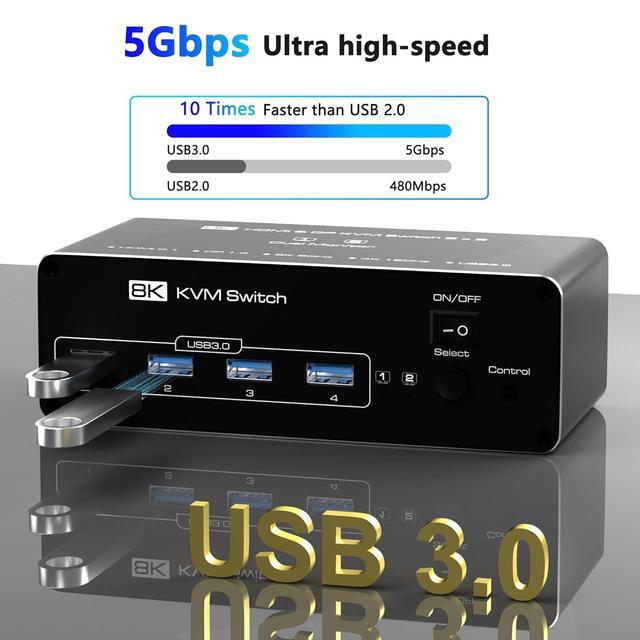
- [with 4 Ports USB 3.0 (5Gbps)] Share keyboard, mouse, printers, and USB drives across both PCs. Backward compatible with USB 2.0/1.1 devices. Note: Adapters are not supported-connect USB devices directly to avoid recognition issues.
- [Two Easy Switching Methods] Press the KVMs button or use the included desktop controller (LED indicators show active PC). Works with Windows, macOS, Linux, and Unix.
- [Note] When connecting two monitors, both HDMI and DP inputs need to be connected to the ports of the independent graphics card.