ESTONE 8K USB-C KVM Switch With Audio RJ45 2 In 1 Out For 2PC Share 1 Monitor And One Keyboard Mouse And 5 USB Devices 8K 60Hz 100w PD For Computers Laptops Game Consoles
Free worldwide shipping, tax free!
$40.00
$100.00
- ESTONE 8K USB-C KVM Switch With Audio RJ45 2 In 1 Out For 2PC Share 1 Monitor And One Keyboard Mouse And 5 USB Devices 8K 60Hz 100w PD For Computers Laptops Game Consoles
- SKU: EN-11165022000
- Category: Best Sellers
- Tag: Best Sellers
Main Features & Information
ESTONE 8K USB-C KVM Switch With Audio RJ45 2 In 1 Out For 2PC Share 1 Monitor And One Keyboard Mouse And 5 USB Devices 8K 60Hz 100w PD For Computers Laptops Game Consoles
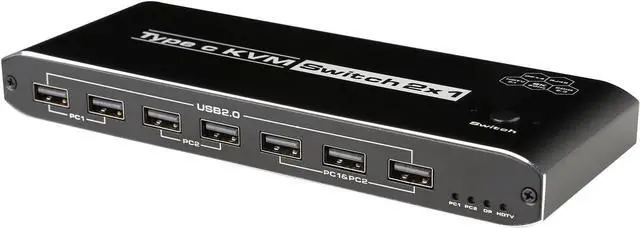
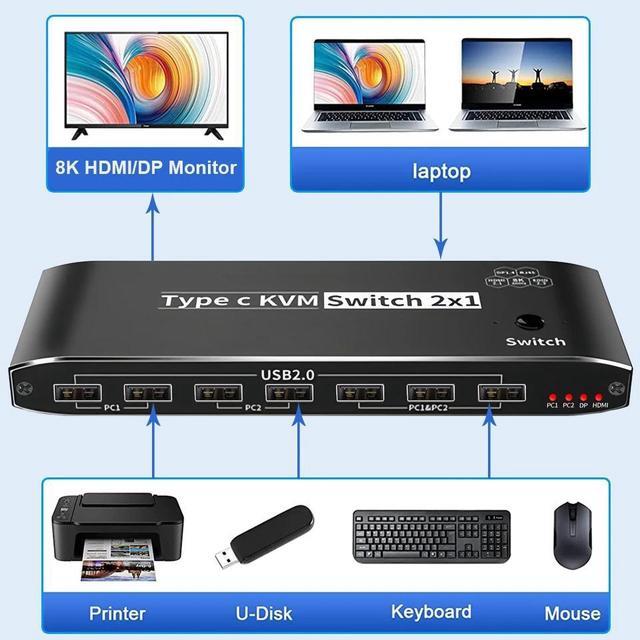
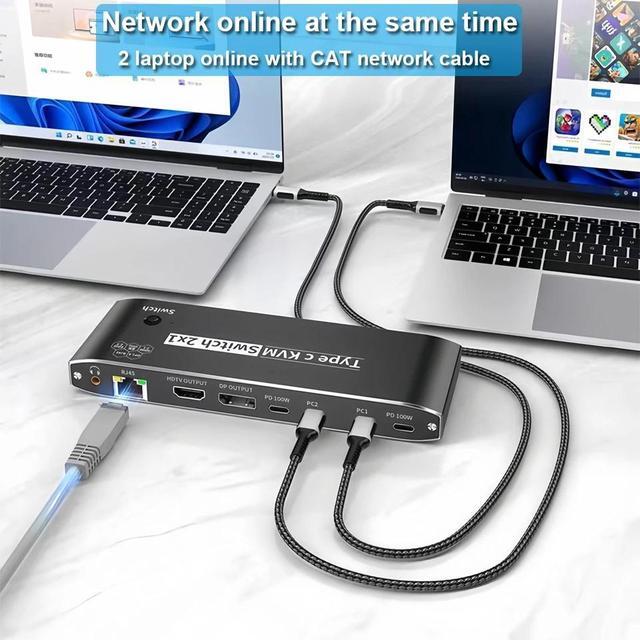
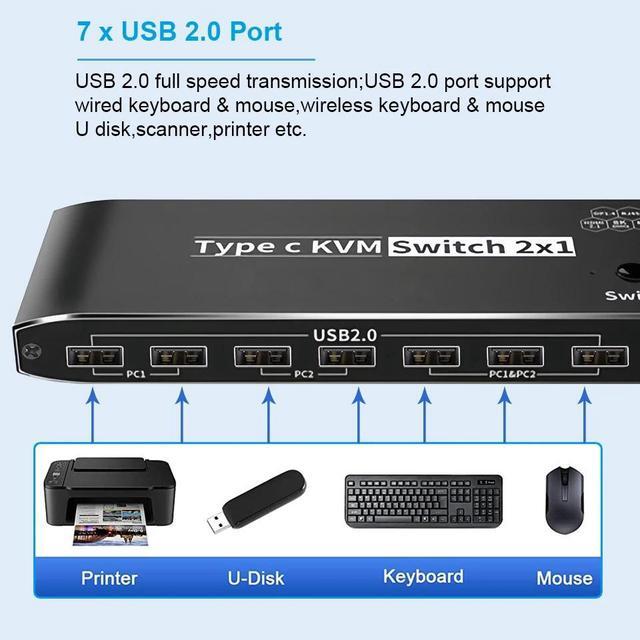
- 8K USB C KVM Switch 100W PD Charge allows you to share one USB keyboard, USB mouse,5 x USB 2.0 device,1 x R45,1 x 3.5mm Jack and one Displayport or HDMI monitor to control 2 Macbook,computers, laptops, game consoles.
- It is designed for multitask with two computers at your necessary, increasing productivity in the office or at home ; You can switch between 2 computers using a manual switch located on the top of the KVM unit.
- 2 x USB-C 8K KVM Switch with one DisplayPort 1.4 or HDMI 2.1 Port for Video,with this 2 Port 8K KVM Switcher,you are able to connect from the switcher's two PC Input Port to your USB-C PC/Laptops via two standard USB-C Gen-2 Cable,then connect from the switcher's Standard DP 1.4 /HDMI 2.1 port to your Monitors via your own displayport 8K Standard Cable,you can press the "Switch"button to switch between two of your PCs.Note:You must plug our USB C to USB A cable to power the switcher while working