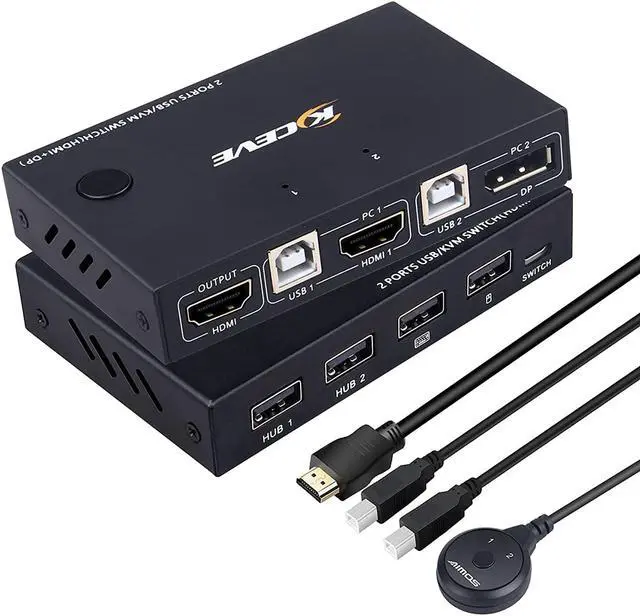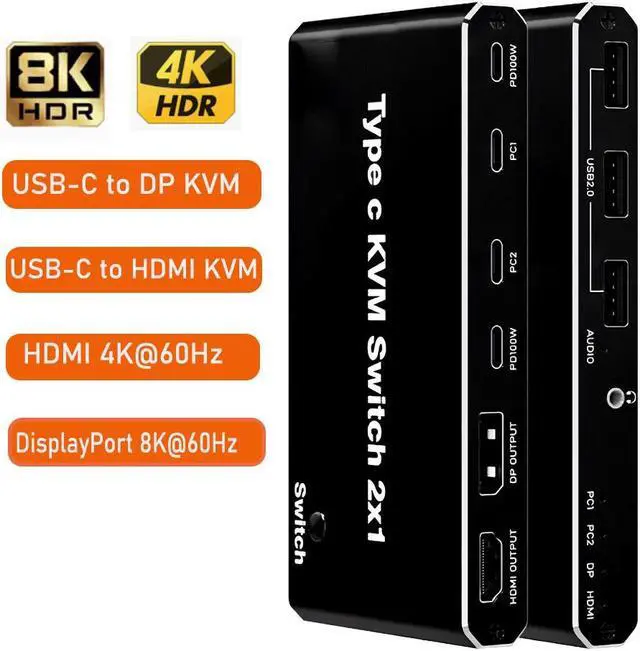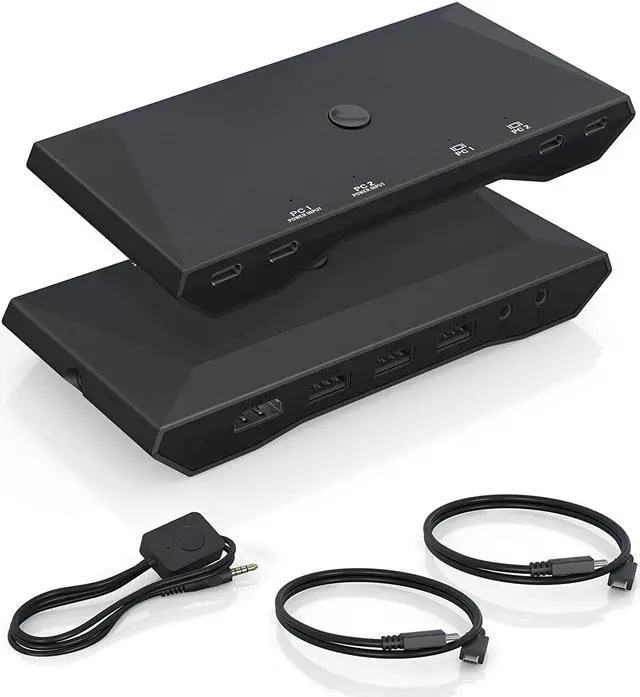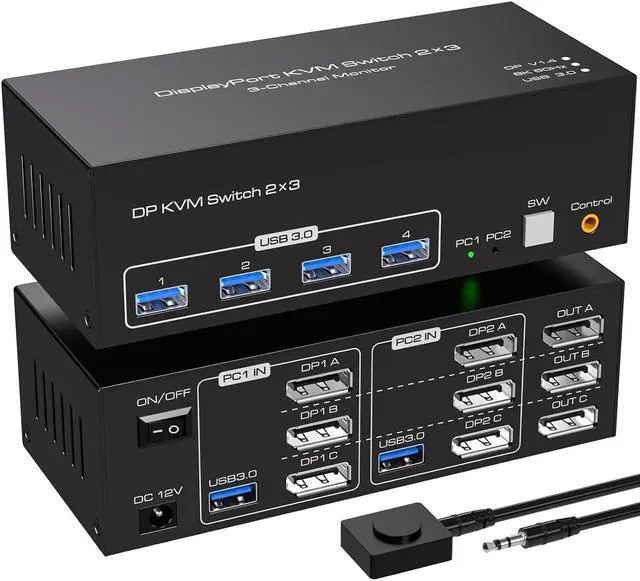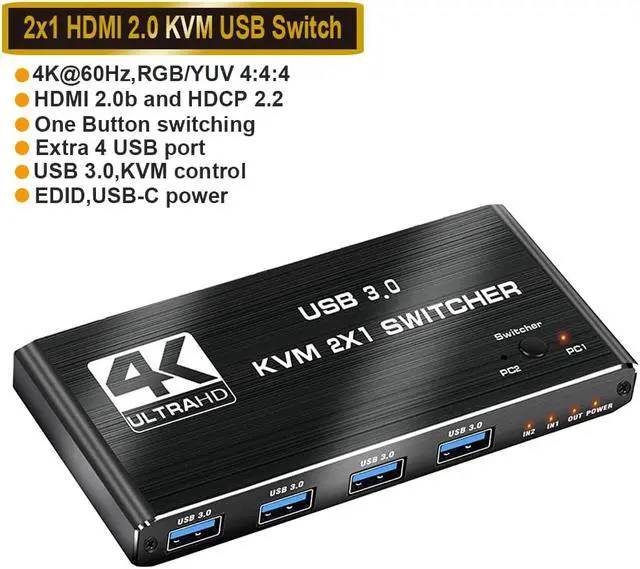
ESTONE 4K 60Hz HDMI KVM Switch 2 In 1 Out Box Share 2 Computers To One Monitor Share 4USB3.0 Port USB KVM Switcher Adapter Support Wireless Keyboard And Mouse USB Disk Printer USB Camera
Free worldwide shipping, tax free!
$15.00
$34.00
Main Features & Information
ESTONE 4K 60Hz HDMI KVM Switch 2 In 1 Out Box Share 2 Computers To One Monitor Share 4USB3.0 Port USB KVM Switcher Adapter Support Wireless Keyboard And Mouse USB Disk Printer USB Camera
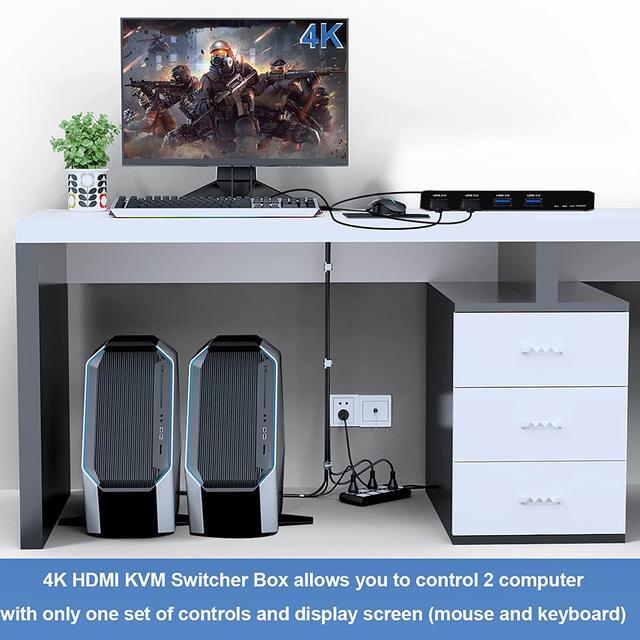
- USB and HDMI KVM switch allow a one-click swap between 2 computers to share 4 USB 3.0 peripherals and 1 HD monitor without constantly changing cables or setting up complex shareware. Make your work and life easier and more efficient!
- Specifications
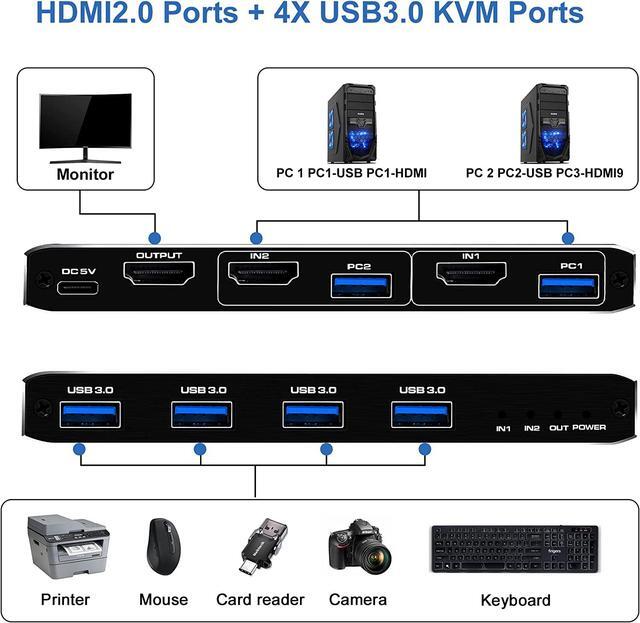
- Product Type: HDMI USBx4 KVM Switch (2 in 1 out)
- Input Port: HDMI x 2, USB 3.0 x 2
- Output Port: 1 x HDMI ,USB 3.0x4
- Dimensions: 111.8x63.2x24.5mm
- Material: Aluminum Alloy shellanti-rust, anti-corrosion, anti-interference, fast transmission, surtace oxidation
- Features
- Support HDMI 2.0 HDCP 2.2
- Resolution: Support 1080P, 3840x2160p, 4K/60Hz resolution, adaptive screen resolution
- Support system: Windows XP, Windows7, Windows10, Apple MAC, Linux, Unix and other operating systems
- Supports high current hard disk devices
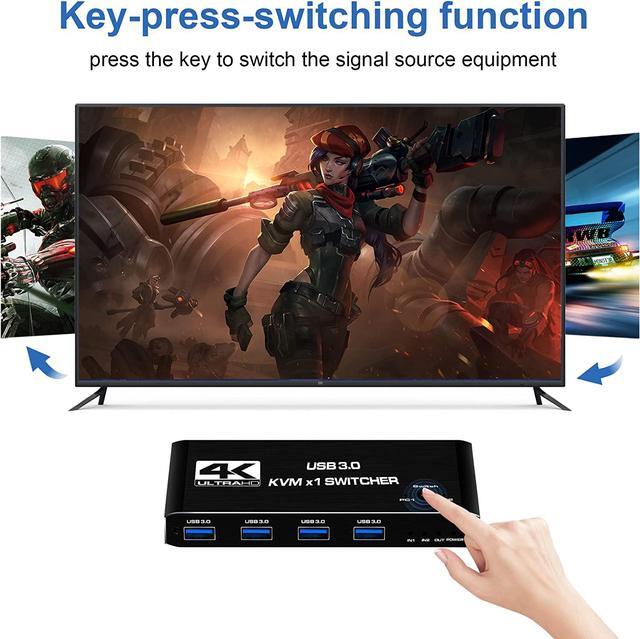
- Switching method: 1.Press the "Select" button on the KVM switch panel to switch between the two source devices;
- Highly integrated digital chip combination, plug and play