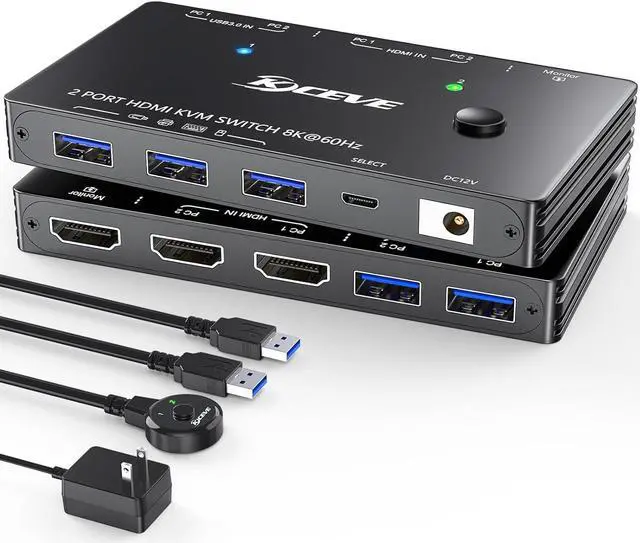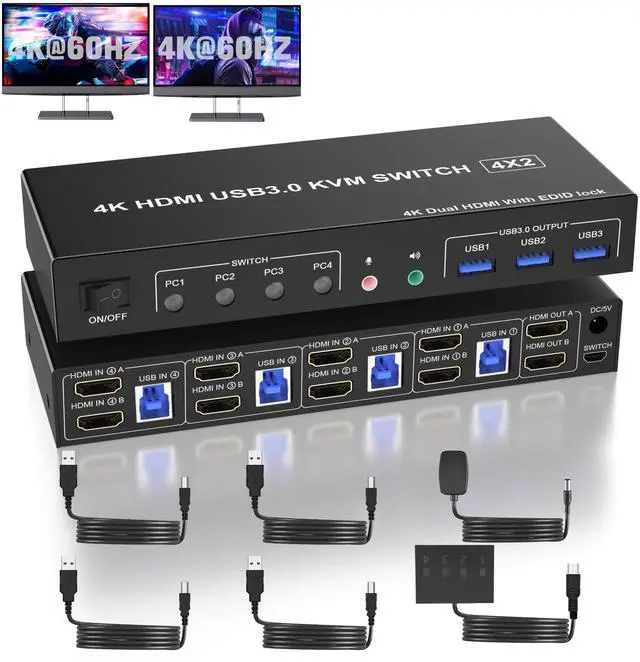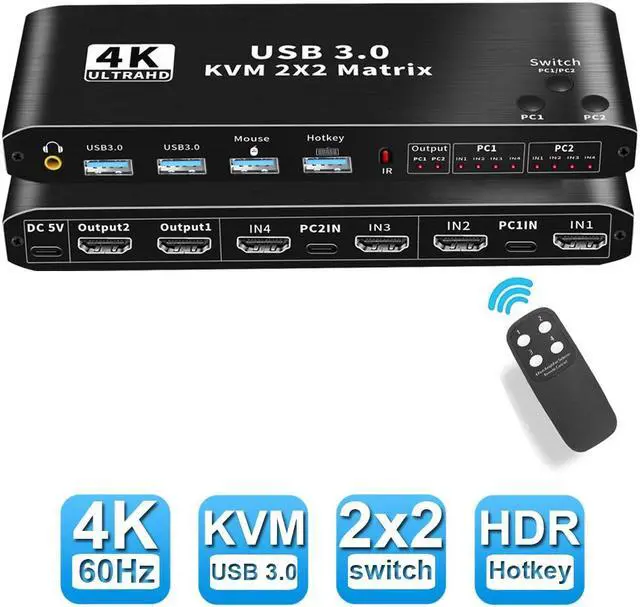
DisplayPort KVM USB Switch 2 Port 4K 60Hz USB And DisplayPort Switch For 2 Computers Share Keyboard Mouse Printer Monitor For Laptop PC Xbox HDTV With 2X USB Cable 1x Switch Button Cable
Free worldwide shipping, tax free!
$26.00
$44.00
Main Features & Information
DisplayPort KVM USB Switch 2 Port 4K 60Hz USB And DisplayPort Switch For 2 Computers Share Keyboard Mouse Printer Monitor For Laptop PC Xbox HDTV With 2X USB Cable 1x Switch Button Cable
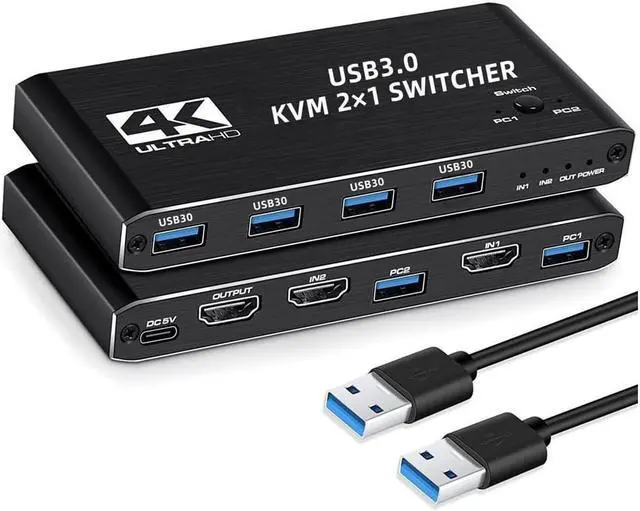
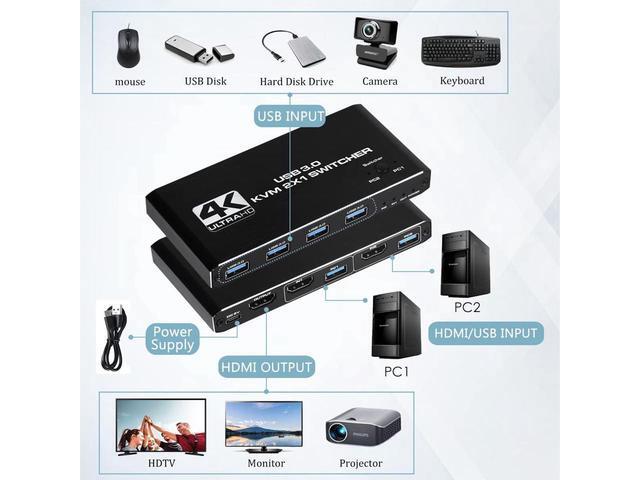
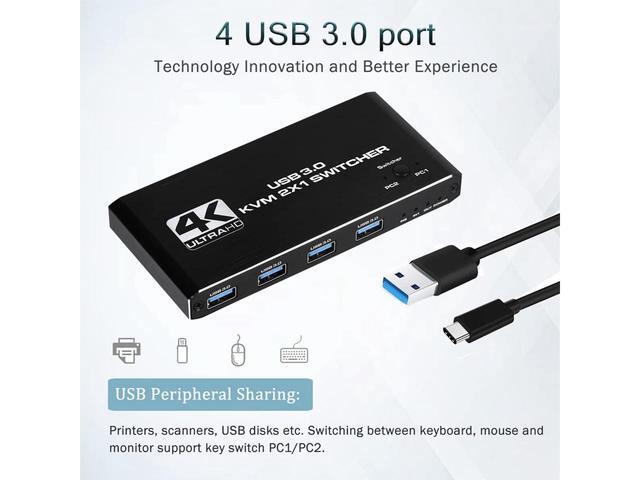
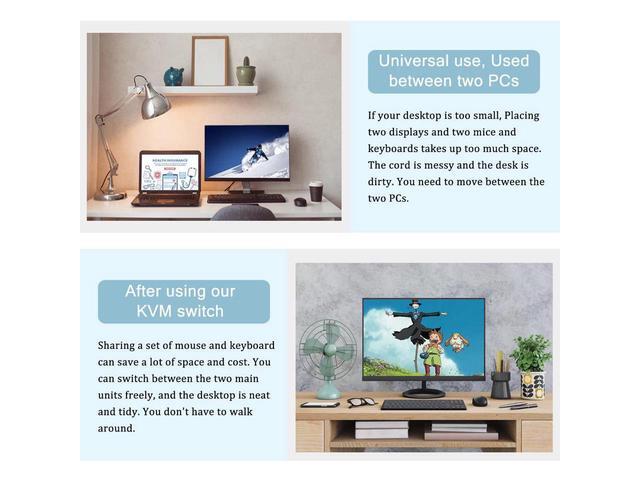
- [2 IN 1 OUT Displayport KVM BOX] This displayport KVM 2 port box help you realize one set of keyboard and mouse control 2 pcs share one monitor. With 4 USB 2.0 Hubs so that 2 pcs can share more USB 2.0 devices, such as printer, U-disk, scanner etc.
- [Ultra HD 4K visual enjoyment] Supports high-quality video with 4K @60Hz, compatible with 3840x2160 @60hz, 1080P, 1080P 3D, 1080I, 720P, 576P, 576I, 480P, 480I.
- [High Compatibility] Drive-free for Windows 10/7/2000/XP/Vista, Linux, Mac, Debian, Ubuntu, Fedora, Raspbian and Ubuntu.Supports HDCP 2.2, HDR10. Supports 16:9 widescreen and 21:9 ultra-wide monitors.
- [2 Switching Modes]1. Switching between 2 pcs by button key on the panel, very convenient and quick, perfect for home using or office using or personal studio. 2. Switching by press the switch button cable. Note: In oder to be compatible with more keyboards,mice,printers,U disks,etc.,this device does not support keyboard hotkey switching.