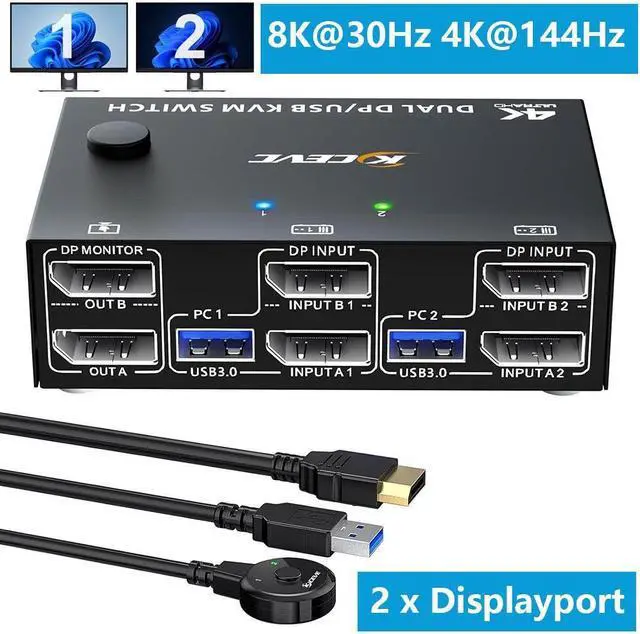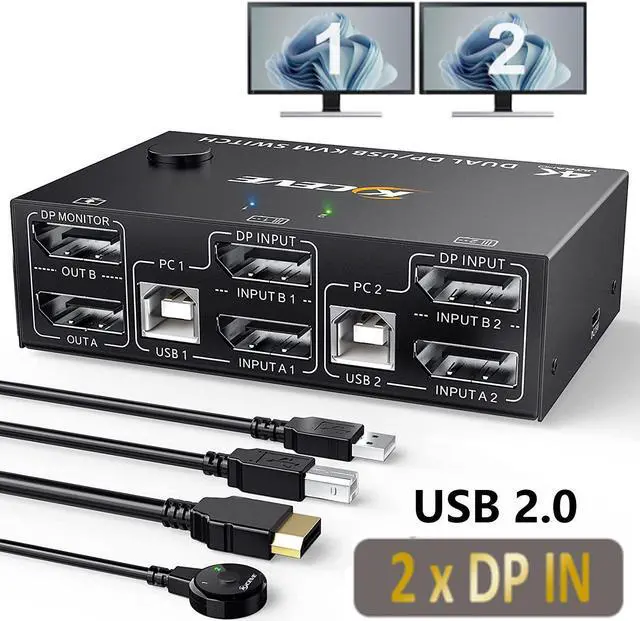
Displayport KVM Switch Dual Monitor DisplayPort 1.4 USB KVM 8K 30Hz 2 In 2 Out DP Extended Display KVM Switch For 2 Computers Share 2 Monitors And 4x USB 2.0 Ports With Wired Remote And 4 Cables
Free worldwide shipping, tax free!
$66.00
$129.00
Main Features & Information
Displayport KVM Switch Dual Monitor DisplayPort 1.4 USB KVM 8K 30Hz 2 In 2 Out DP Extended Display KVM Switch For 2 Computers Share 2 Monitors And 4x USB 2.0 Ports With Wired Remote And 4 Cables
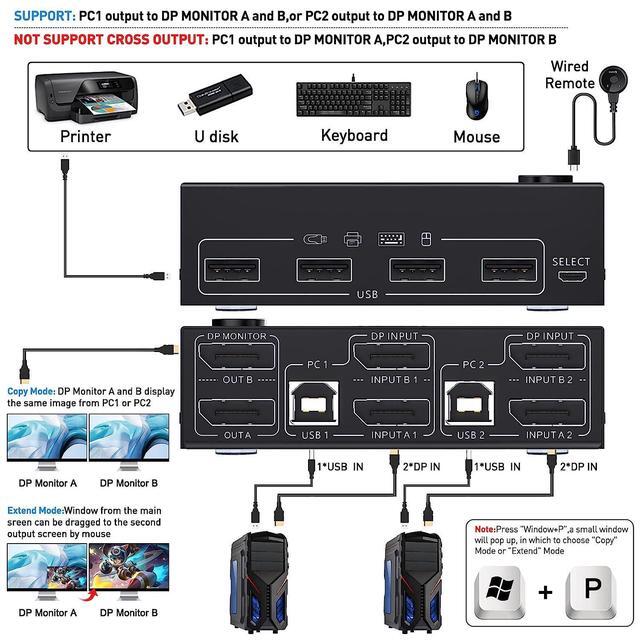
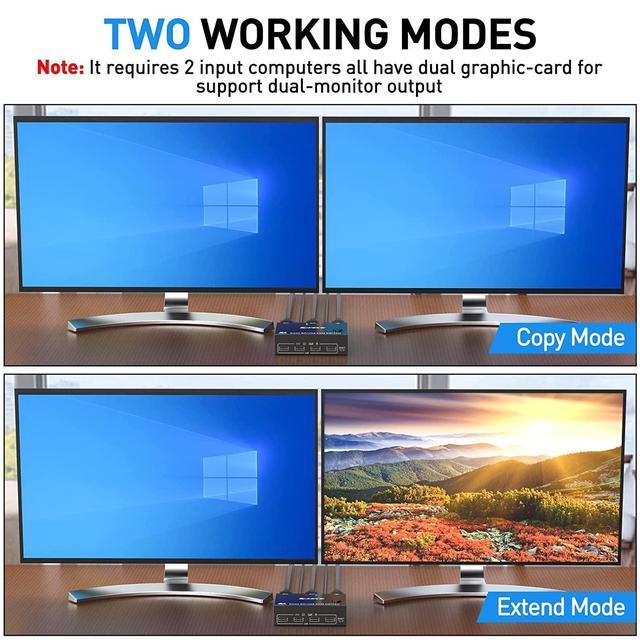
- [Dual Monitor Displayport 1.4 KVM Switch] This displayport KVM switch helps to 2 computers to share 2 monitors and 1 set of keyboard, mouse,other usb devices and dual extended or mirrored monitors.*Press Window+P to select display mode.(Extended Mode and Copy Mode)
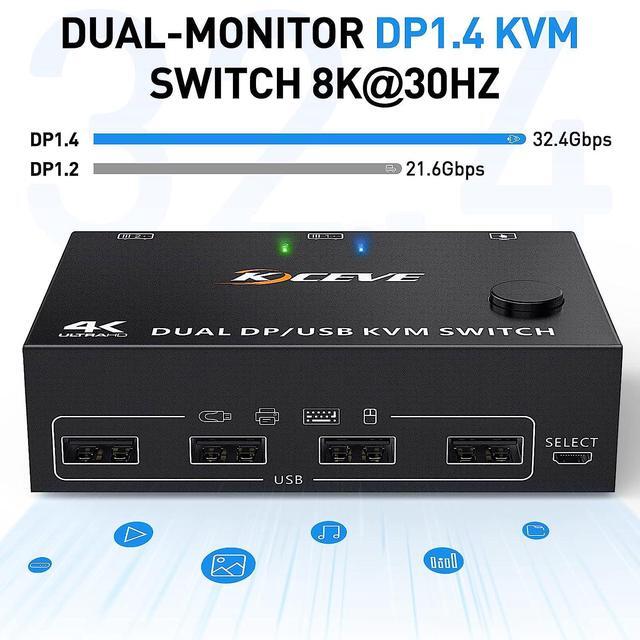
- [HD 8K@30Hz] DP 1.4 KVM Switch supports max resolution of 8K@30Hz, 4K@144Hz, 4K@120Hz,and downward compatible DP 1.2. **Note:The computers and monitors need to support 8K@30Hz and 4K@144Hz.
- [Easy to Use & 2 Switching Methdos] Driver-free for Windows 11/10/8/7/XP and Mac OS,Linux.plug and play. Pressing the button on the panel or use the wired remote controller to switch the computers.2-color indicator light will show which computer switch to.
- [Note 1] KVM switches require each computer to have 2 DP output ports and supports extended display, Support USB-C to DP adapter or cable, not compatible with VGA/DVI/HDMI to DP adapter or cable.
- [Note 2] the DP port connected to KVM must belong to the port of discrete graphics card.