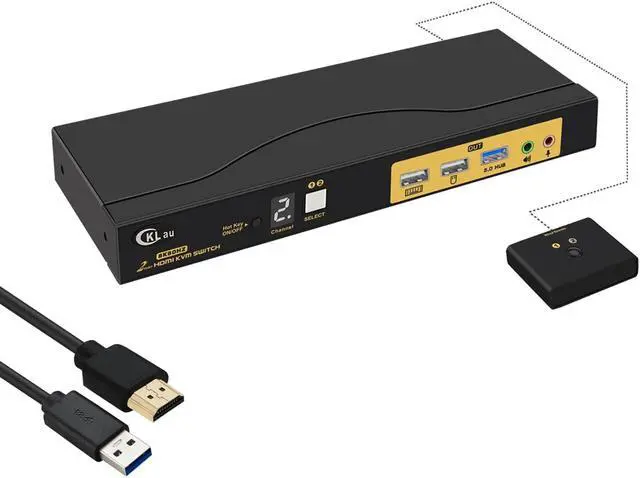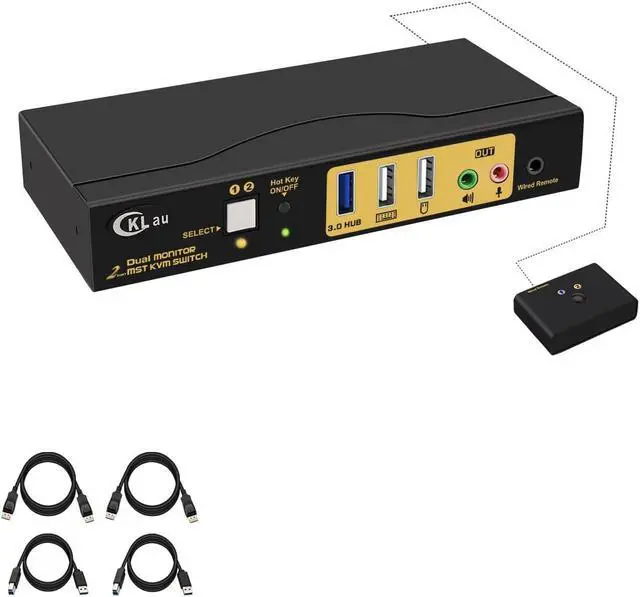
CKLau MST Dual Monitor KVM Switch Displayport HDMI 4K60Hz 2K 144Hz (1 DP In DP + HDMI Out) With Audio Microphone All Input Cables USB 3.0 Hub For 2 Computers Supports Keyboard Mouse Switching
Free worldwide shipping, tax free!
$95.00
$206.00
Main Features & Information
CKLau MST Dual Monitor KVM Switch Displayport HDMI 4K60Hz 2K 144Hz (1 DP In DP + HDMI Out) With Audio Microphone All Input Cables USB 3.0 Hub For 2 Computers Supports Keyboard Mouse Switching
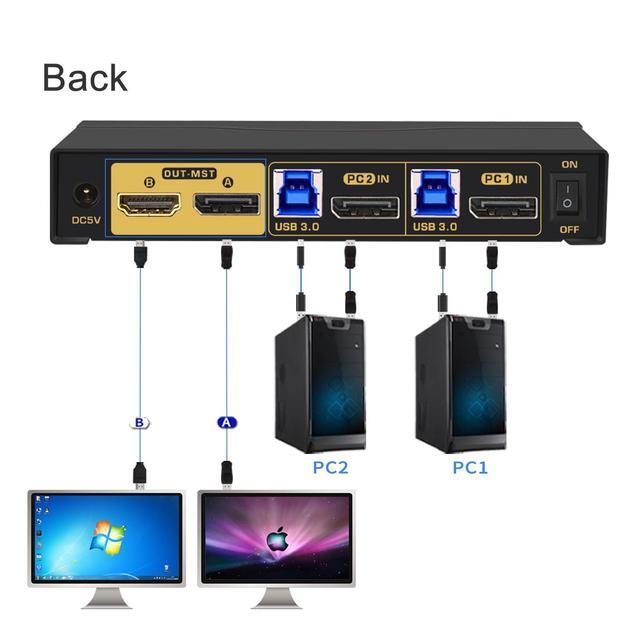
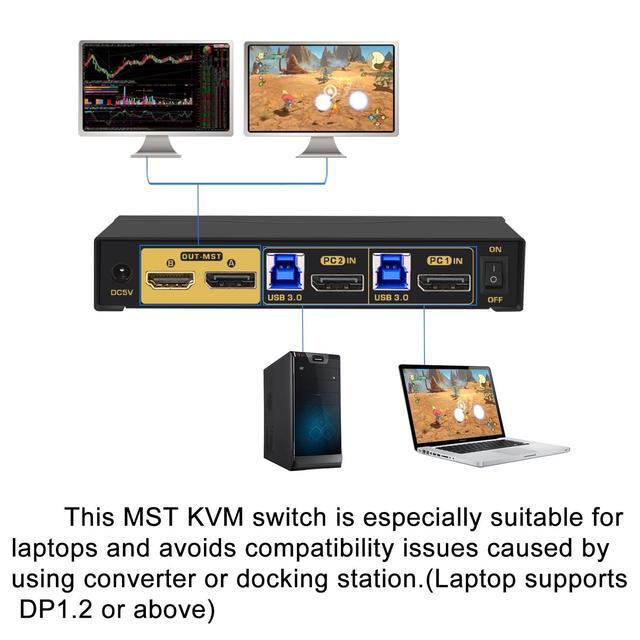
- 1. 2 Port KVM MST Displayport HDMI: 1 Displayport in, Displayport + HDMI out. This MST KVM switch is especially suited for the laptop with a Displayport port output, to avoid compatibility issues caused by using an adapter/docking station. (Tips: 1. You should confirm your laptop supports DP 1.2 output and set all devices resolution as 4K@60Hz before use. 2. This KVM switch doesn't support MAC laptops.)
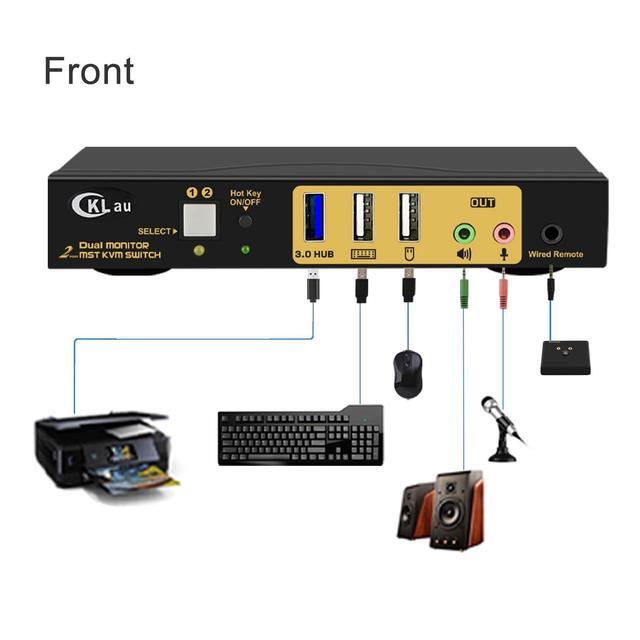
- 2. MST DP + HDMI KVM Switch: It allows 2 computers to share one USB set of keyboard & mouse, 2 monitors, 1 USB peripheral, headset/bar, and speaker. (Notices: 1. This is DP 1.2 KVM switch, you should set your devices as 4K@60Hz before use. 2. This KVM switch doesnt support emulation EDID. )
- 3. Displayport + HDMI Monitors Switch: Supports four switching ways: Hotkey switching(Num Lock + Num Lock + 1 / 2 + Enter, or Ctrl + Ctrl + 1 / 2 + Enter or Scroll Lock+ Scroll Lock+1 / 2 + Enter), mouse switching (click mouse wheel 2 times), manual button switching, wired remote pus