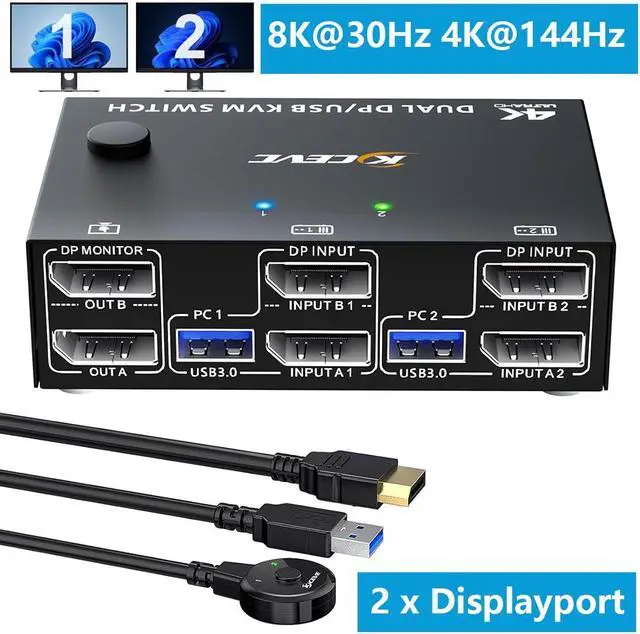
AUTYUE 8K Displayport Dual Monitor KVM Switch USB3.0 Displayport KVM Switch 2 Monitors 2 Computers 8K 30Hz 4K 144Hz Displayport KVM Switch With 4 USB3.0 Ports Wired Remote And USB Cables Included
Free worldwide shipping, tax free!
$59.00
$134.00
Main Features & Information
AUTYUE 8K Displayport Dual Monitor KVM Switch USB3.0 Displayport KVM Switch 2 Monitors 2 Computers 8K 30Hz 4K 144Hz Displayport KVM Switch With 4 USB3.0 Ports Wired Remote And USB Cables Included
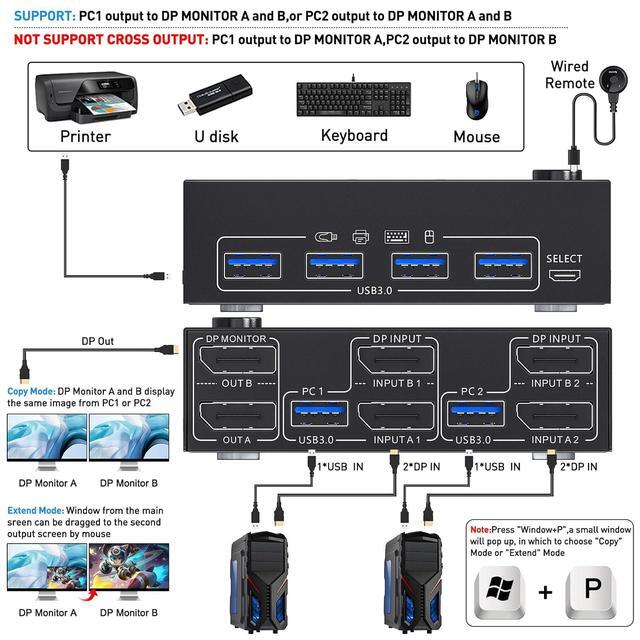
- [Displayport Dual Monitor KVM switch] This KVM switch help you to control 2 desktops or laptops by only one set of wired or wireless keyboard mouse,share 4 USB devices and 2 monitors(extended mode or copy mode).
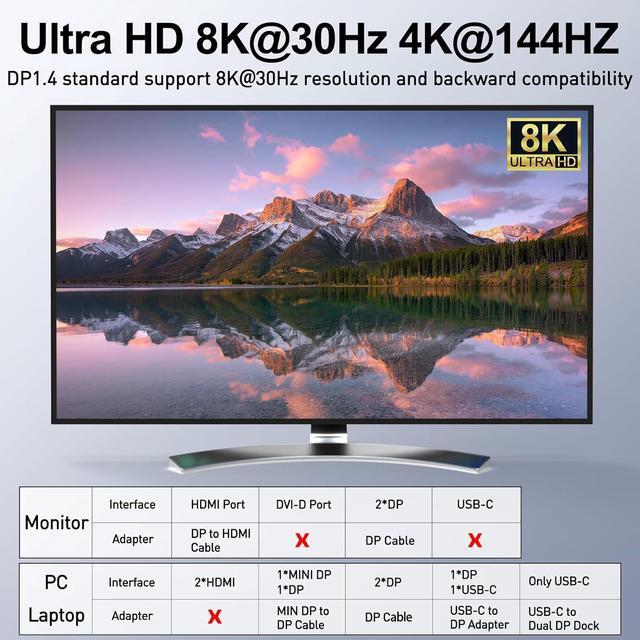
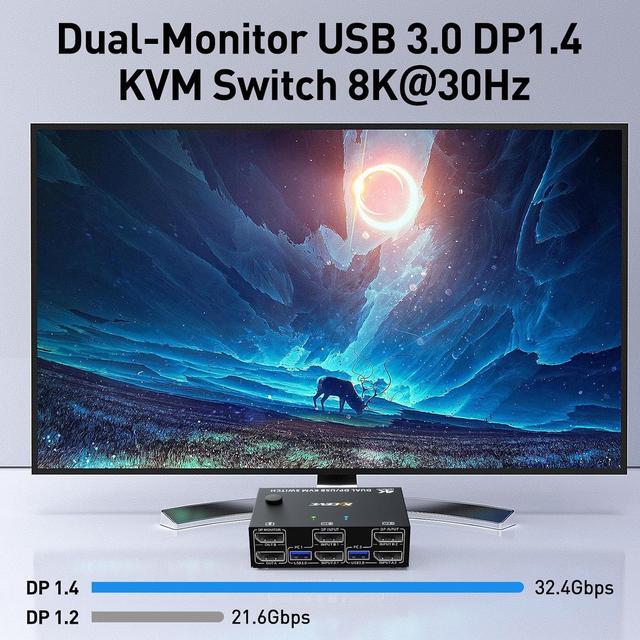
- [Ultra HD 8K@30Hz/4K@144Hz] Support resolution 8K@30Hz/4K@144Hz and backward compatible.KVM switch aslo support input terminal to connect 2 computers with different resolutions, e.g. one is 4K@60Hz, the other is 4K@30Hz, 1440P@60Hz or lower resolution.
- [with 4 USB3.0 Ports] with 4 USB3.0 ports,allows 2 computers share 2 monitors and 4 USB3.0 devices,such as Keyboard, mouse and other USB devices. Please use the USB3.0 cable to connect the USB port of the PC1/PC2 input to the USB3.0 port of the computer.
- [Easy to Use & 2 Switching Methdos] Driver-free for most computer operating systems and plug and play. Pressing the button on the panel or use the wired remote controller(included in the package)to switch the computers.Two-color indicator light will show which computer switch to.
You Might Also Like
 IOGEAR 2-Port Dual View HDMI Secure KVM Switch PP4.0 TAA Compliant - Model GCS1322TAA4C