8K 60Hz HDMI DP Dual Monitor Kvm Switch 2 Monitors 2 Computers 4K 120Hz USB 3.0 Extended Display KVM Switcher With 4 USB Ports Wired Controller 12V DC Adapter 2 USB Cables Included
Free worldwide shipping, tax free!
$50.00
$89.00
- 8K 60Hz HDMI DP Dual Monitor Kvm Switch 2 Monitors 2 Computers 4K 120Hz USB 3.0 Extended Display KVM Switcher With 4 USB Ports Wired Controller 12V DC Adapter 2 USB Cables Included
- SKU: EN-11164928256
- Category: Best Sellers
- Tag: Best Sellers
Main Features & Information
8K 60Hz HDMI DP Dual Monitor Kvm Switch 2 Monitors 2 Computers 4K 120Hz USB 3.0 Extended Display KVM Switcher With 4 USB Ports Wired Controller 12V DC Adapter 2 USB Cables Included
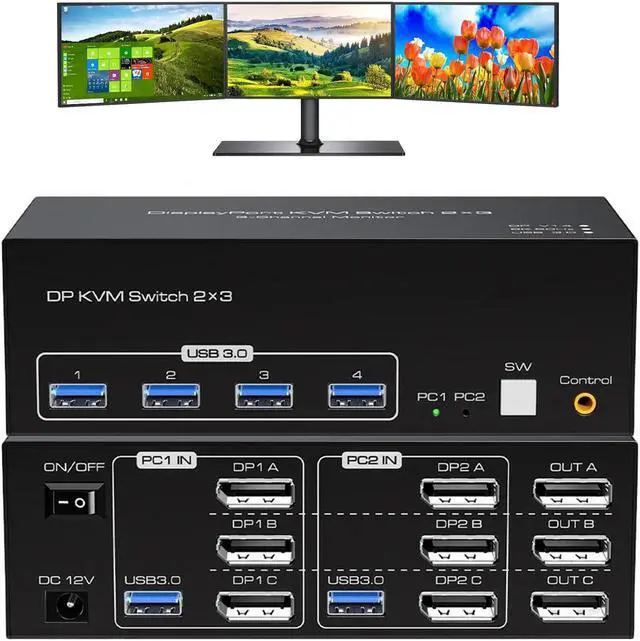
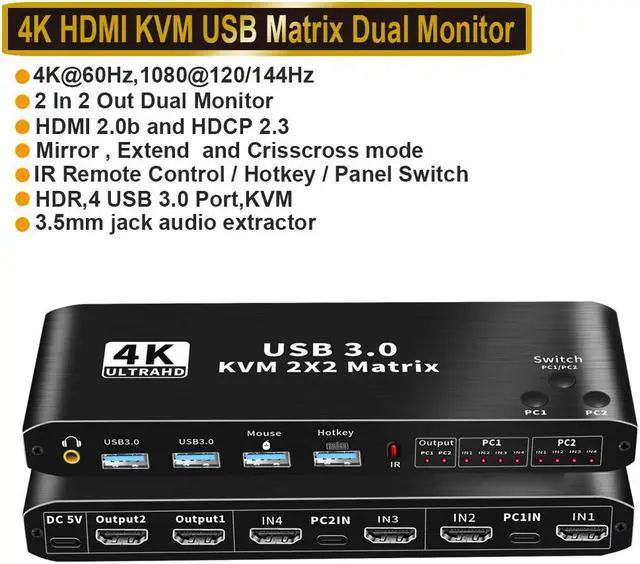
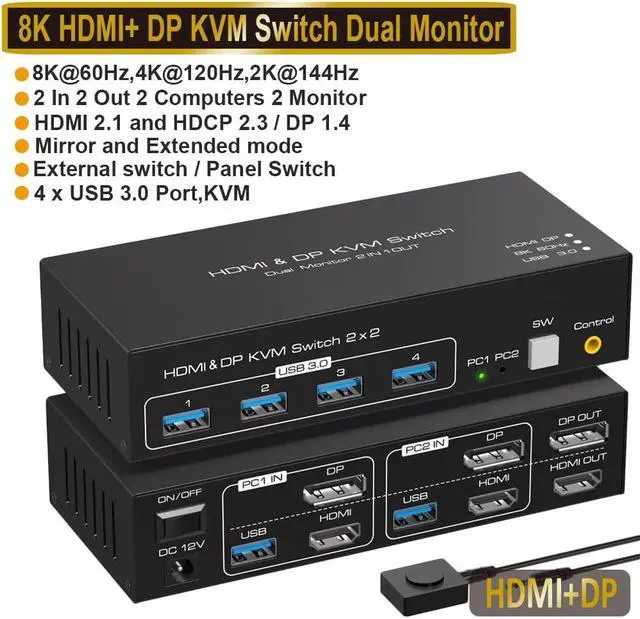
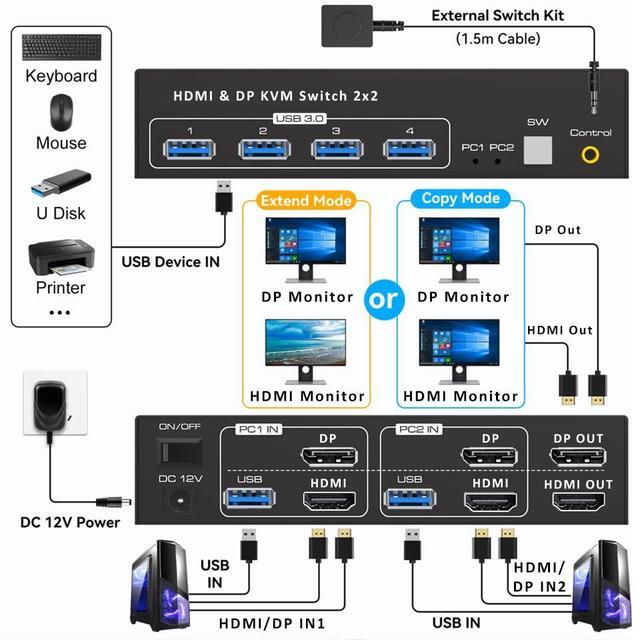
- 2 In 2 Out 4K 120Hz USB 3.0 HDMI DP KVM Switch Box dual monitor for 2 PC Sharing Keyboard Mouse Printer Plug Play Video 2 Display USB Switch Splitter
- - Product Type: 8K HDMI DP USB 3.0 KVM Switch (2 in 2 out)
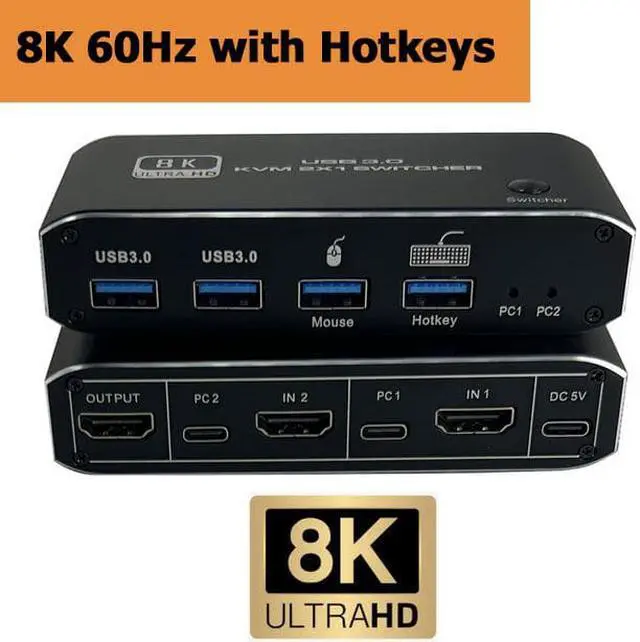
- - Input Port: HDMI 2.1, DP 1.4 ,USB 3.0 data x2, USB 3.0 x 4
- - Output Port: HDMI 2.1, DP 1.4
- - Dimensions: 150x65x35mm
- - Material: Aluminum Alloy shellanti-rust, anti-corrosion, anti-interference, fast transmission, surtace oxidation
- Features
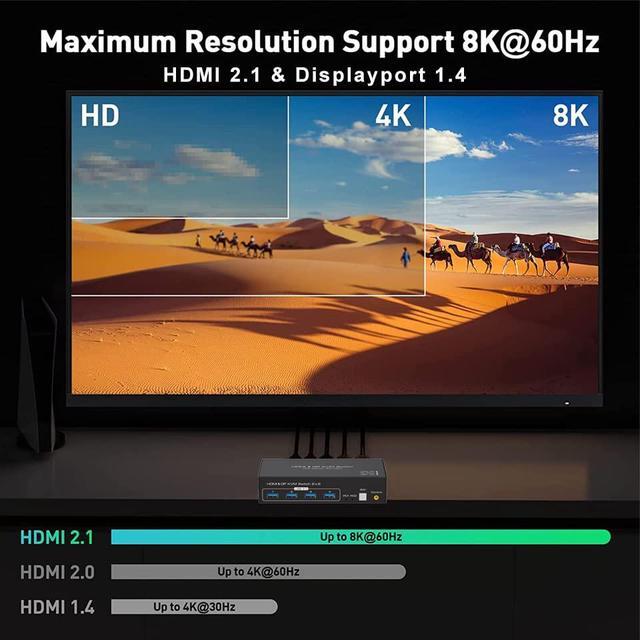
- - Support HDMI 2.1 HDCP 2.3 / Displayport 1.4
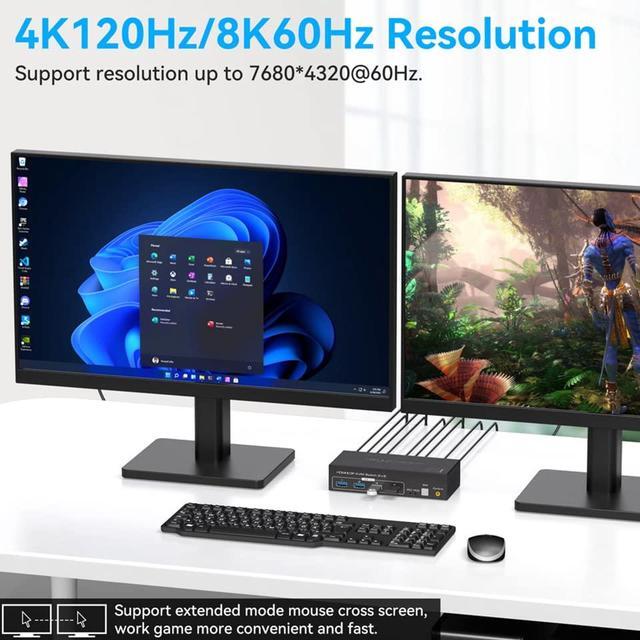
- - Resolution: Support 1080P/1080@144/165/240Hz, 2K@120/144Hz, 4K@60/120Hz,8K@60Hzresolution, adaptive screen resolution
- - Support system: Windows XP, Windows7, Windows10, Apple MAC, Linux, Unix and other operating systems
- - Supports high current hard disk devices
- - Two Switching Method:
- 1.Press the "SW" button on the KVM switch panel to switch between the two source devices;
- 3.Use external switch kit to switch PC 1/ PC 2.
- - Highly integrated digital chip combination, plug and play