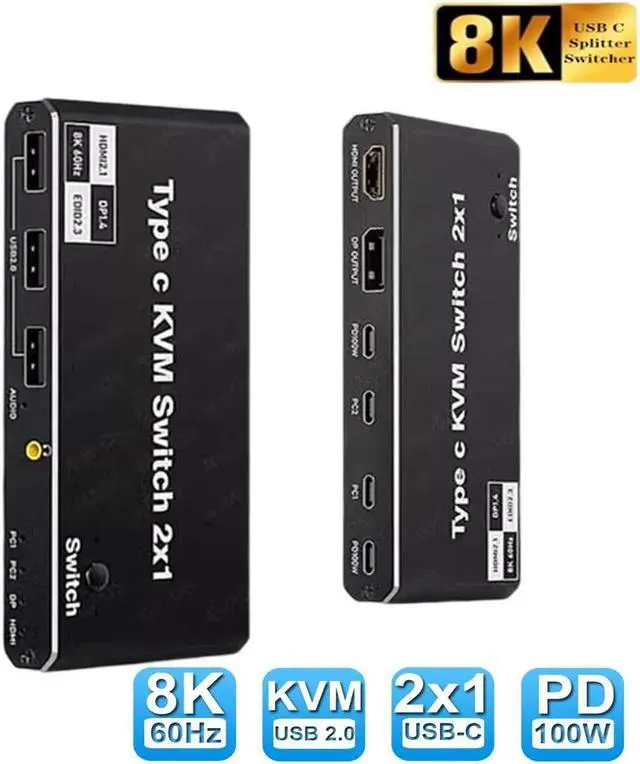
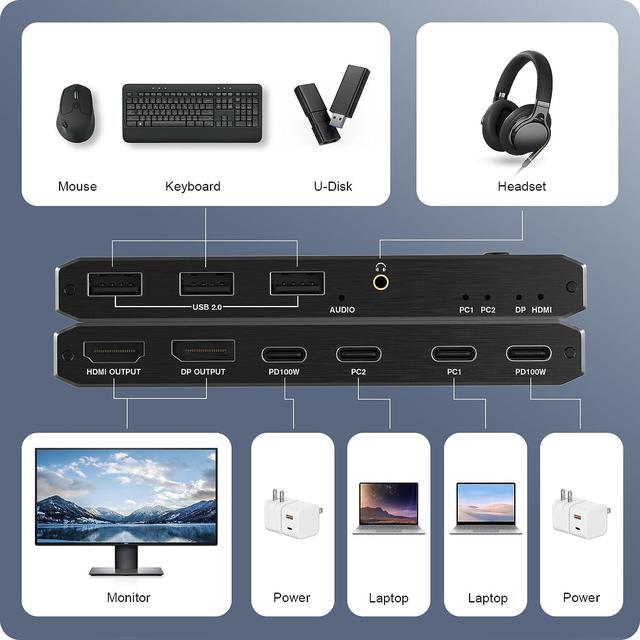
2x1 8K Type-C KVM Switch For 2 PC Share 1 Monitors KVM USB C Switcher 100W PD Support HDMI/DP Monitor Output 2PC Share 3 USB Devices+3.5mm Jack 2 USB-C Cables Included
Free worldwide shipping, tax free!
$27.00
$55.00
- 2x1 8K Type-C KVM Switch For 2 PC Share 1 Monitors KVM USB C Switcher 100W PD Support HDMI/DP Monitor Output 2PC Share 3 USB Devices+3.5mm Jack 2 USB-C Cables Included
- SKU: EN-11164875804
- Category: Best Sellers
- Tag: Best Sellers
Main Features & Information
2x1 8K Type-C KVM Switch For 2 PC Share 1 Monitors KVM USB C Switcher 100W PD Support HDMI/DP Monitor Output 2PC Share 3 USB Devices+3.5mm Jack 2 USB-C Cables Included
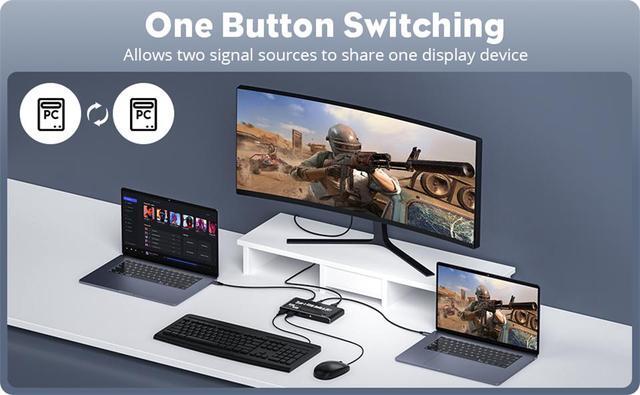
- 2-Port USB-C KVM Switch: The USB-C KVM Switch allows two USB-C computers to share one display and three USB 2.0 devices, all controlled by a single set of mouse and keyboard. This KVM Switch features two USB-C inputs and one HDMI/DP output. It is compatible with laptops supporting Thunderbolt 3/4 interfaces and supports button switching, enabling seamless transitions between the two connected computers
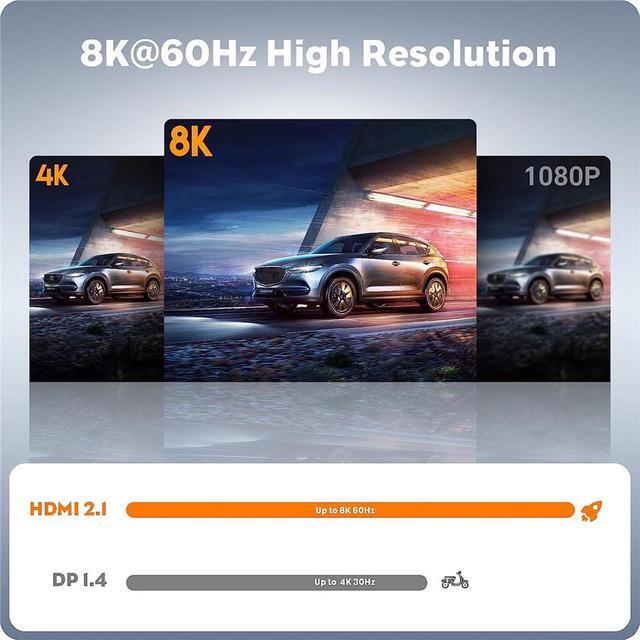
- 8K@60Hz USB-C KVM: This USB-C KVM supports resolutions up to an impressive 8K@60Hz (DSC), as well as 4K@60Hz/120Hz/144Hz (DSC), and 1080P@60Hz/120Hz/165Hz
- Type-C PD Charging: Compatible with Power Delivery (PD 3.0), providing up to 100W of power. Since the KVM switch requires power, there will be a power loss to the PC during operation. The USB-C KVM switch features 4 USB-C connections, which are associated with 2 ports. Note: Each power port can only supply power to the corresponding "PC" port. You don't need to worry about your laptop running out of power while using the KVM switch