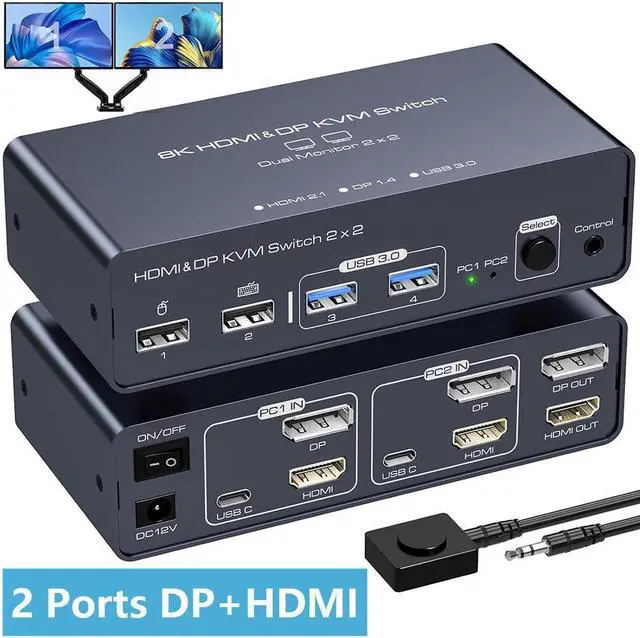
2 Port HDMI+ Displayport Dual Monitor KVM Switch 2 In 2 Out 8K60HZ 4K120HZ Aluminium KVM Switch Dual Monitor 2 Port For 2 Computers Share 2 Monitors And 4 USB Ports Support DP1.4 HDMI2.1
Free worldwide shipping, tax free!
$82.00
$149.00
Main Features & Information
2 Port HDMI+ Displayport Dual Monitor KVM Switch 2 In 2 Out 8K60HZ 4K120HZ Aluminium KVM Switch Dual Monitor 2 Port For 2 Computers Share 2 Monitors And 4 USB Ports Support DP1.4 HDMI2.1
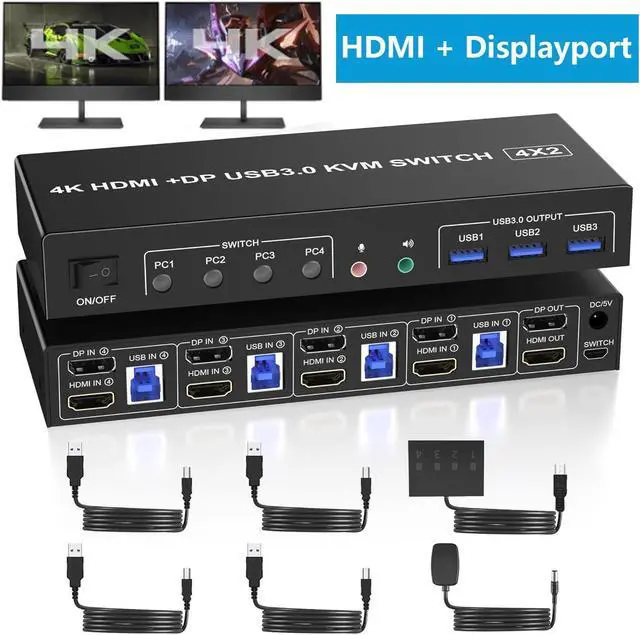
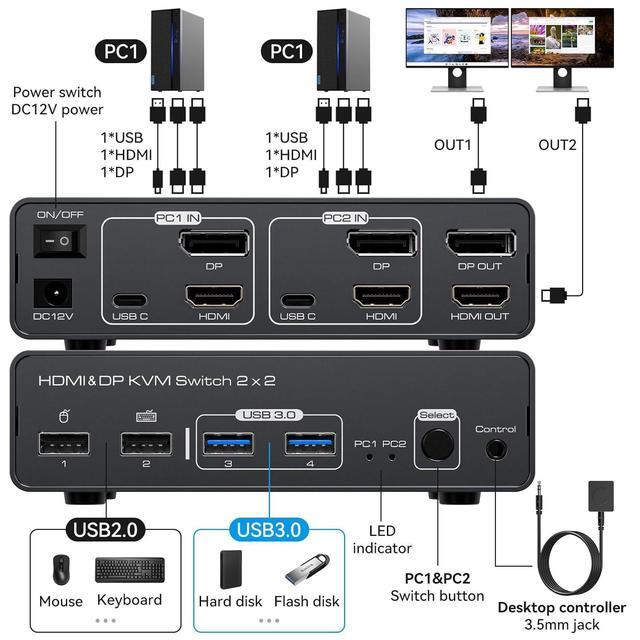
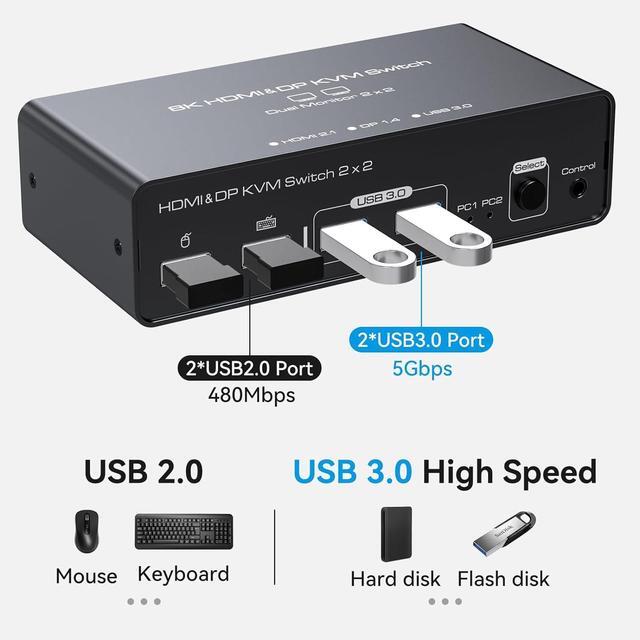
- [KVM Switch Dual Monitor] The kvm switch allows 2 computers to share 2 monitors and four sets of USB devices, such as mice, keyboards etc. KVM switch requires each computer to have HDMI+DP+USB output ports to achieve dual monitor display.
- [Supports 8K@60Hz and 4K@120Hz] Supports HDMI 2.1 and DP 1.4, supporting up to 8K@60Hz and 4K@120Hz display resolutions. Also backwards compatible with lower resolutions such as 4K@60hz, 1080P, 720P etc..
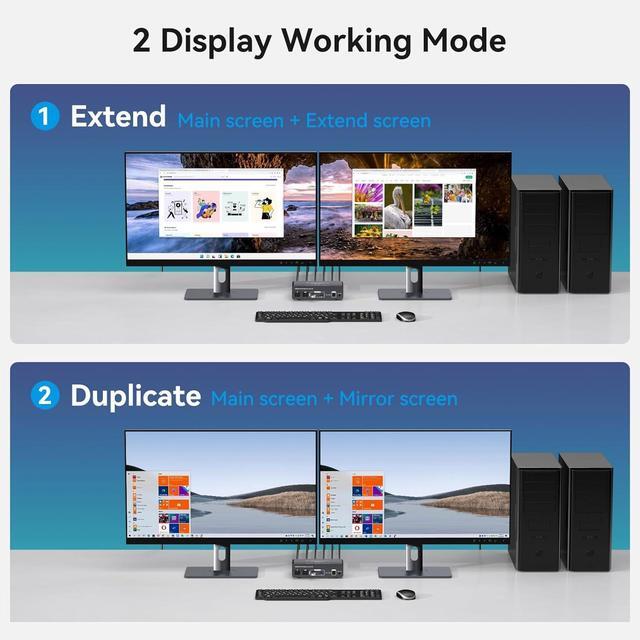
- [Support for Screen Copy and Expansion] Supports Copy mode and extended mode. In Copy mode, both monitors display the same content, while in extended mode, each monitor displays different content. Simply set Copy or Extend on your computer to switch between the two modes at any time.
- [2 switching methods] 1. Press the Wired Controller to switch the signal source. 2. Use the wired extension button to Switch. Note: Hotkey switching is not supported.
- [Wide Compatibility] Compatible with Windows, Vista, XP, Mac OS, Linux, and Unix etc..