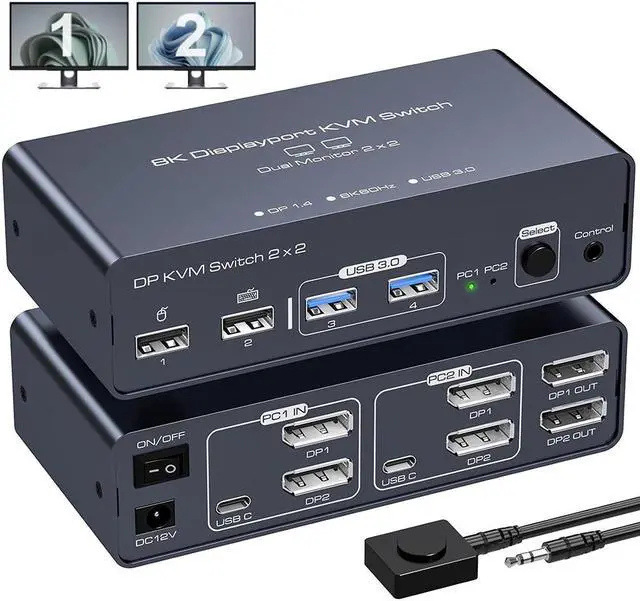
2 Port Dual Monitor DisplayPort KVM Switch 2 In 2 Out 8K60Hz 4K120Hz Displayport KVM Switch For 2 Monitors 2 Computers Shared 4 USB Device Support DP1.4 With USB3.0 To USB C Cable - Aluminium
Free worldwide shipping, tax free!
$64.00
$123.00
Main Features & Information
2 Port Dual Monitor DisplayPort KVM Switch 2 In 2 Out 8K60Hz 4K120Hz Displayport KVM Switch For 2 Monitors 2 Computers Shared 4 USB Device Support DP1.4 With USB3.0 To USB C Cable - Aluminium
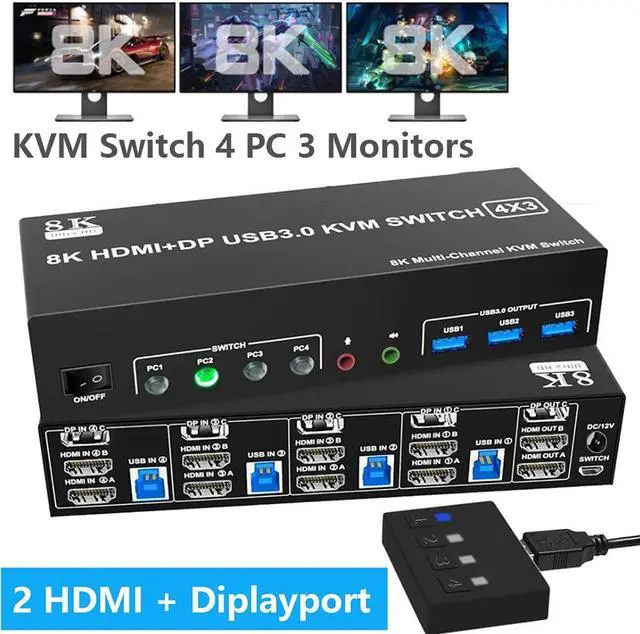
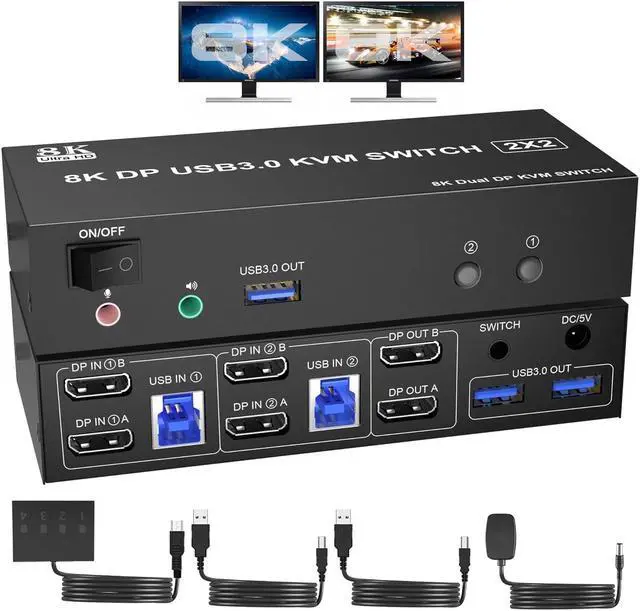
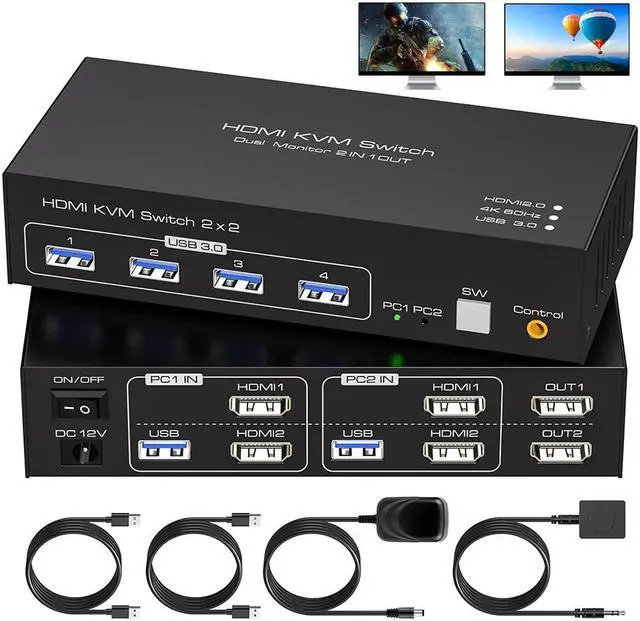
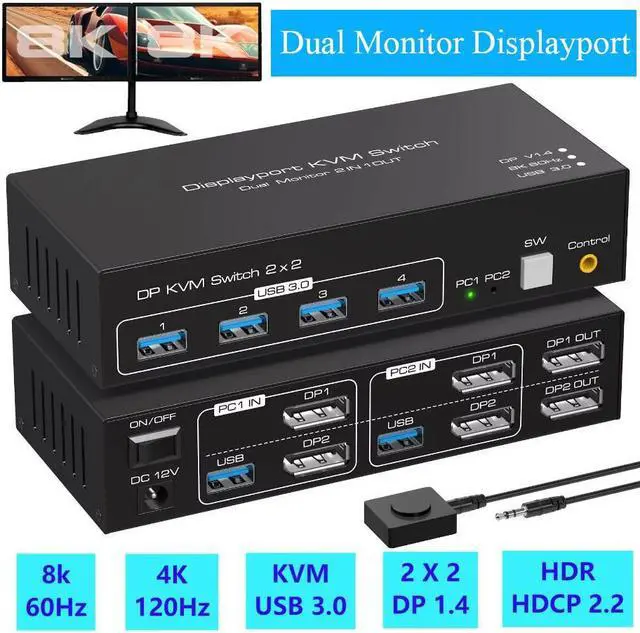
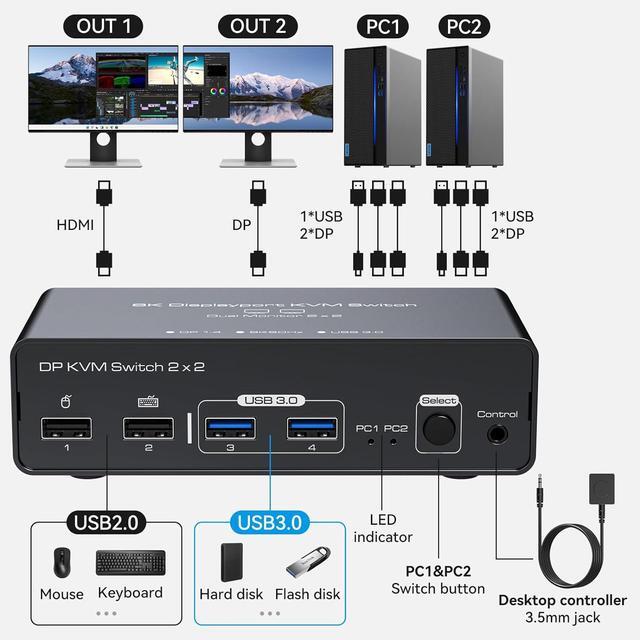
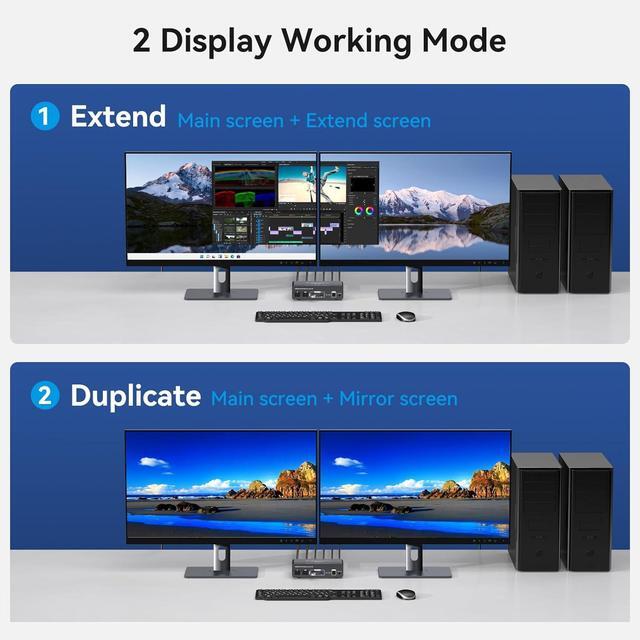
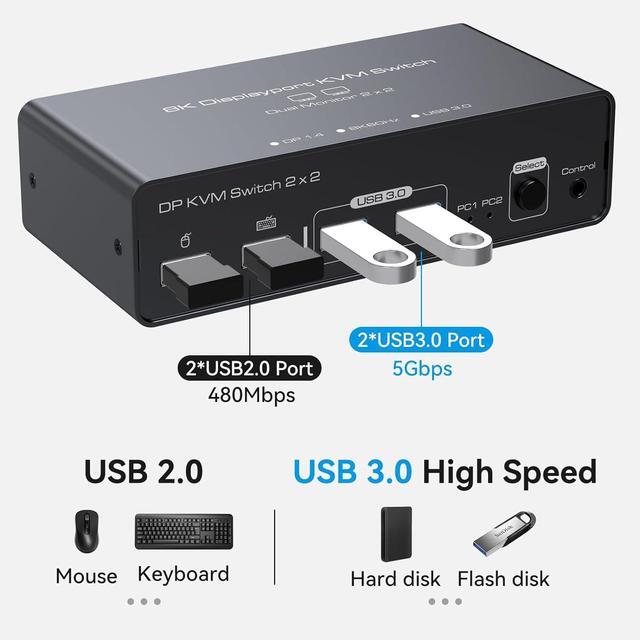
- [KVM Switch Dual Monitor] This kvm switch allow 2 PCs to share 2 monitors and 4 USB devices such as a mouse, keyboard, printer etc. Supports Extended Mode and Duplicate Mode. Note: Using kvm switches requires that each computer supports more than 2 monitors.
- [Ultra HD 8K@60Hz Support] Supports resolutions up to 8K@60Hz, 4K@120Hz, and is backward compatible with 4K@60Hz, 1080p@60Hz, and more. Support DP1.4, data transfer rate up to 32.4Gbps data, signal transmission without delay.
- [Support for Screen Expansion and Duplication] Supports duplicate mode and expansion mode. Duplicate mode: 2 monitors output the same screen, Extended mode: 2 monitors output different screens.
- [One-Touch Switching] 2 switching methods: 1. Simply press the select button on the machine to switch the signal source (PC1 or PC2) 2. Using the wired expansion button.
- [Wide Compatibility] Support Windows/Vista/XP and Mac OS, Linux and Unix, and can be used in offices, conference rooms, multimedia teaching etc..